

Fly through the clouds... From the cloud - Microsoft Flight Simulator now playable through Xbox Cloud Gaming

By SirMadsen
· 436 views
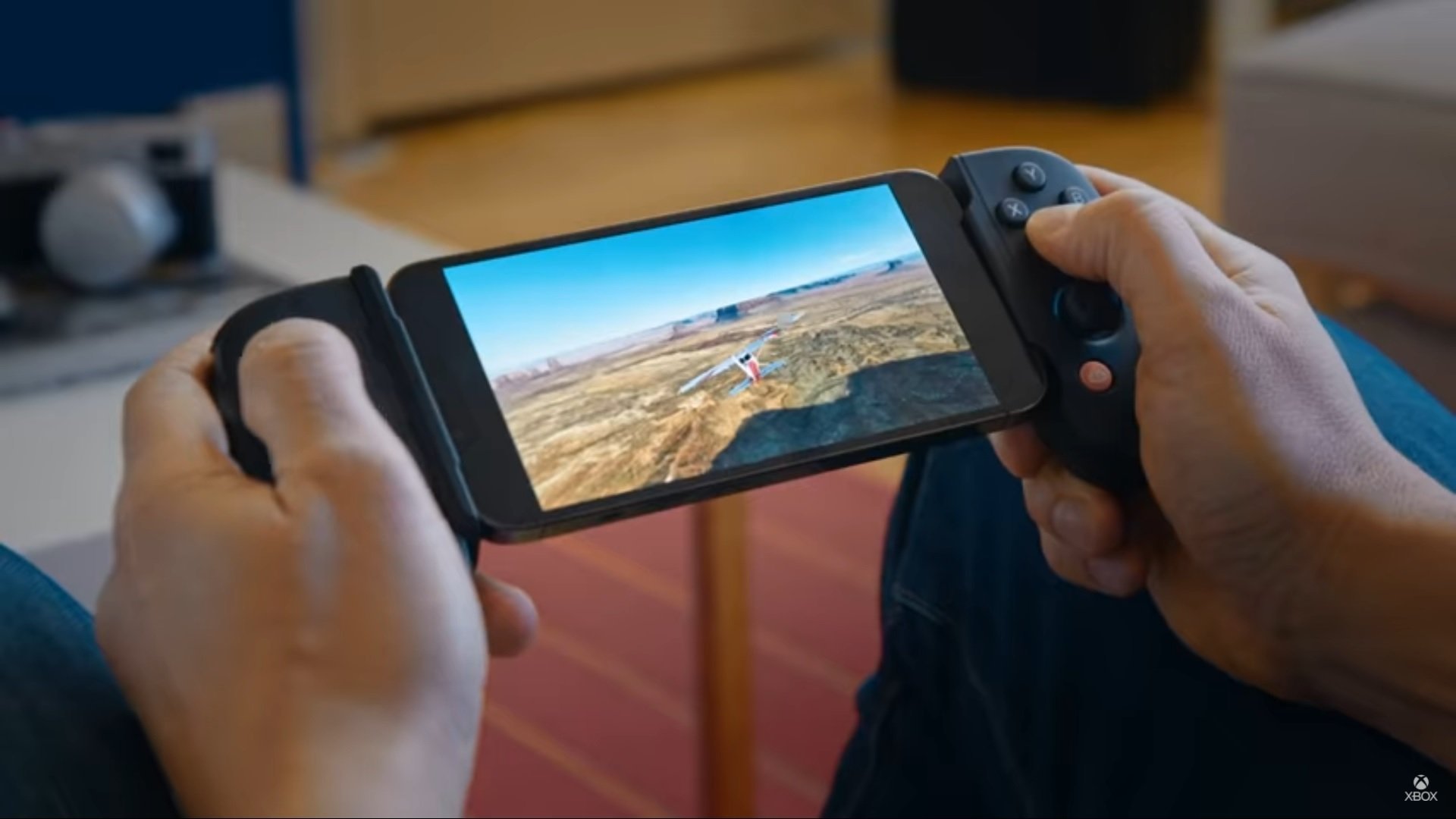
Microsoft Flight Simulator became one of 2020's hottest titles and stunned the world with its astonishing world. However, proper hardware is required to run it, whether it comes from an Xbox Series X / S or a PC. But now there is another way to enjoy the game, via Xbox Cloud Gaming.
This means that you can stream the game from an Xbox One, less powerful PC or mobile phones and tablets that are supported, which since last year include both Android and iOS. To use Xbox Cloud Gaming, an Xbox Game Pass Ultimate is required - so a regular Game Pass subscription is not enough.
Recommended Comments
Join the conversation
You are posting as a guest. If you have an account, sign in now to post with your account.
Note: Your post will require moderator approval before it will be visible.