

Firefox 157: New Design, Compact Mode, Features and Security Fixes

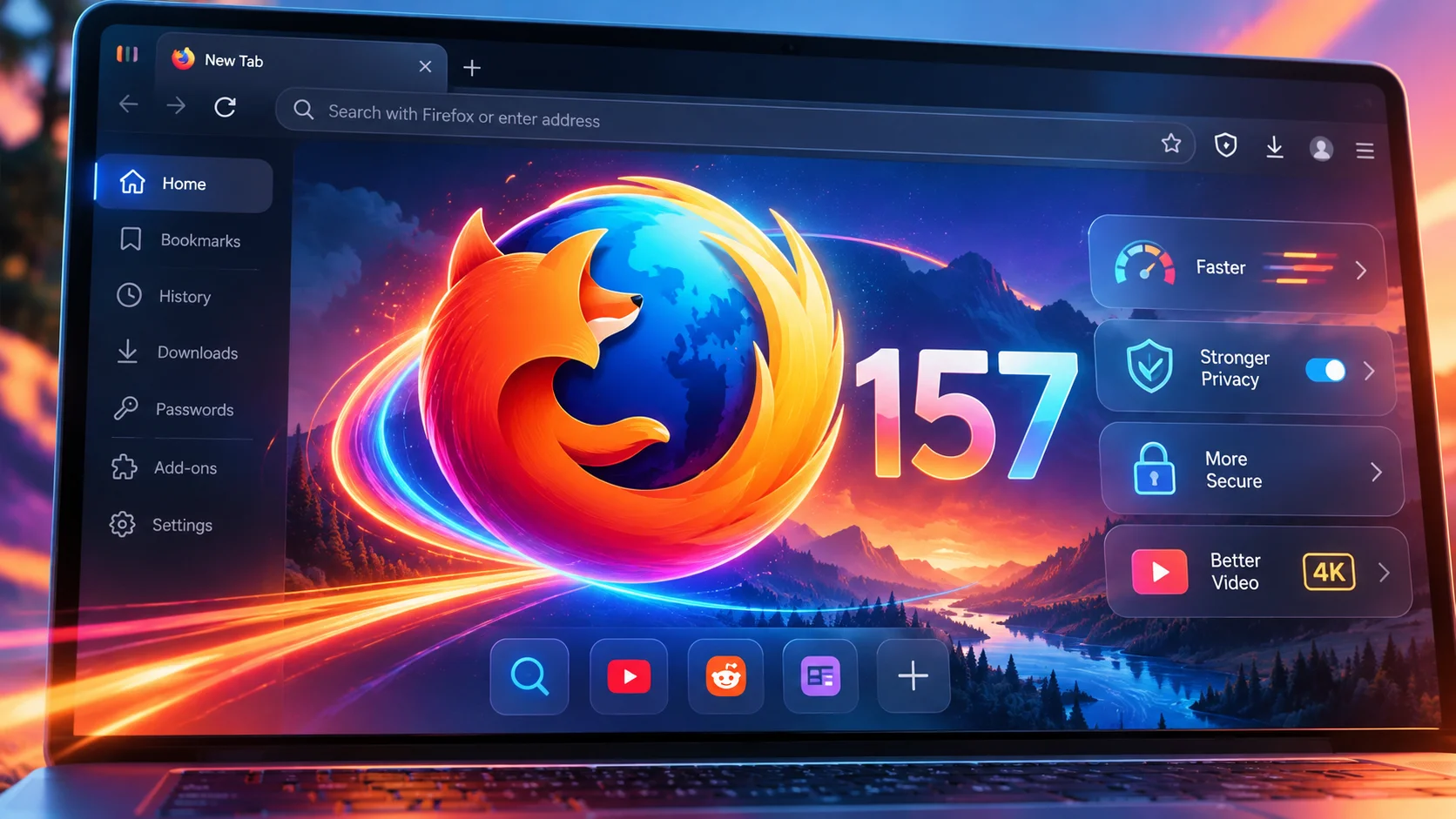
Mozilla has released Firefox 157, bringing one of the browser's biggest visual overhauls in years. With a redesigned interface, more customization options, improved video performance, and important security fixes, the latest update aims to make Firefox feel modern without abandoning the features that make it different from its competitors.
Firefox Gets a Fresh Look With Project Nova
Mozilla officially released Firefox 157 on September 29, 2026, introducing a significant redesign developed under the name Project Nova.
The update refreshes nearly every major part of the browser's interface, including the toolbar, tabs, sidebar, menus, and several built-in features. The result is a cleaner and more consistent appearance that feels more contemporary while maintaining the familiar Firefox experience.
The new design features softer shapes, updated icons, refined spacing, and a refreshed color palette. Mozilla has also introduced new built-in themes with light and dark variations, allowing users to personalize their browsing experience without installing additional extensions.
Unlike a complete browser replacement, Project Nova builds upon Firefox's existing foundation. Mozilla continues to emphasize user choice, privacy, and its independent, open-source browser engine.
Compact Mode Makes a Welcome Return
One of the most practical additions to Firefox 157 is the return of Compact Mode, a feature that many users have wanted back.
Compact Mode reduces the spacing around tabs and toolbars, giving websites more room on the screen. This can be particularly useful for people working on laptops, smaller monitors, or with multiple browser windows positioned side by side.
For users who prefer functionality over oversized interface elements, this is a welcome change.
Mozilla's decision to restore Compact Mode also demonstrates that user feedback continues to influence Firefox's development. Rather than forcing everyone into a single interface layout, the company is offering greater flexibility over how much screen space the browser occupies.
New Themes and More Personalization
Firefox 157 expands the browser's customization options with new built-in themes and an easier way to change its appearance.
The updated customization experience includes new wallpapers, theme selection, and additional options for personalizing the New Tab page.
Users can choose between light and dark theme variants, making it easier to match Firefox with their operating system or personal preferences.
The changes are not purely cosmetic. Mozilla has also updated interface elements such as website dialogs, date selectors, color pickers, and form autocomplete menus to better respect a website's light or dark color scheme.
These smaller improvements help create a more consistent browsing experience, particularly for users who regularly switch between different themes.
Improved Video Calls and HDR Playback
Beyond the visual changes, Firefox 157 introduces several technical improvements that should benefit users who frequently watch videos or participate in online meetings.
One of the most notable additions is hardware-accelerated AV1 decoding for WebRTC video calls on compatible devices.
Previously, Firefox relied on software decoding for AV1 video in WebRTC calls. By allowing supported hardware to handle decoding, Firefox can potentially reduce processor usage and improve efficiency during compatible video calls.
Mozilla has also addressed several video-related issues:
Fixed certain HDR videos appearing washed out or gray on Windows.
Improved audio and video synchronization when repeatedly changing playback speed, including on YouTube.
Fixed video from phones and tablets appearing sideways or upside down during WebRTC calls.
Resolved an issue where the Windows taskbar remained visible over fullscreen videos.
These improvements may not be immediately noticeable to everyone, but they address everyday annoyances that can make a browser feel less polished.
Firefox Suggest Expands to More Countries
Firefox Suggest, Mozilla's address-bar suggestion feature, is expanding to additional European markets.
The expansion includes Sweden, Denmark, Norway, Finland, Austria, Belgium, Ireland, the Netherlands, Poland, Portugal, Spain, Switzerland, and several other countries.
Firefox Suggest provides suggestions directly within the address bar, helping users find relevant destinations while typing.
Users who prefer a simpler address bar can manage these suggestions through Firefox's settings.
This expansion is particularly relevant for European Firefox users who previously had more limited access to the feature.
A Redesigned Sidebar and Better Vertical Tabs
Firefox 157 enables the updated sidebar for all users, bringing a more unified experience for bookmarks, browsing tools, and vertical tabs.
The redesign improves consistency with the rest of Firefox's new interface. Mozilla has also corrected a problem that prevented the vertical-tabs sidebar from reappearing when moving the cursor toward the edge of the screen in fullscreen mode.
For users who dislike the updated sidebar, Mozilla currently provides a temporary way to restore the previous version.
By opening about:config and setting sidebar.revamp to false, users can return to the older sidebar layout. However, doing so also disables vertical tabs.
Mozilla states that this compatibility option will remain available until the end of 2027.
Amazon Removed as a Built-In Search Engine
Another interesting change is the removal of Amazon from Firefox's list of built-in search engines.
This does not prevent users from searching Amazon or visiting its website. Instead, Amazon is no longer included as a default search engine option.
Anyone who prefers searching Amazon directly from the address bar can still add it as a custom search engine through Firefox's settings.
Mozilla has also adjusted keyboard navigation within the address bar and search bar. Pressing Tab now moves directly to the text field rather than stopping at the search engine button first.
Important Security and Privacy Improvements
Security remains a major focus of Firefox 157.
According to Mozilla's security advisories, the update addresses numerous vulnerabilities, including several classified as high-impact. These fixes are important because browser vulnerabilities can potentially expose users to malicious websites, unauthorized data access, or other security threats.
Firefox 157 also introduces a warning when the browser has been configured to record its encryption keys.
Such recording can be useful in specialized debugging environments, but it can also allow other software on the computer to inspect encrypted web traffic.
Firefox now displays warnings in its settings and site information panel when this configuration is detected.
This is a useful transparency improvement, particularly for users concerned about their privacy and browser security.
New Features for Web Developers
Firefox 157 also introduces several improvements for web developers.
Among the additions is support for the CSS at-rule() function within @supports, allowing developers to detect whether a browser supports particular CSS at-rules.
The browser also adds support for the chain value in the CSS overscroll-behavior property, offering additional control over how scrolling behaves within nested elements.
Mozilla has additionally introduced support for WebGPU transient attachments, which can help reduce memory traffic and improve efficiency in certain graphics rendering scenarios.
These changes may be invisible to everyday users, but they help Firefox remain competitive as modern websites and web applications become increasingly sophisticated.
Firefox 157.0.1 Is Already Available
Mozilla followed the original release with Firefox 157.0.1 on October 6, 2026.
This smaller update addresses several problems discovered after the initial rollout, including:
Downloads failing on macOS under certain folder-permission configurations.
The sidebar becoming stuck on the Bookmarks or AI Chatbot panel.
The Restore from Backup option not appearing during Windows onboarding.
An additional security issue.
Users installing Firefox 157 should therefore make sure they receive the latest maintenance release rather than the original 157.0 build.
Is Firefox 157 Worth Updating To?
Firefox 157 is a meaningful update, especially for users who appreciate browser customization.
The new visual design gives Firefox a more modern identity, while the return of Compact Mode shows that Mozilla understands the importance of efficient screen usage.
The improvements to video playback, hardware decoding, sidebar behavior, and security make the update more than a simple cosmetic refresh.
Not everyone will appreciate the redesigned interface immediately. Longtime Firefox users may need some time to adjust, particularly if they have customized their browser extensively.
However, Firefox's continued emphasis on personalization and user control remains one of its strongest selling points.
In a browser market heavily influenced by Chromium-based alternatives, Firefox continues to offer something valuable: an independent browser with its own engine, substantial customization capabilities, and a strong focus on privacy.
Firefox 157 may be remembered primarily for its visual overhaul, but its combination of usability improvements, technical upgrades, and security fixes makes it a worthwhile release.
Users can download the latest version from the official Mozilla Firefox website or update an existing installation through Help → About Firefox.
Recommended Comments
Join the conversation
You are posting as a guest. If you have an account, sign in now to post with your account.
Note: Your post will require moderator approval before it will be visible.