
Jump to content
Only guests see ads. Create a free account and/or log in for a complete ad-free experience.

The Immortals of Terra: A Perry Rhodan Adventure

(0 reviews)

17 Screenshots

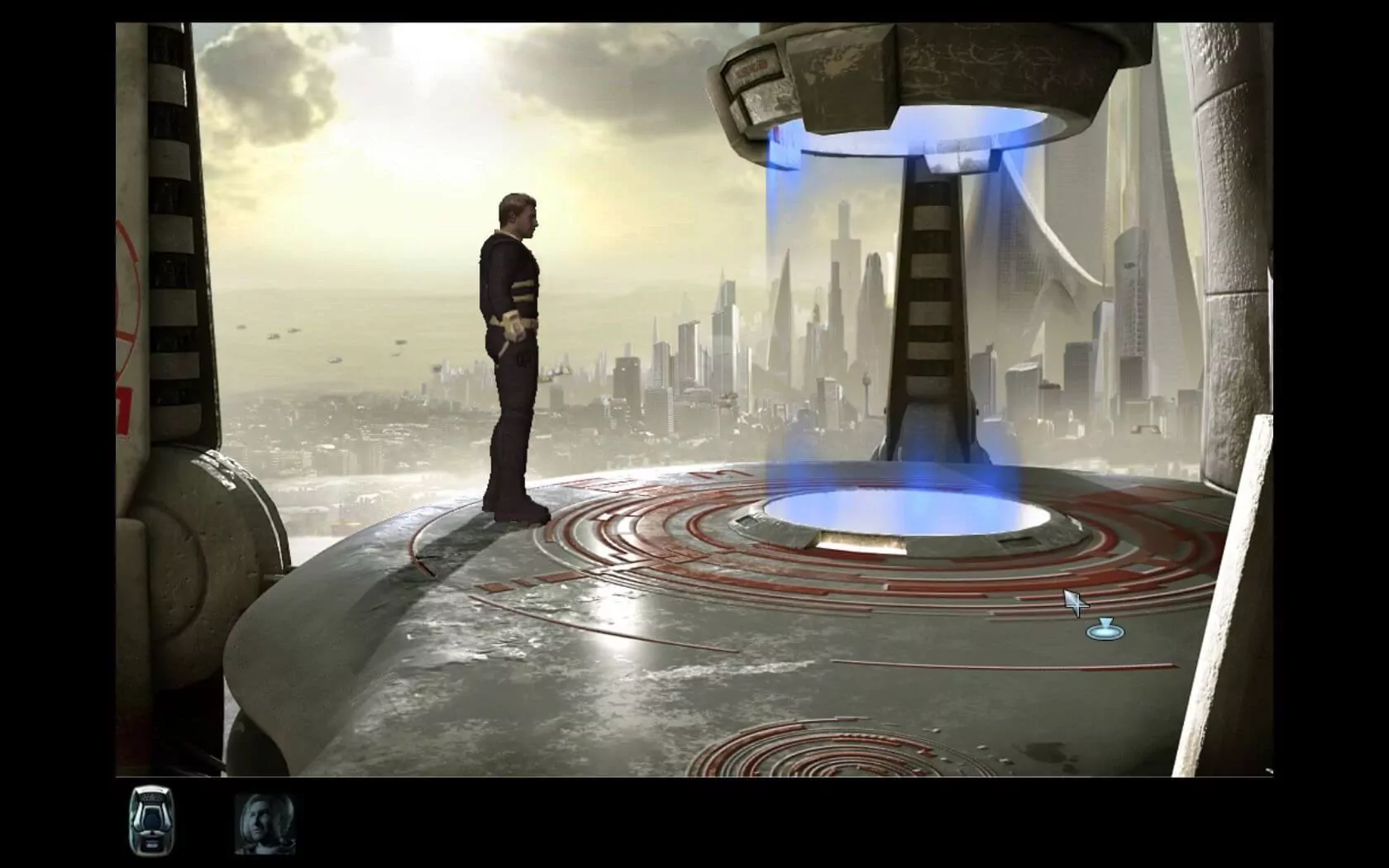
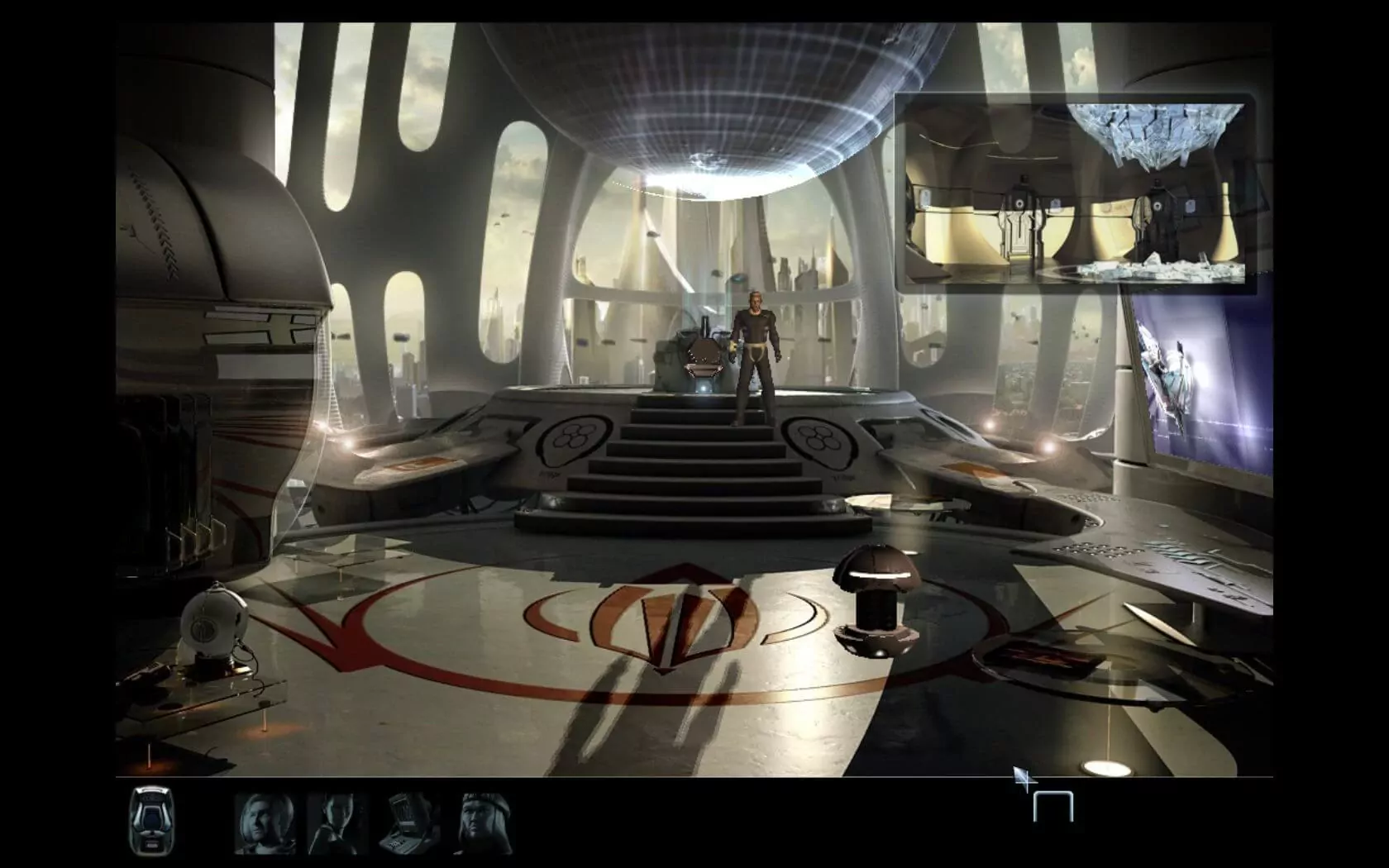
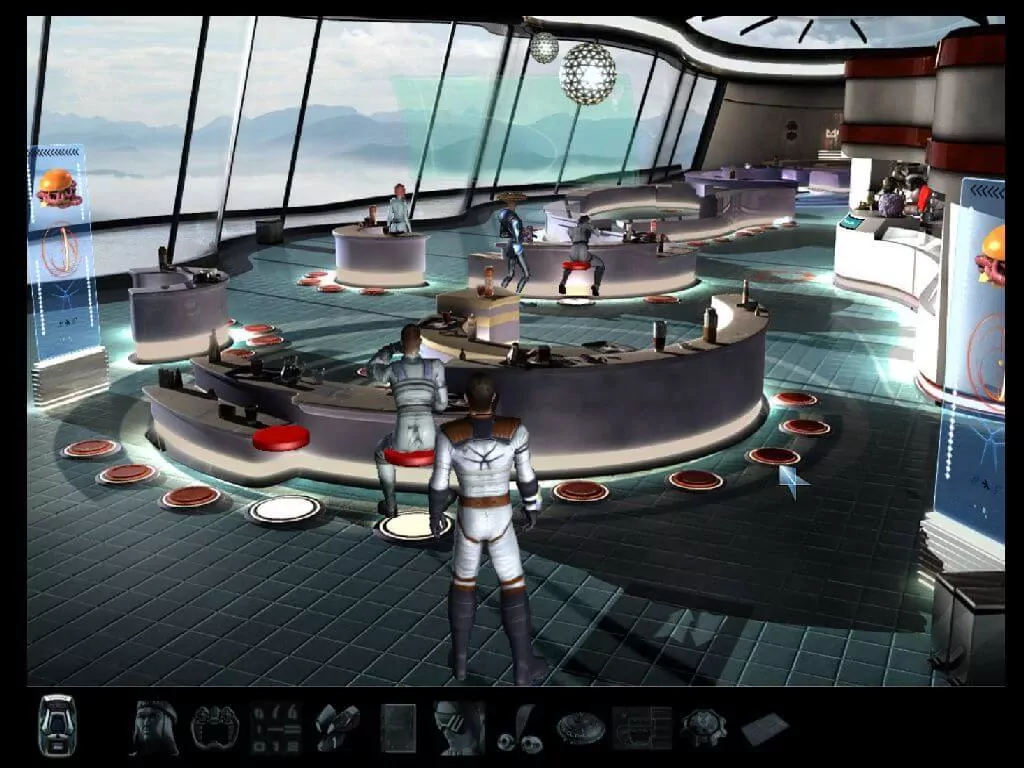
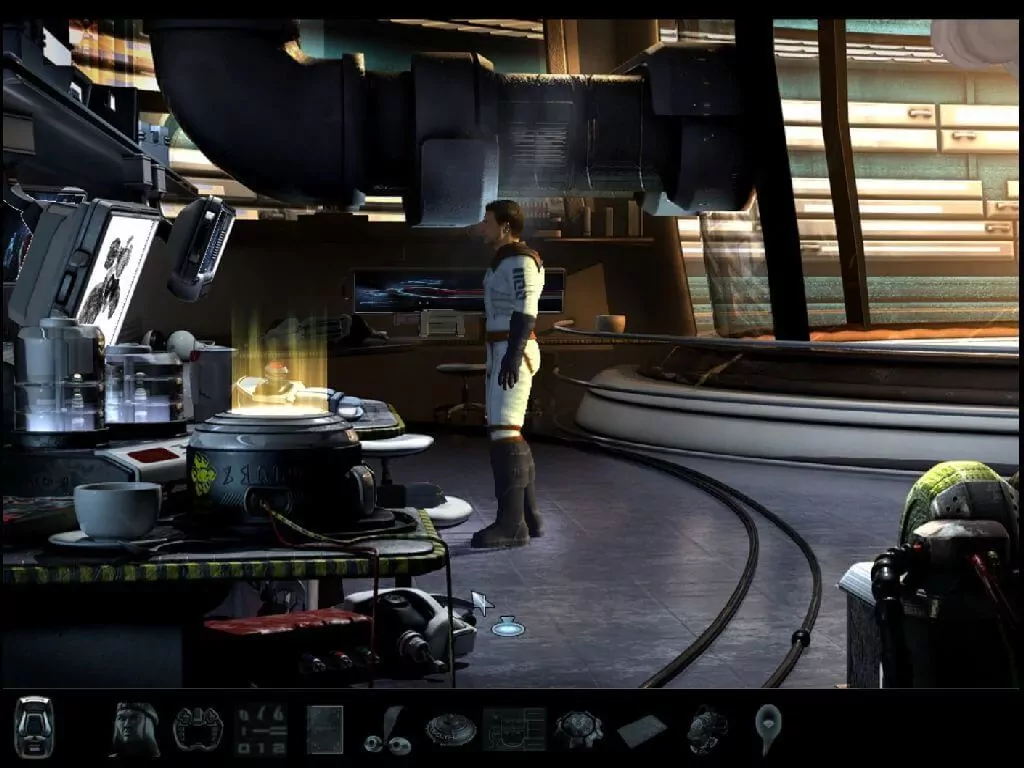
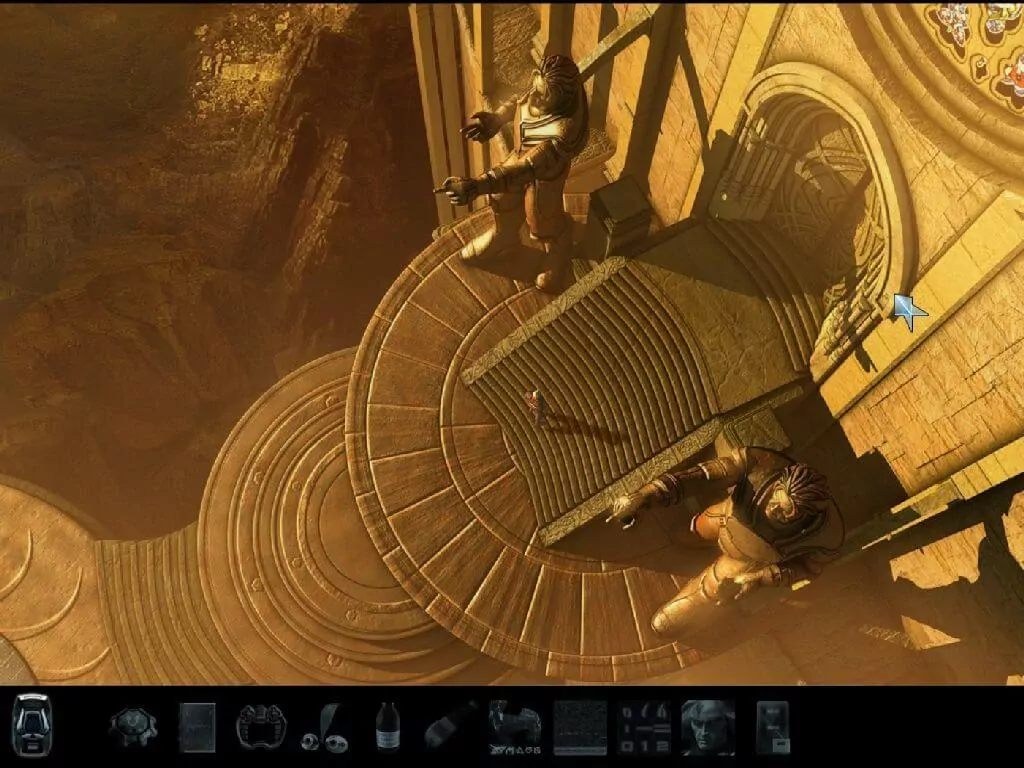
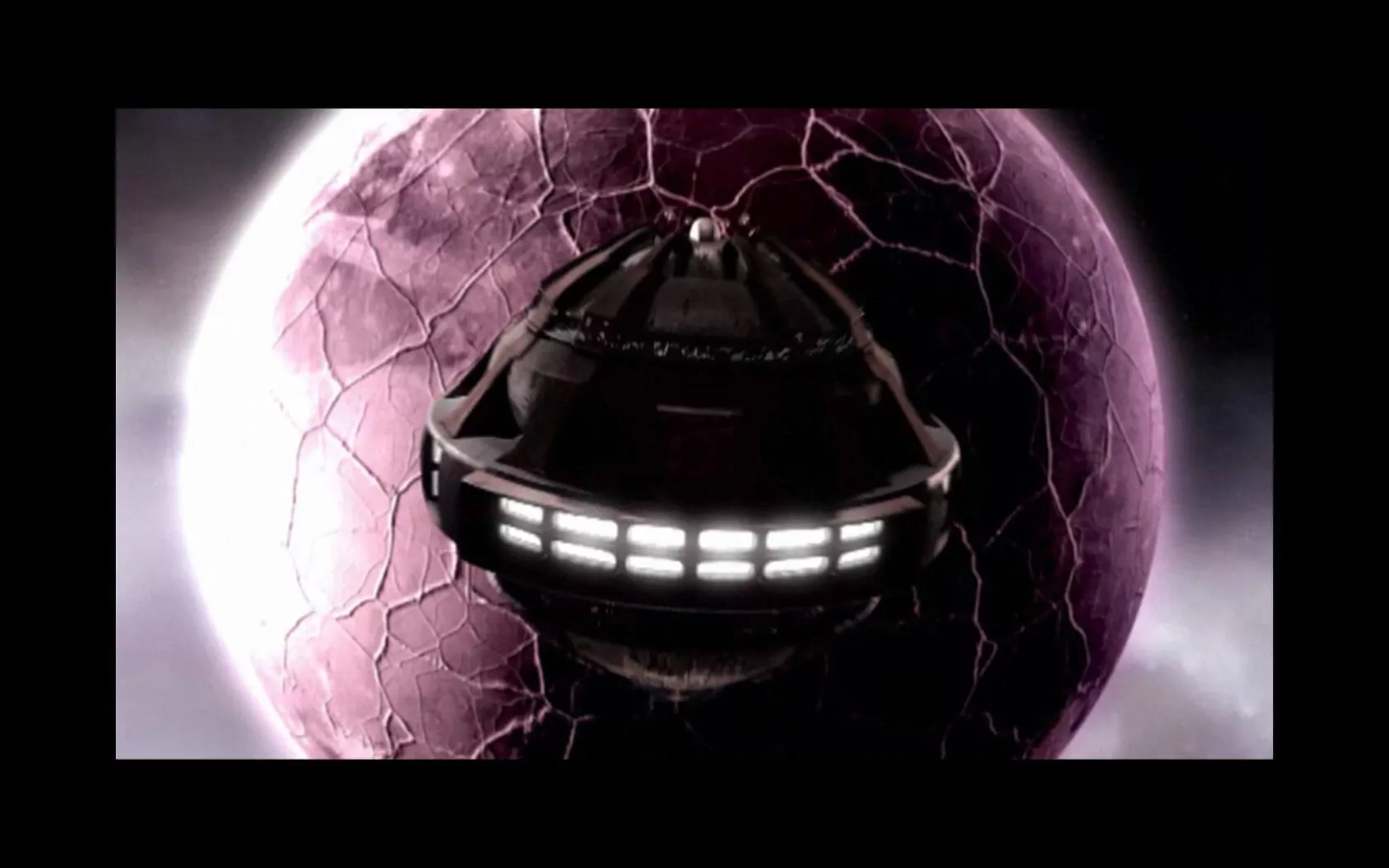
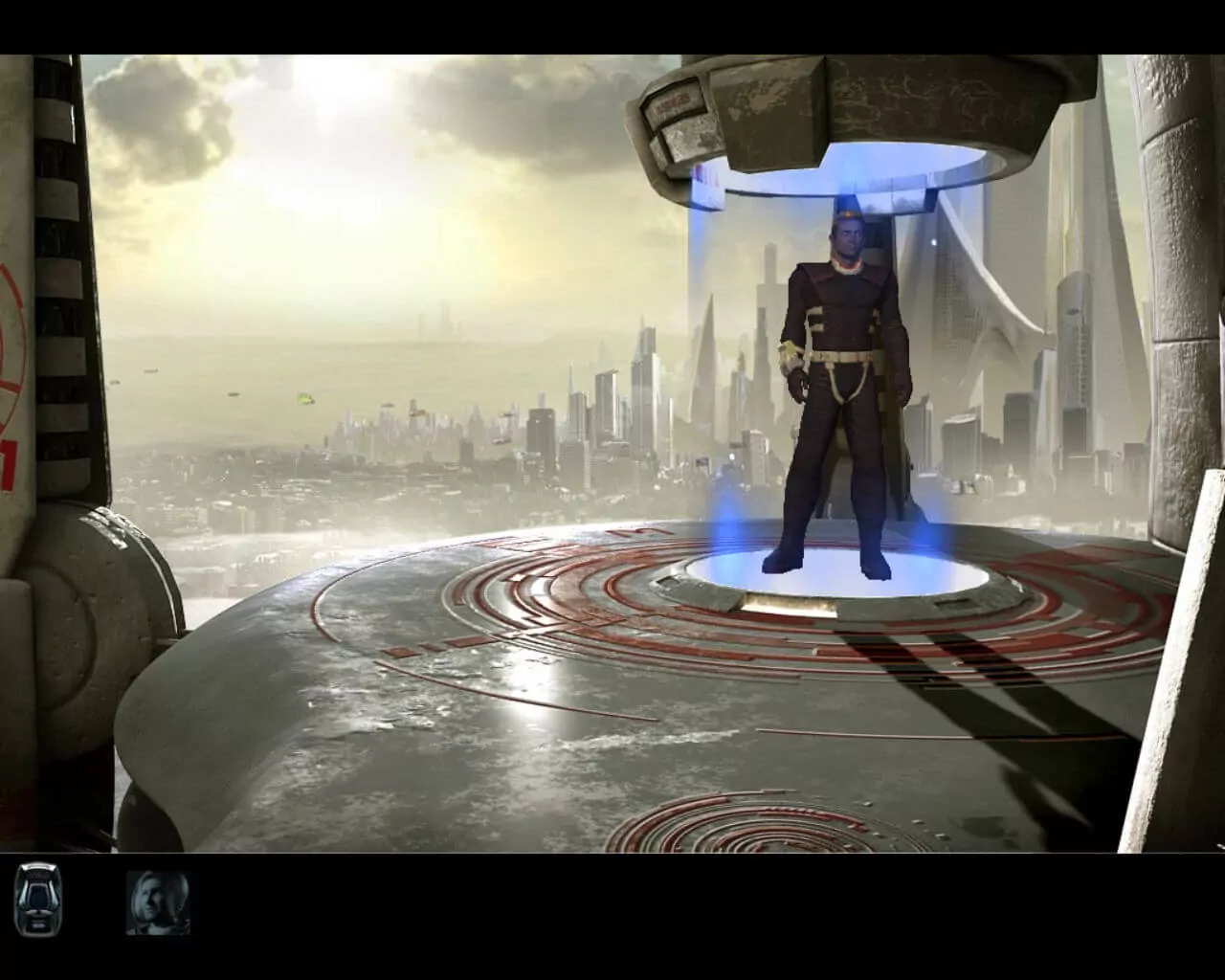
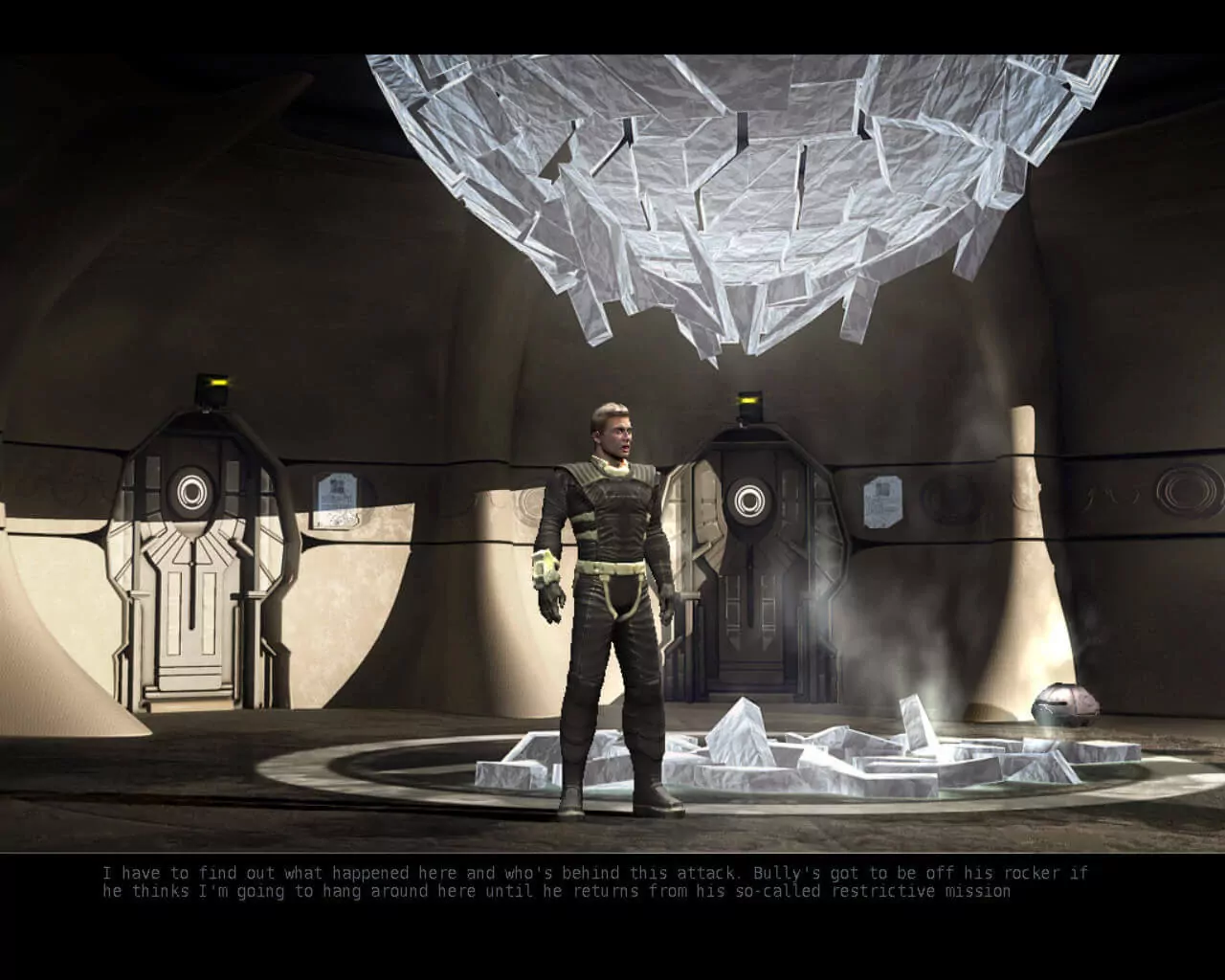
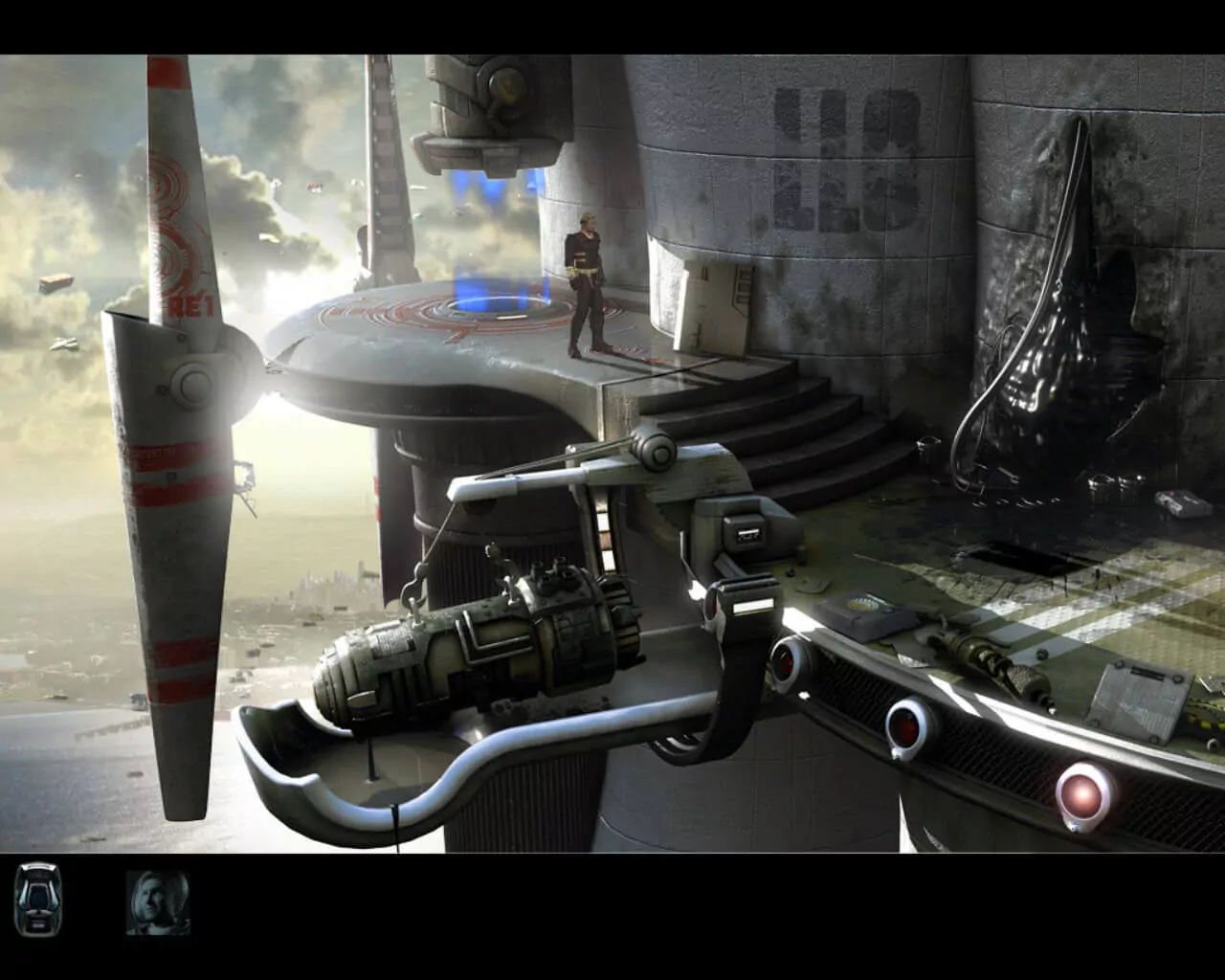
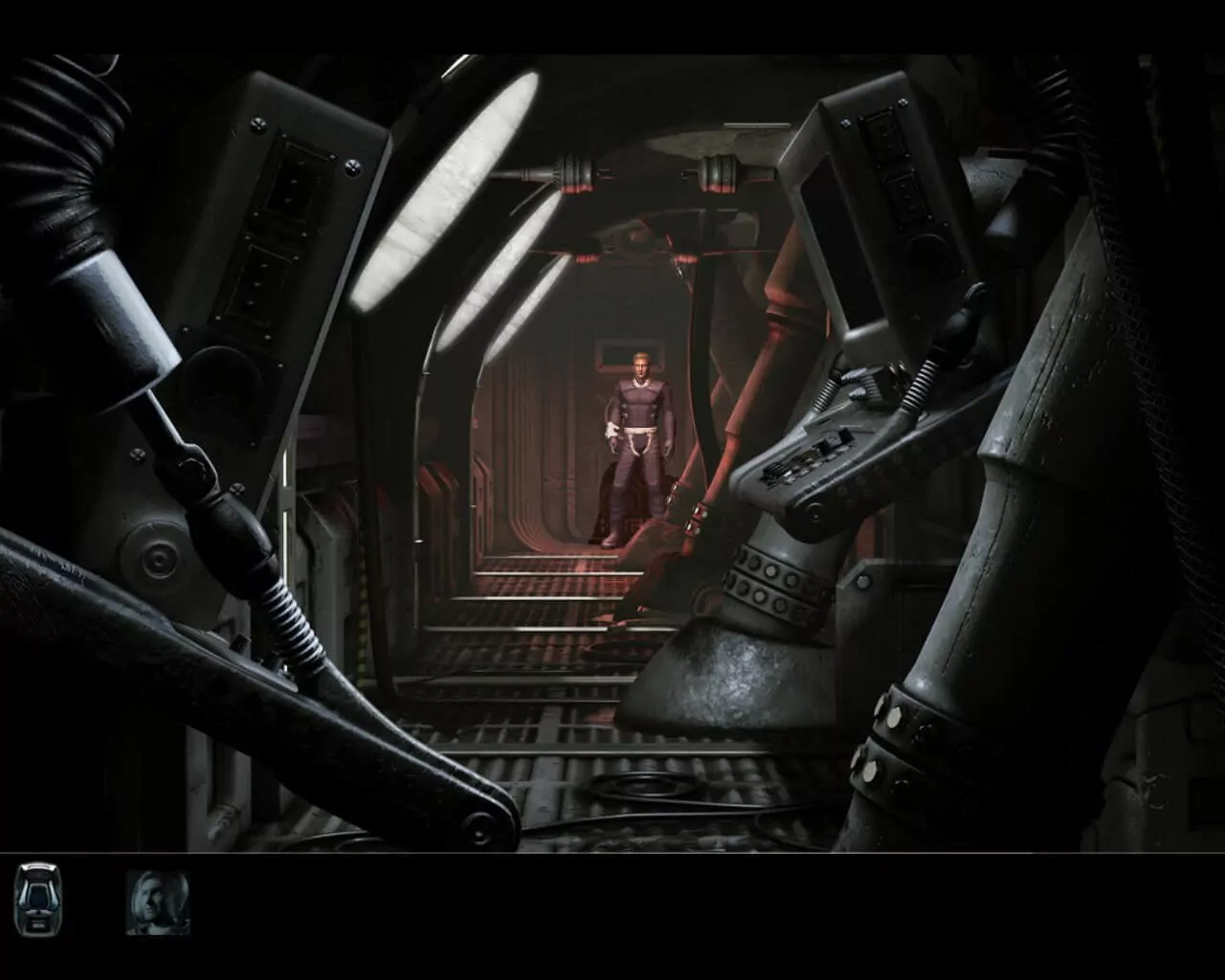
The Immortals of Terra: A Perry Rhodan Adventure takes place in "Perryversum", a huge science-fiction world conceived in 1960 and developed through 2400 printed novellas.

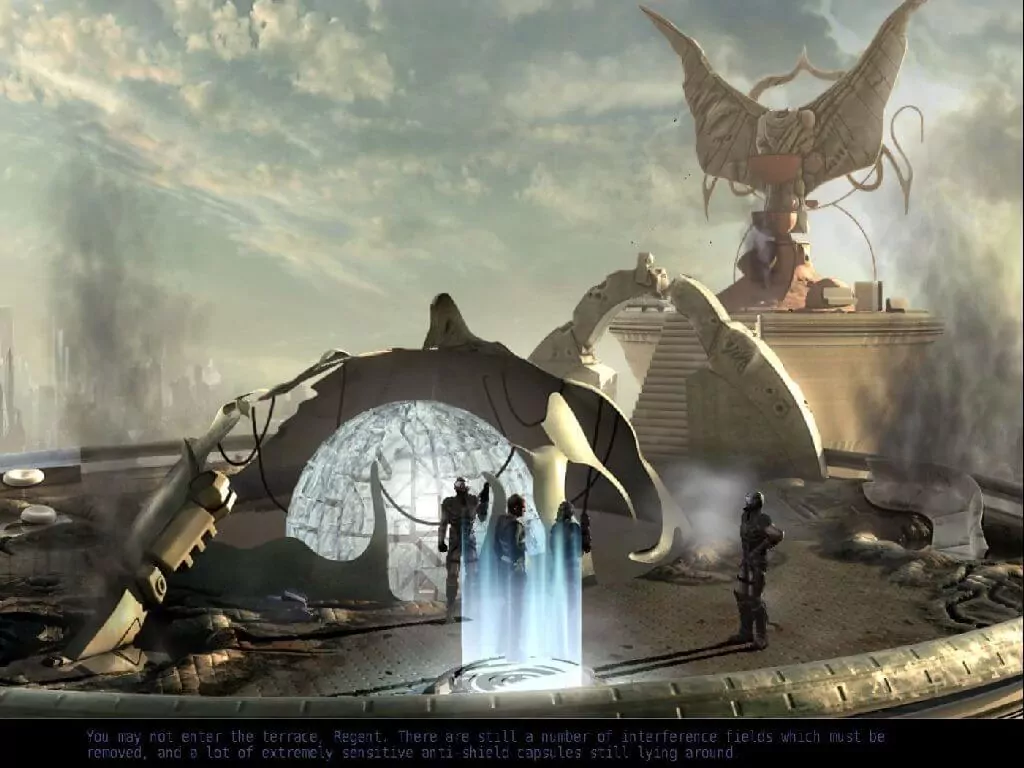
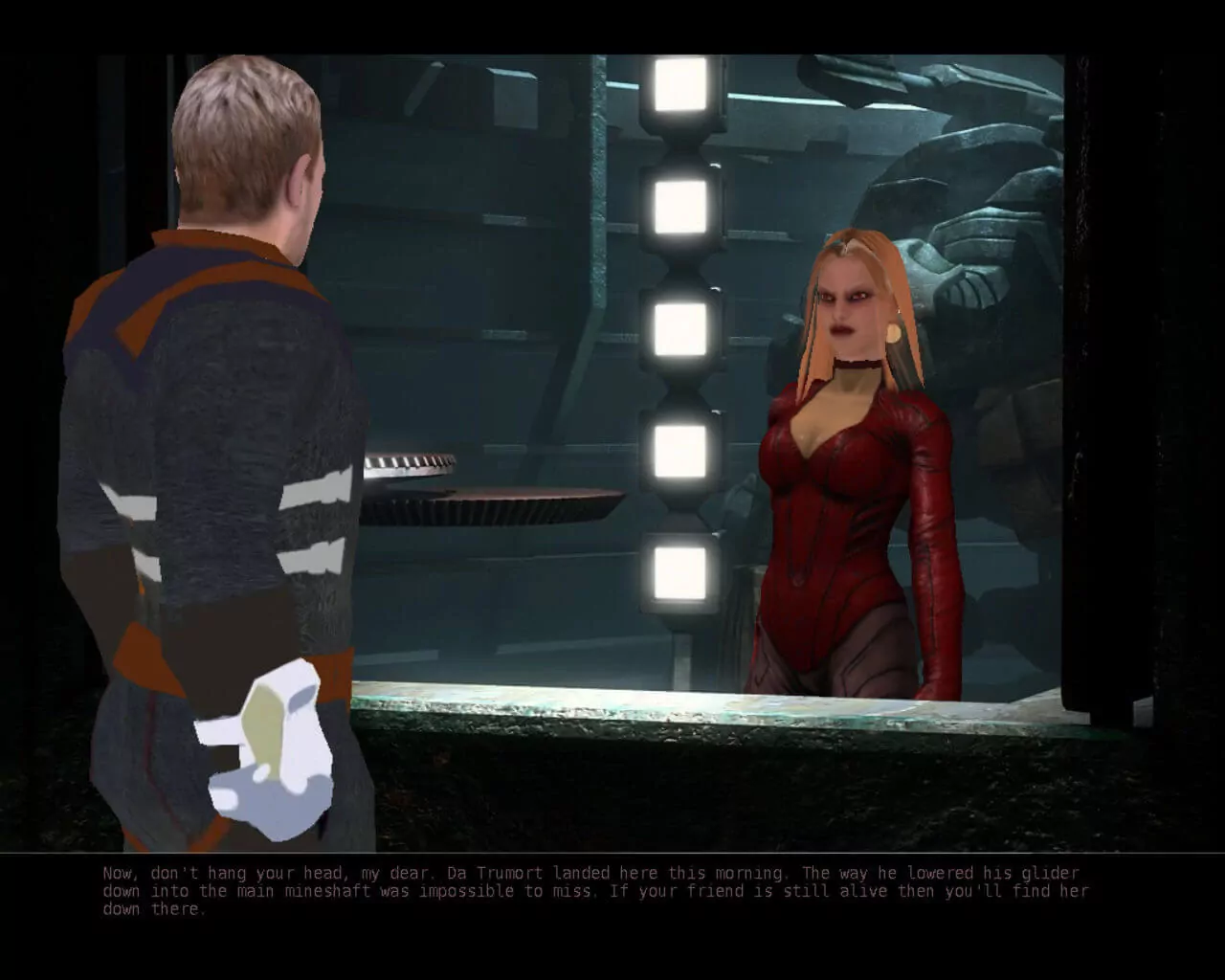
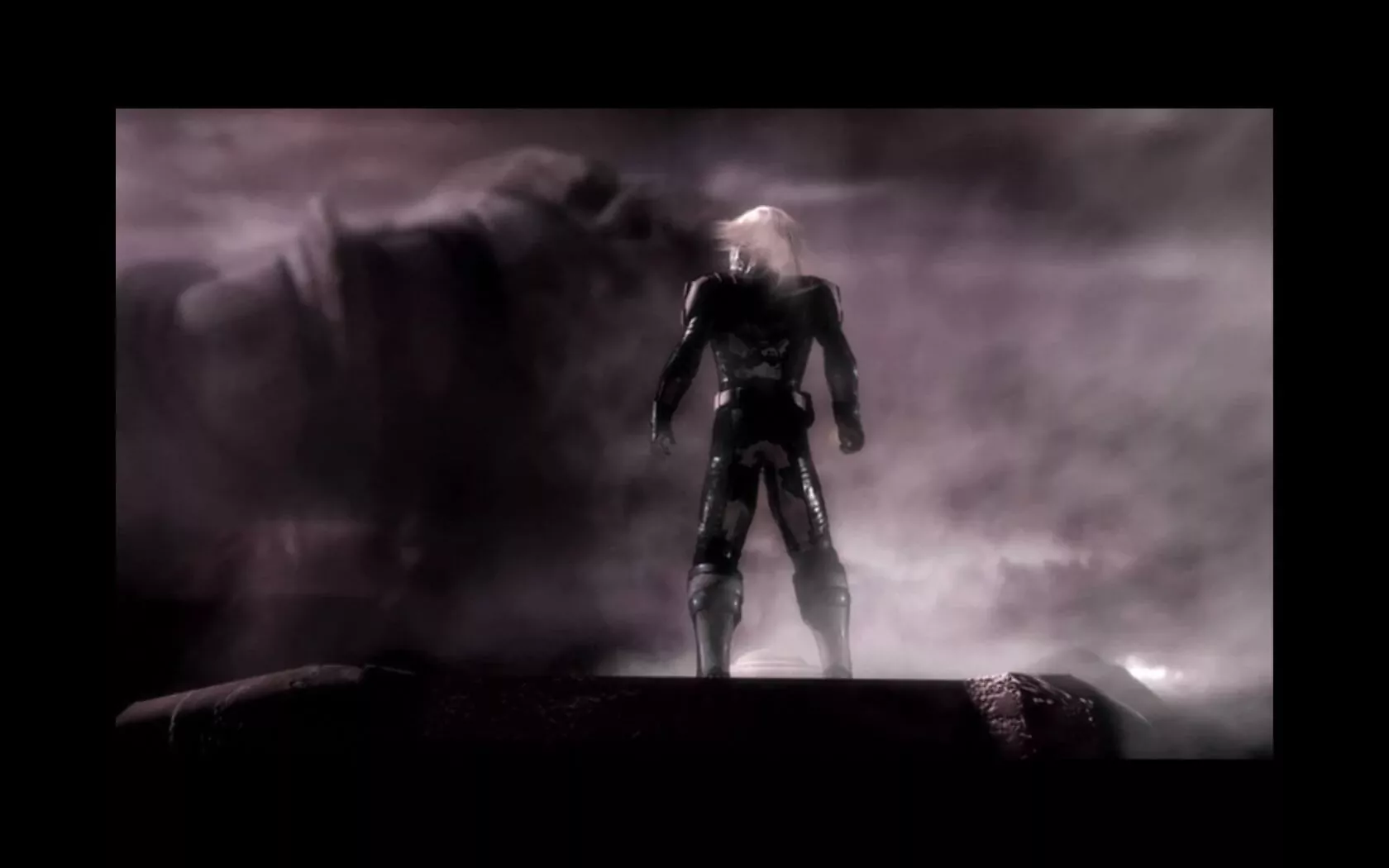
The main character is Perry Rhodan, immortal emperor of the earth, played in 3rd person. The game starts in 4394 AD when Mondra Diamond, Perry's girlfriend, is abducted by minions of an unknown enemy during a fierce galactic attack on The Residence, the headquarters of the immortals. Determined to get to the bottom of the incident, Perry sets himself on uncovering the evil schemes of the mysterious opponent and freeing Mondra from his clutches.

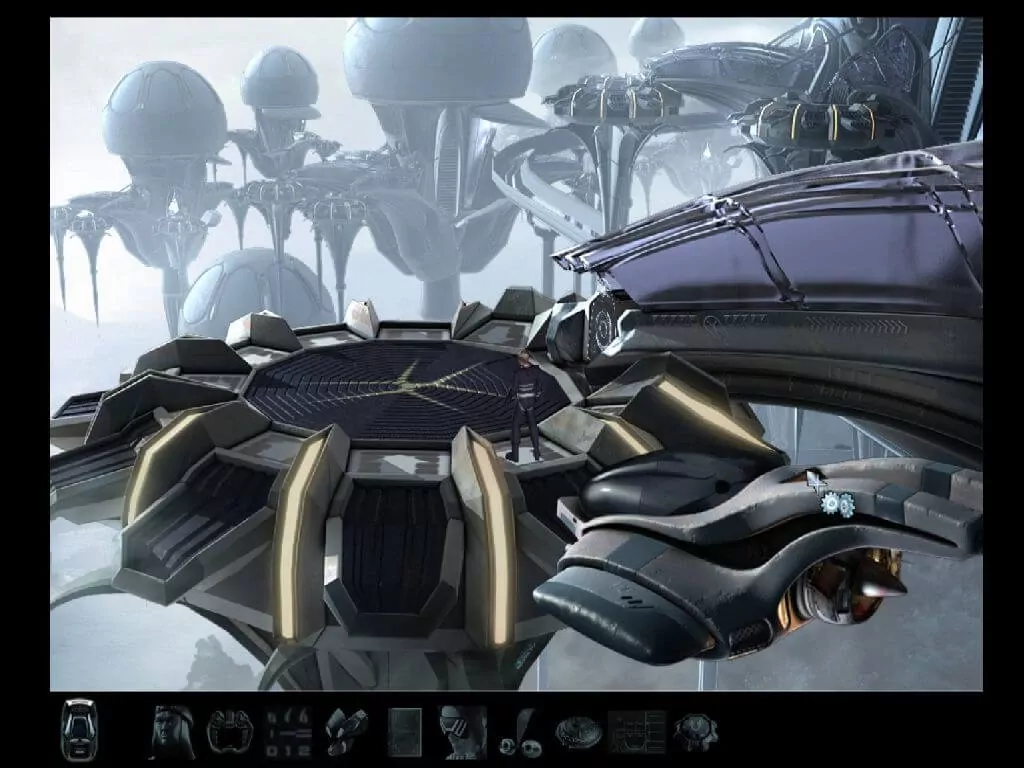
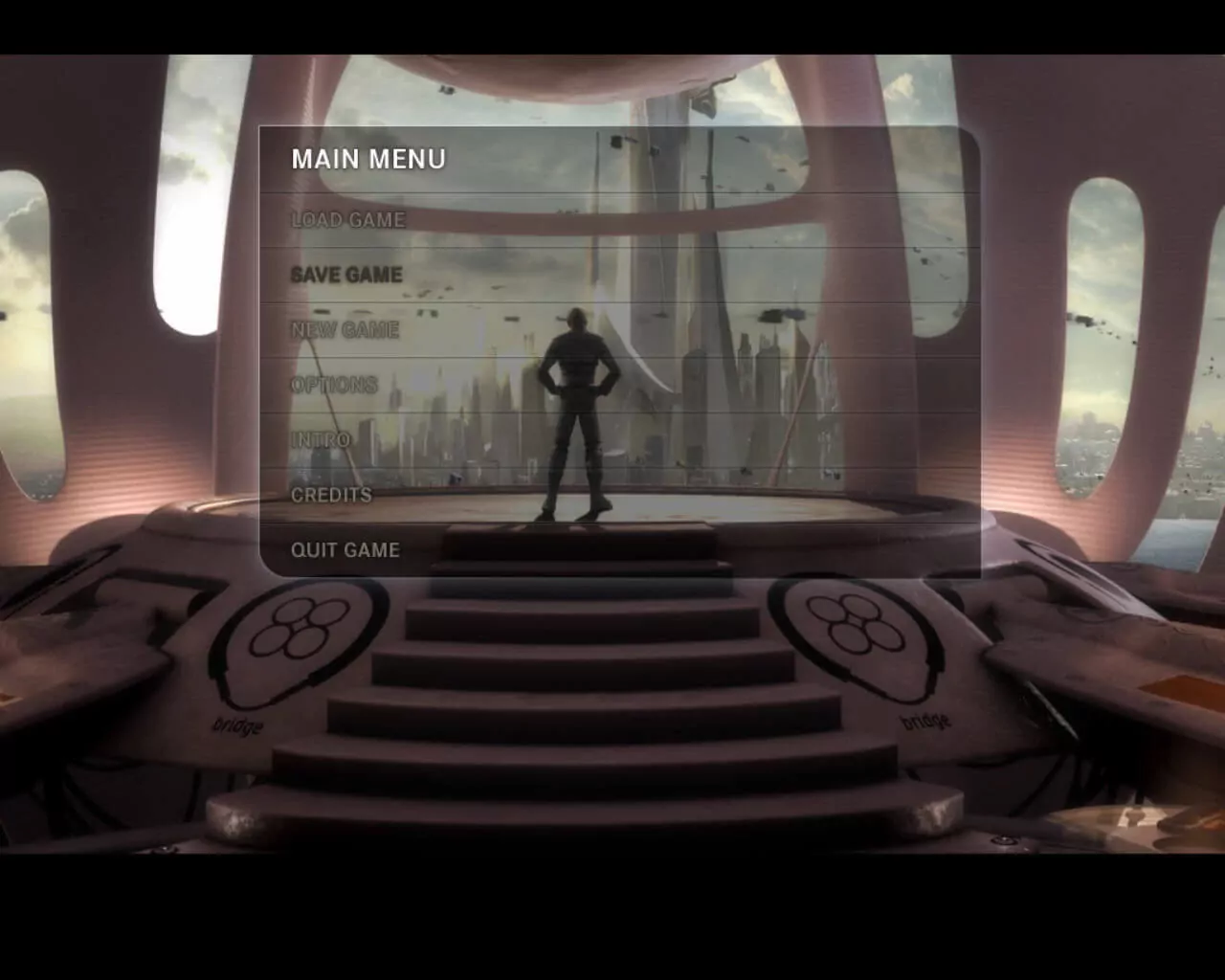
The game is a classic point-and-click adventure, featuring 2D backgrounds and pixel-shaded 3D characters. It features an interactive, iconic inventory system which contains not only collected items but also story related concepts (persons of interest, objects learned about or seen). These icons can be used during conversations as well as part of puzzle solving.

The game contains 5 chapters, each taking place on a unique planet.


Developer(s)

3D-IO Games & Video Production GmbH

Publisher(s)

Koch Media GmbH (Austria), BrainGame Publishing GmbH, Viva Media LLC, Noviy Disk

Theme(s)

Cyberpunk / Dark Sci-Fi
Detective / Mystery
Real-Time
Sci-Fi / Futuristic

Recommended Emulator

None

User Feedback

There are no reviews to display.

This title on this page are offered with the knowledge that it is currently freeware and/or abandonware. If the status of the title changes, or you would like these files removed, please do not hesitate to contact us.

Only guests see ads. Create a free account and/or log in for a complete ad-free experience.

Important Information

We have placed cookies on your device to help make this website better. You can adjust your cookie settings, otherwise we'll assume you're okay to continue. Read our Terms of Use and Privacy Policy for more information.

Configure browser push notifications

Chrome (Android)
  1. Tap the lock icon next to the address bar.
  2. Tap Permissions → Notifications.
  3. Adjust your preference.
Chrome (Desktop)
  1. Click the padlock icon in the address bar.
  2. Select Site settings.
  3. Find Notifications and adjust your preference.