


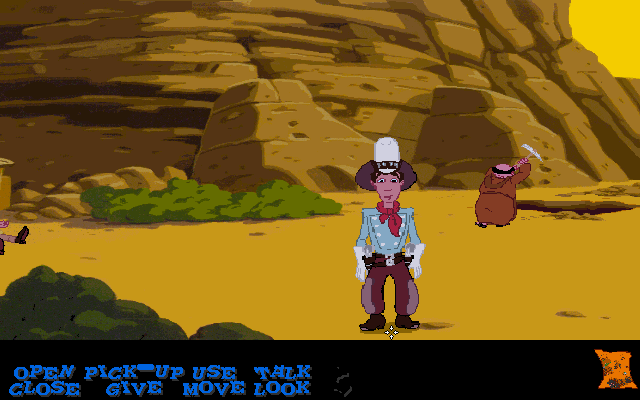
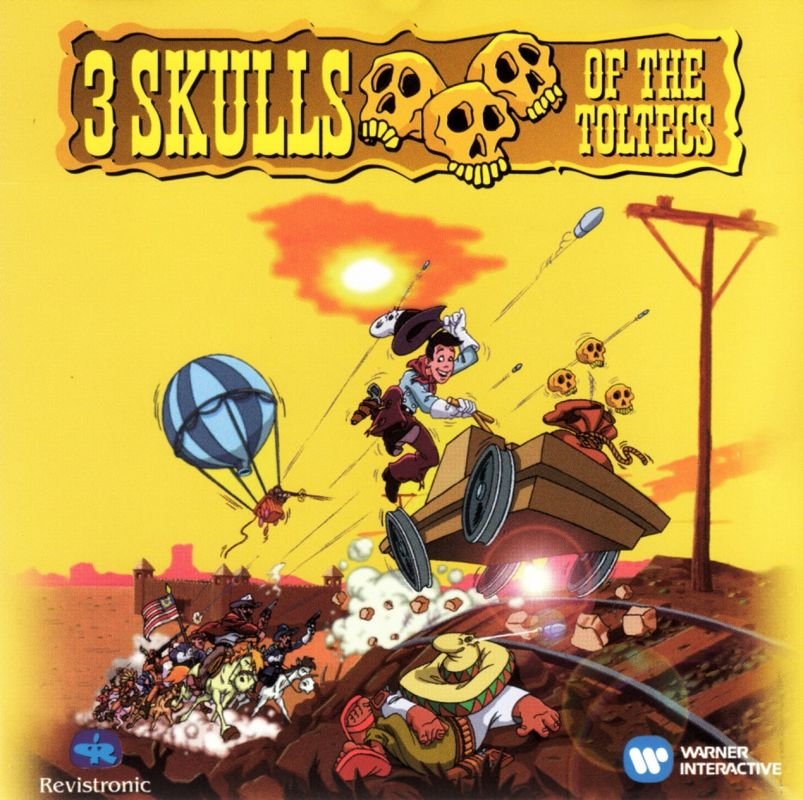

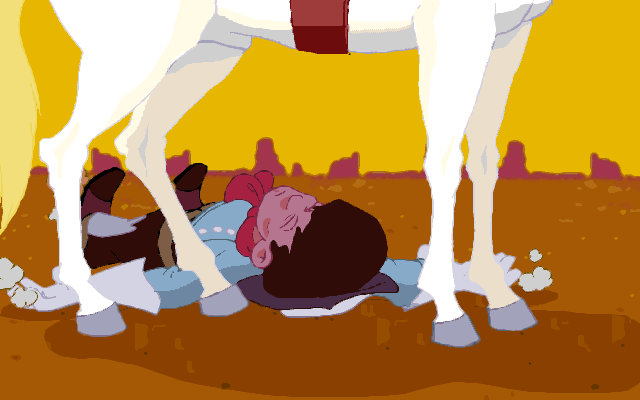
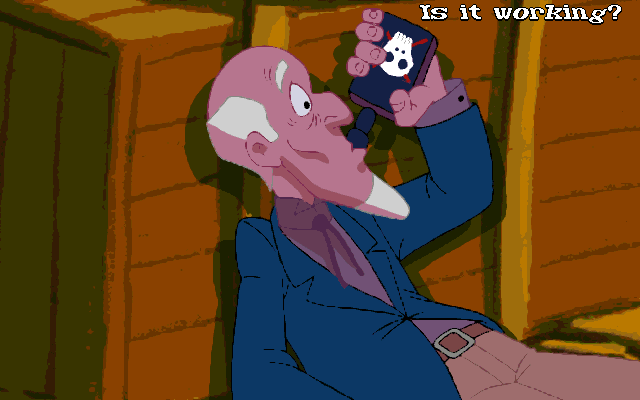
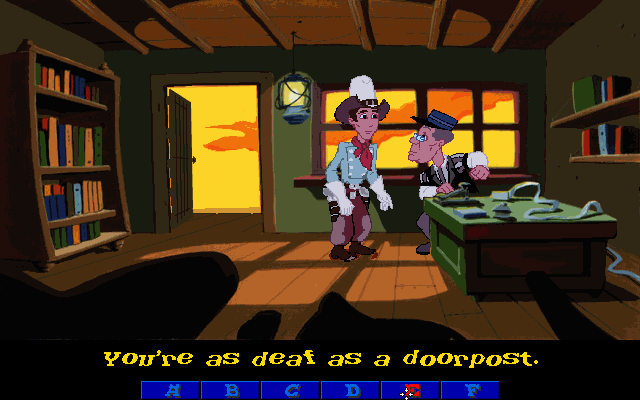
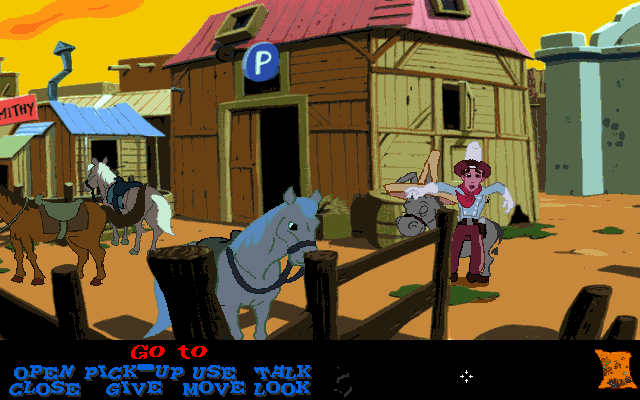
Fenimore Fillmore happens to rescue an old peddler being attacked by some rustlers, but it is also him who accidentally leads the old man to his death by passing him the hair lotion. Just a few minutes before his death, the peddler revealed that he owned one of three skulls that will unlock the treasure of the Toltecs. Fenimore takes hold of the skull, but is then shot by the rustlers and passes out, with the skull going to the hands of the rustlers. When he regains consciousness, he sets out to recover all three and unearth the treasure himself. And of course, beside Fenimore, some other people are also searching for these skulls...
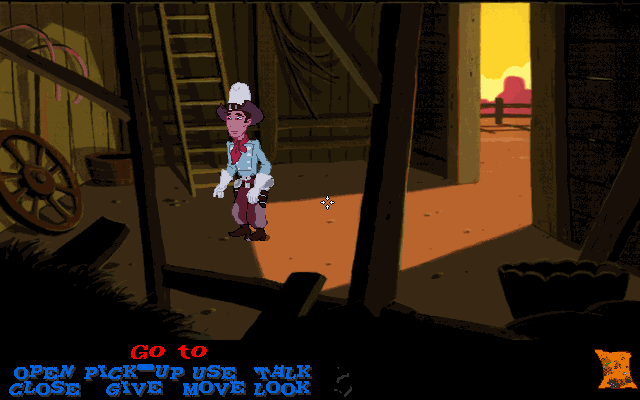
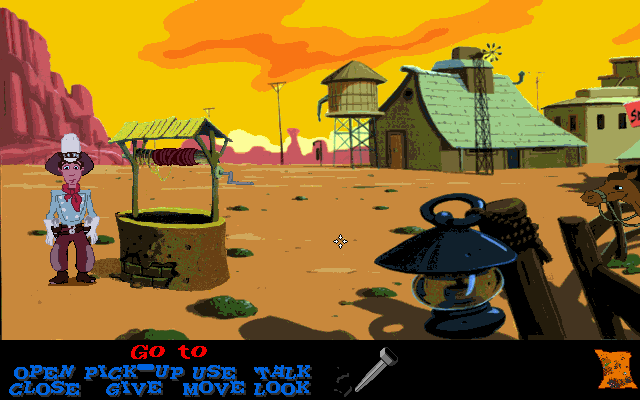
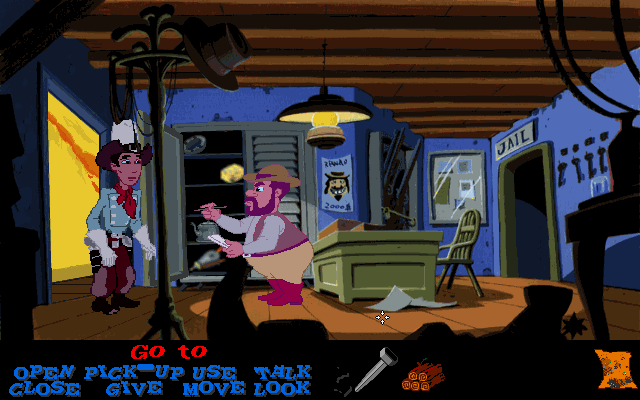
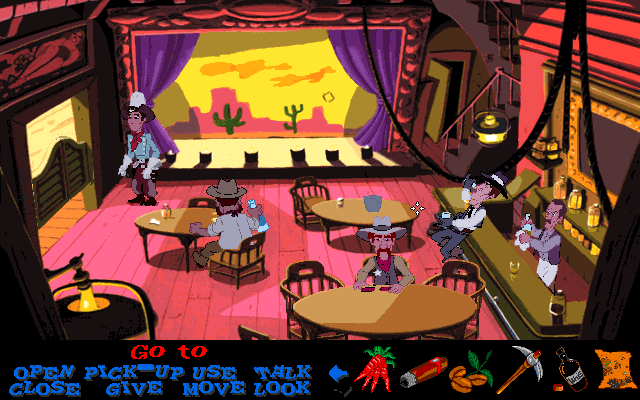
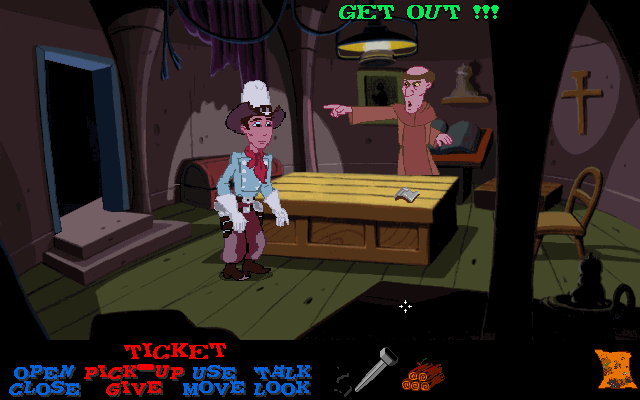
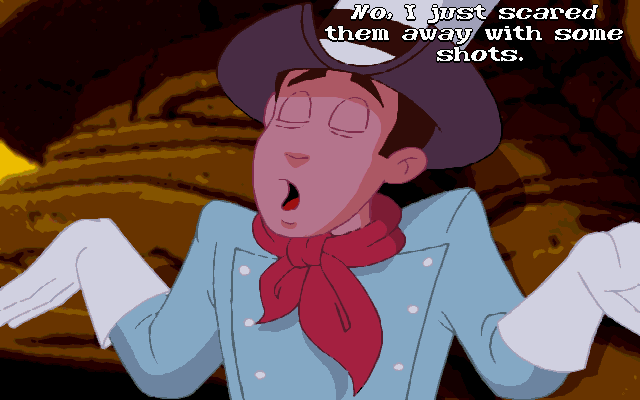
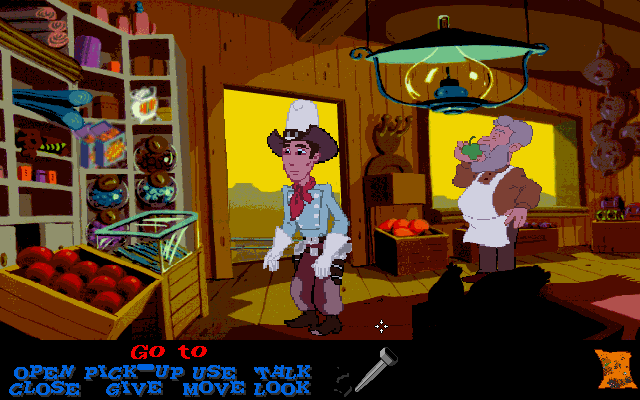
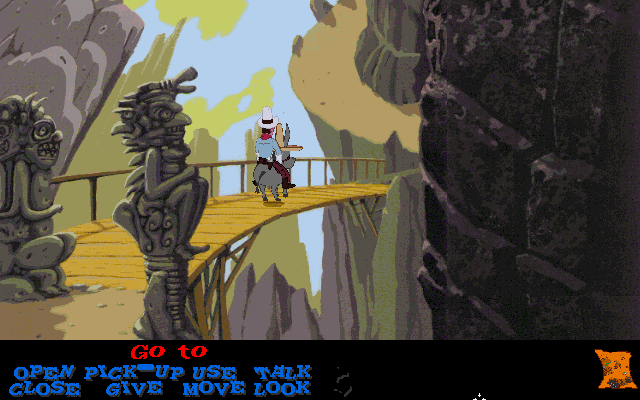
3 Skulls of the Toltecs is a 3rd person cartoon adventure game in the same vein as The Secret of Monkey Island. The interface is point-and-click, and the player is given a list of verbs to select from to perform actions: open, close, pick up/give, use, look, move, talk, similar to the LucasArts games it emulates. Once a certain portion of the territory has been covered a map becomes available for travel, or the player can ride the train tracks with a hand-pumped trolley or travel by donkey. Puzzles are inventory-based, and the player must talk to other characters in the game and collect items in order to solve them. In many conversations, players are given multiple choices of what Fenimore will respond. Players' choice largely affects their process in the game.
Developer(s)
Publisher(s)
Theme(s)
Puzzle elements
There are no reviews to display.