


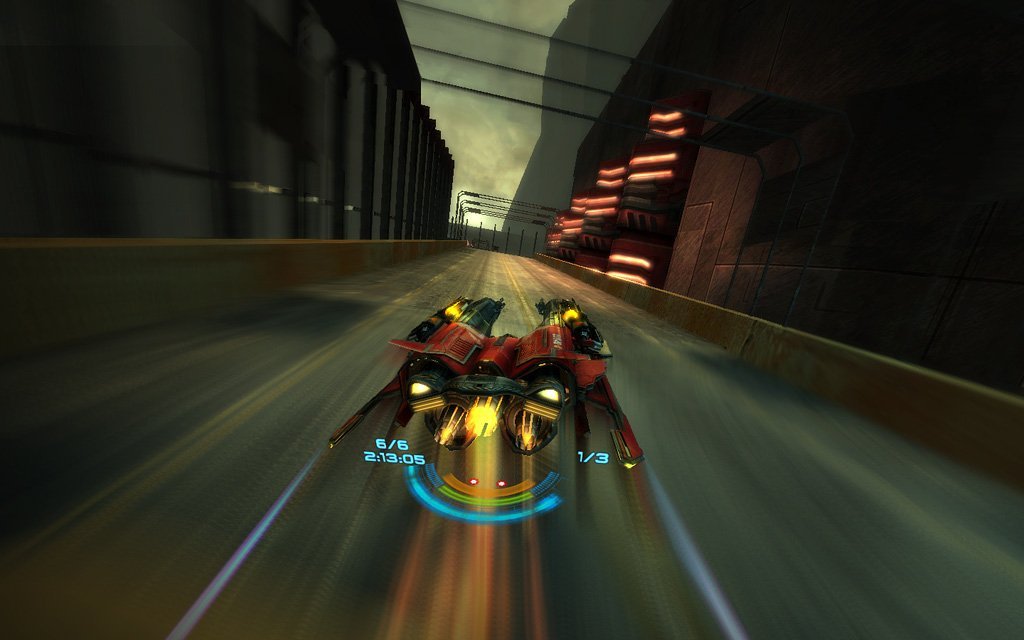
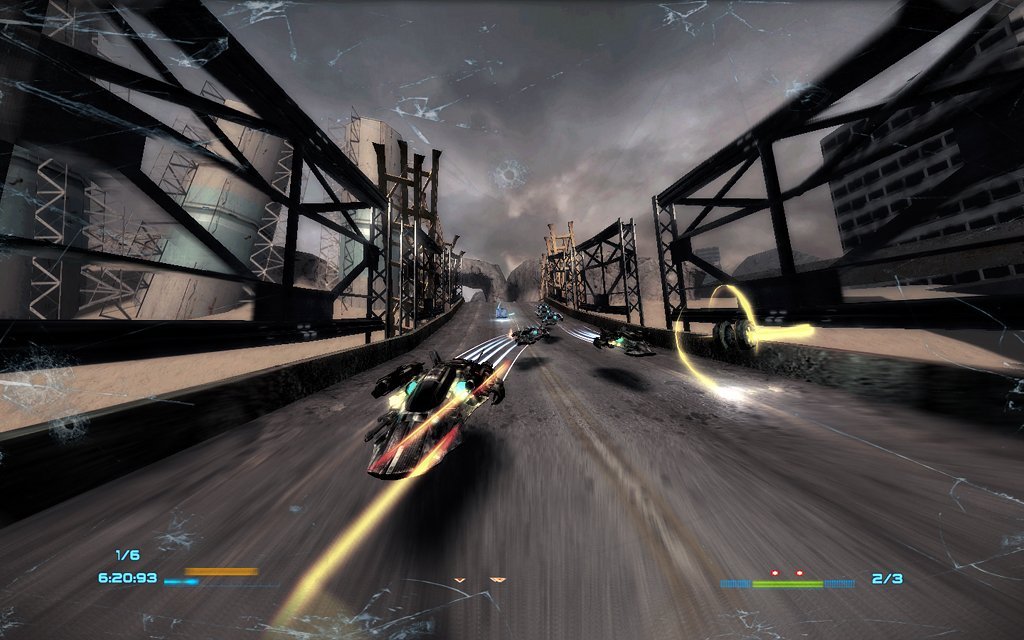
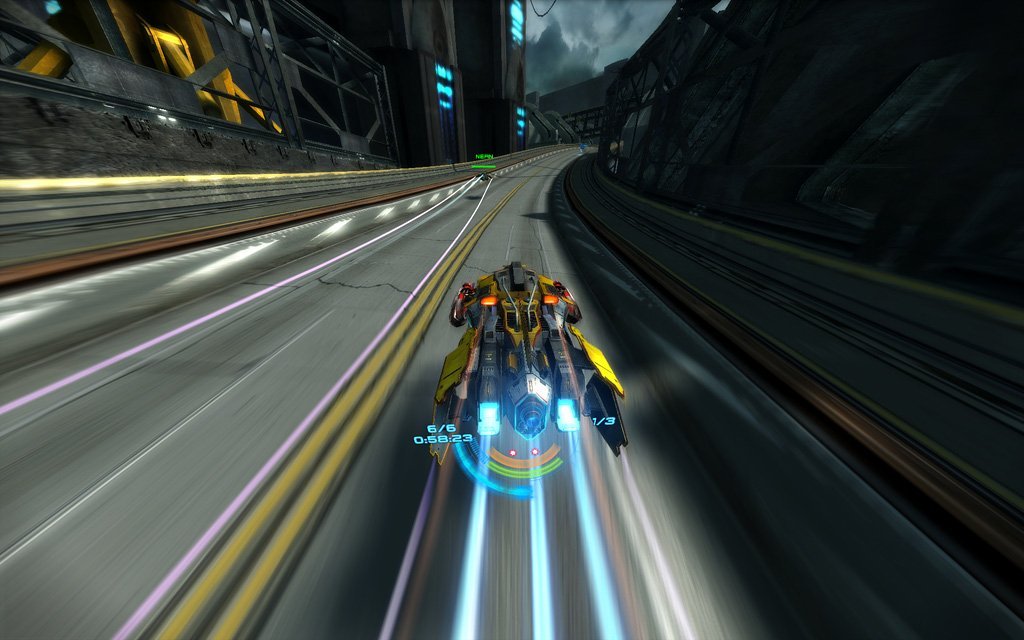
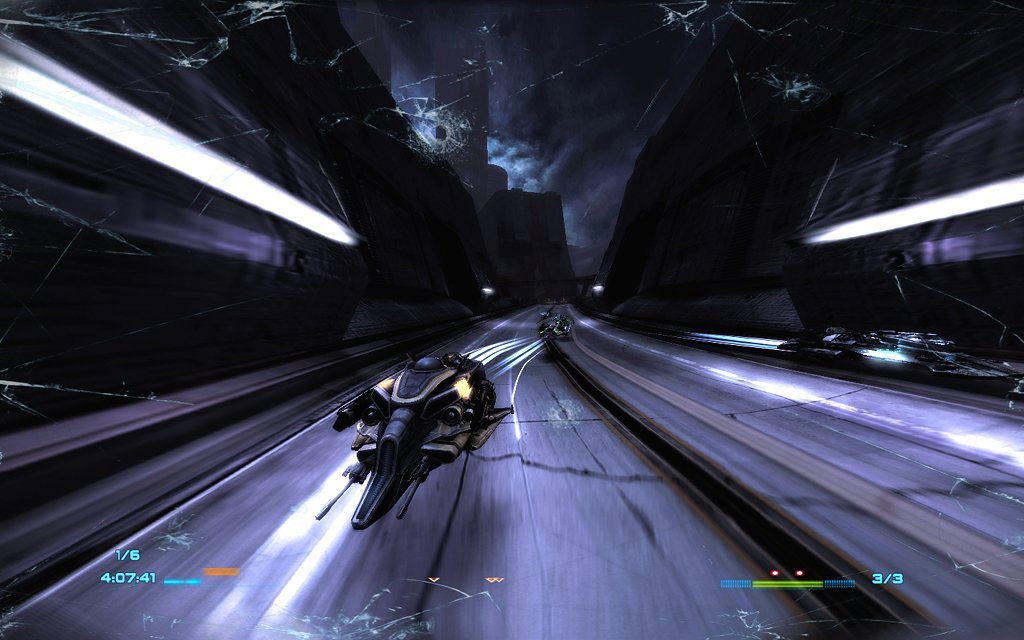
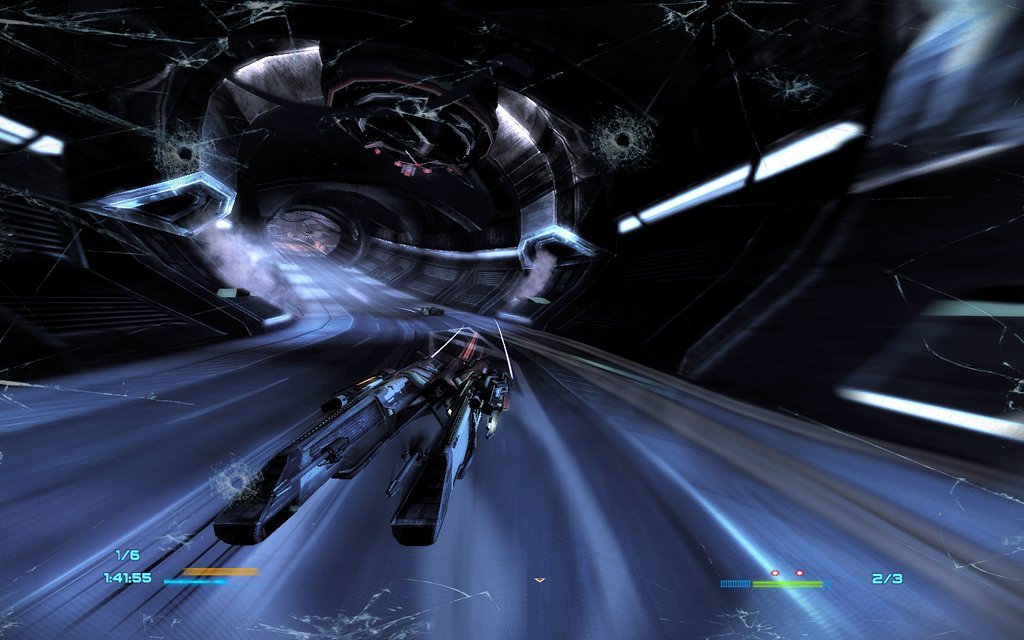
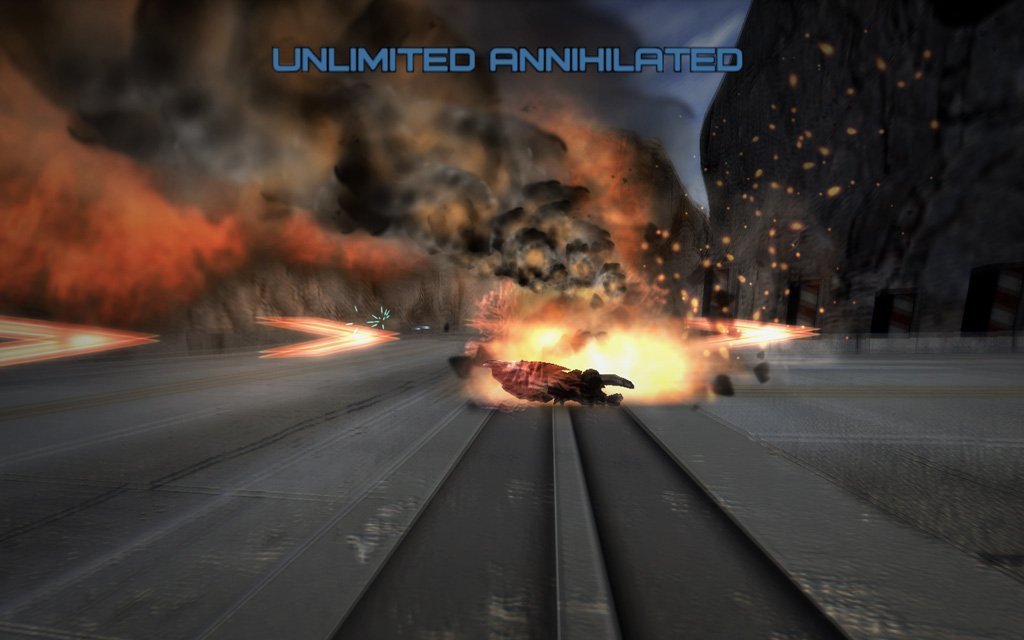
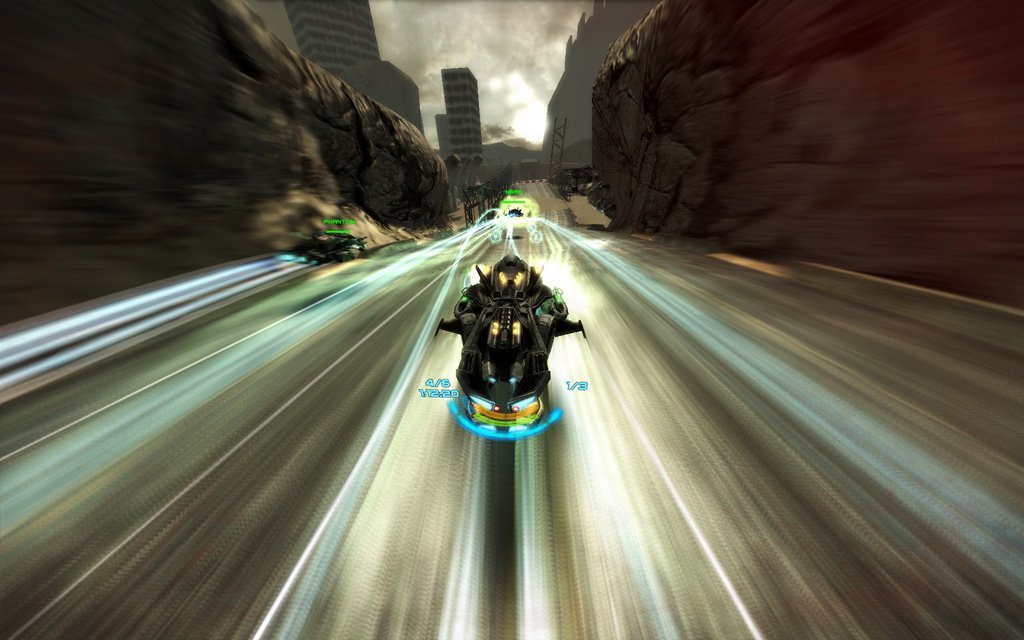
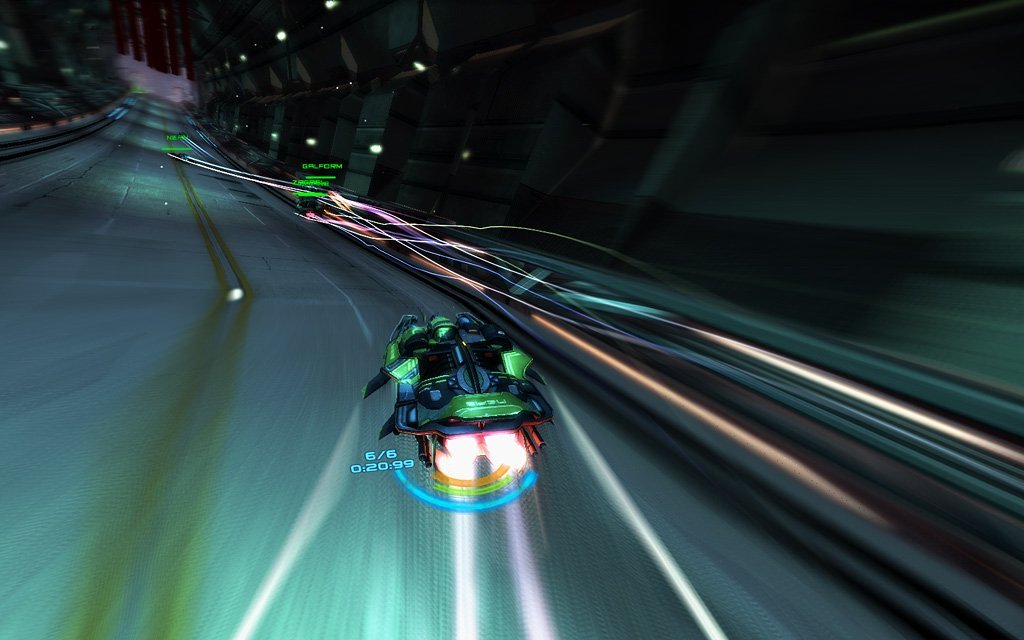
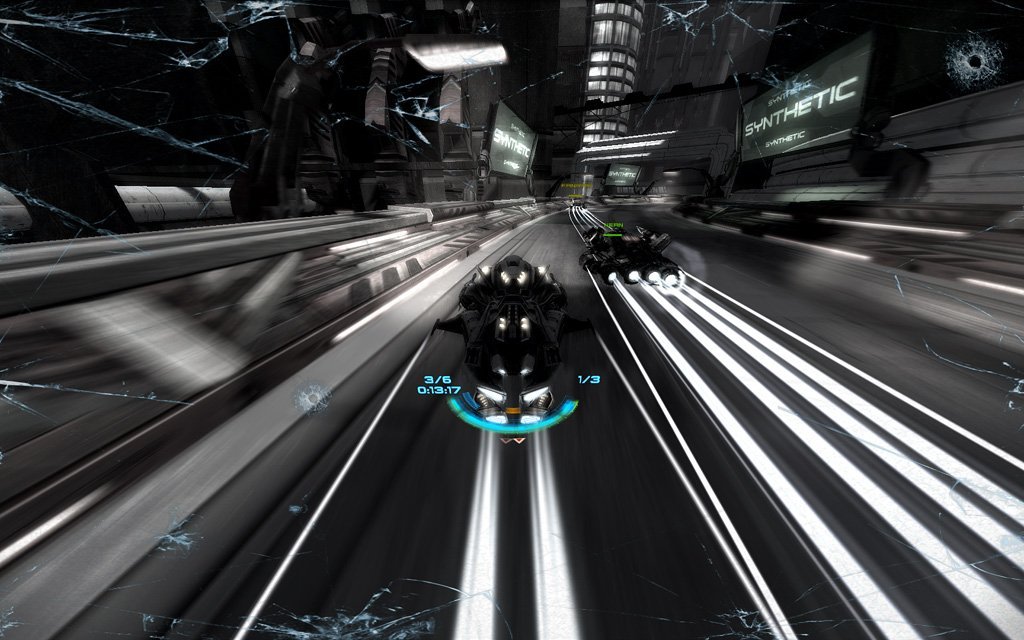
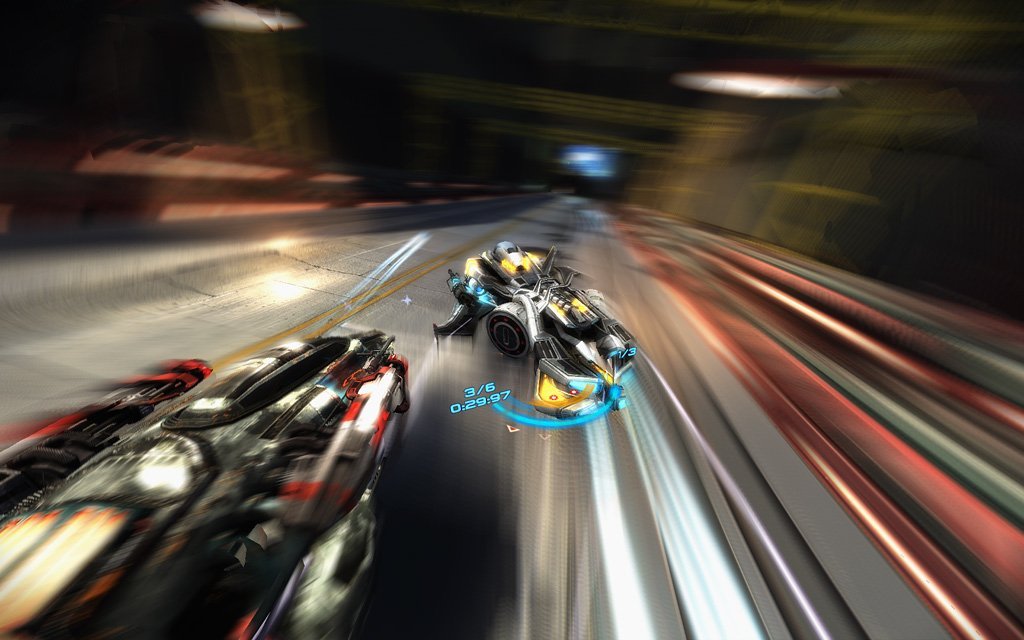
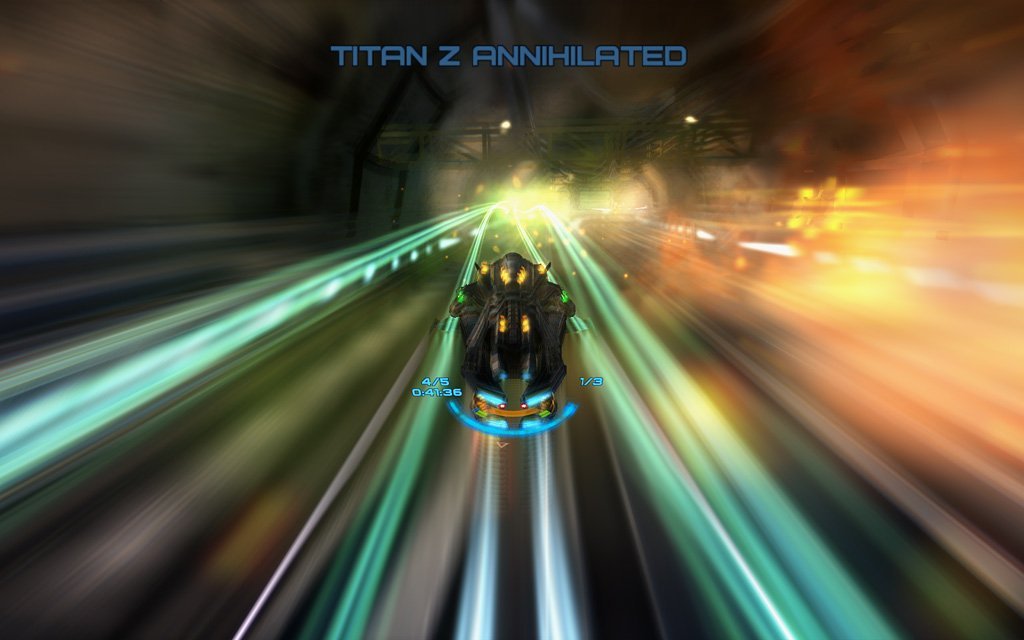
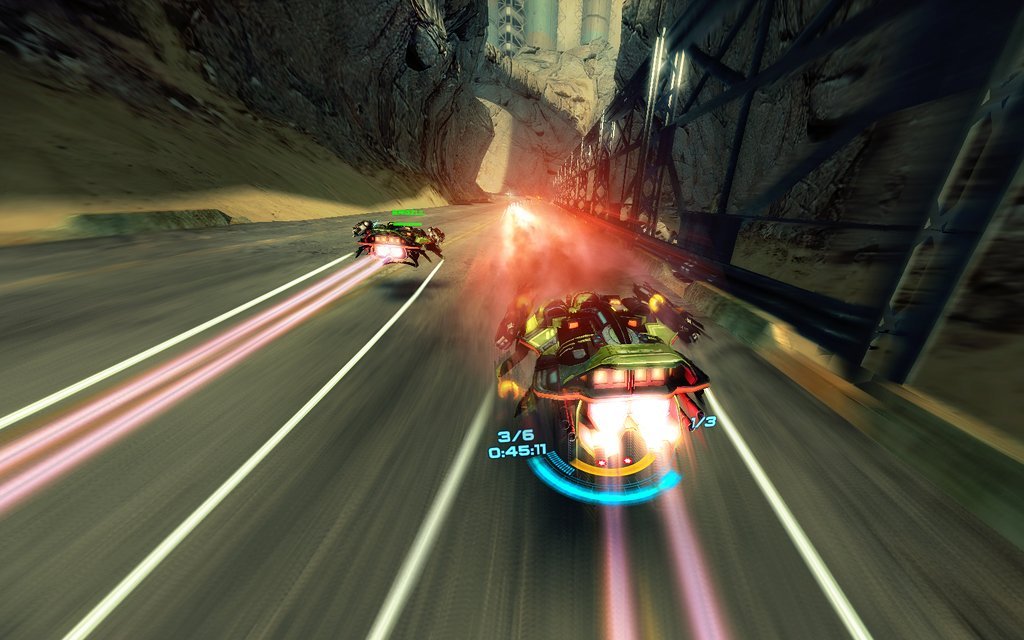
Death Road is an incredibly dynamic and strongly addictive racing game set in the distant future. Players compete, using futuristic vehicles on specially designed tracks, armed with a wide array of lethal weapons ranging from standard laser guns to rocket launchers. There is not only an entire single player campaign but also a number of different modes for everyone to enjoy. The game contains single player campaign, 6 quick race game types and will let the player race with friends in multiplayer mode. Throughout the game, players will be awarded with special achievements for epic feats.
How to play Death Road Windows
Notes:
The game is multilingual, it has 6 languages: English, French, German, Italian, Spanish, Polish & Russian. You can select the language by running ChangeLanguage.bat
It is recommend to run the game directly from DeathRoad.exe file in game folder, because NoCD for the game works unstable. If the game doesn't run or closes right after the start - add DeathRoad.exe to the exceptions of DEP (Data Execution Prevention): Go to
Control Panel -> System Properties -> Advanced System Settings. From theSystem Propertiesdialog, selectSettings. Select theData Execution Preventiontab. Select "Turn on DEP for all programs and services except those I select". ClickAddand use the browse feature to show the path to the program executable you want to exclude, in that case DeathRoad.exe inside the game folder. Here's the guide with picturesThe game has a lot of issues on Windows XP, it is recommend to install the game on Windows 7 or newer OS
Bloom effect in the game may cause freezes/lags on some video cards. Unfortunately, Bloom cannot be disabled in game settings
VIDEO:
Developer(s)
Publisher(s)
Theme(s)
Street Racing
Driving
There are no reviews to display.