

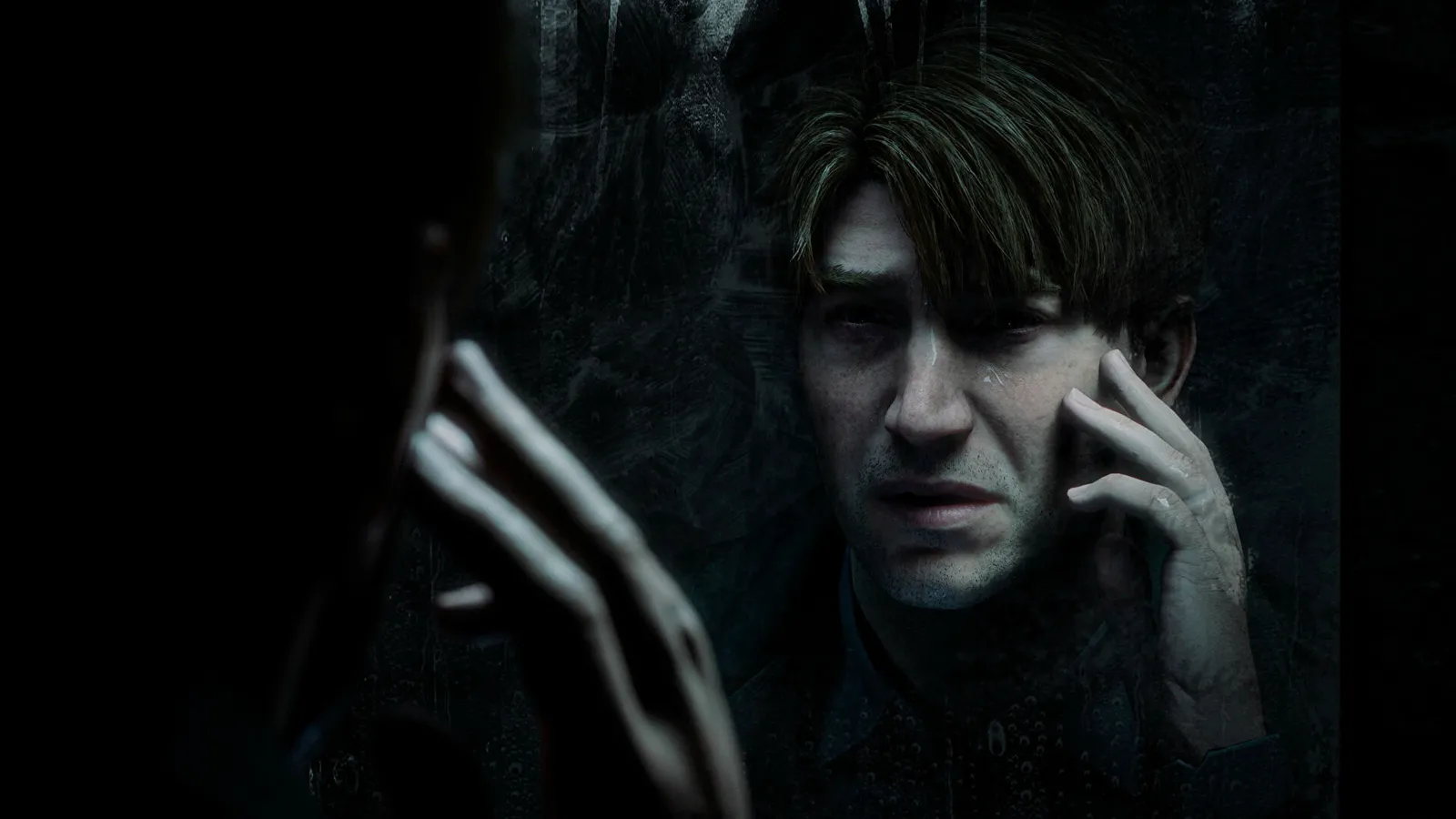
Rumor: Sony puts a stop to the Silent Hill 2 remake on the Xbox

The pie throwing between the two console giants continues and this time it is the upcoming, highly awaited Silent Hill 2 remake that is in focus. Microsoft now claims that they have evidence that Sony has bought exclusive rights to the game that will prevent a release on the Xbox. The same is also alleged to apply to Final Fantasy XVI and Final Fantasy VII remake.
"MS has already told CMA that Final Fantasy VII Remake cannot be released on Xbox. This is because Sony has signed an “Xbox exclusion” agreement with some third-party publishers for several games including FF VII Remake.
It’s no secret that Sony has been on the war path since Microsoft initiated the acquisition of Activision Blizzard, something they firmly claim would damage the gaming market. Something they are obviously just as guilty of and where exactly this ever-scaling conflict is going to end, no one knows.
Do you think there will be some breakthrough or consensus during the year new between the two parties, or will the battle escalate even more?
Recommended Comments
Join the conversation
You are posting as a guest. If you have an account, sign in now to post with your account.
Note: Your post will require moderator approval before it will be visible.