

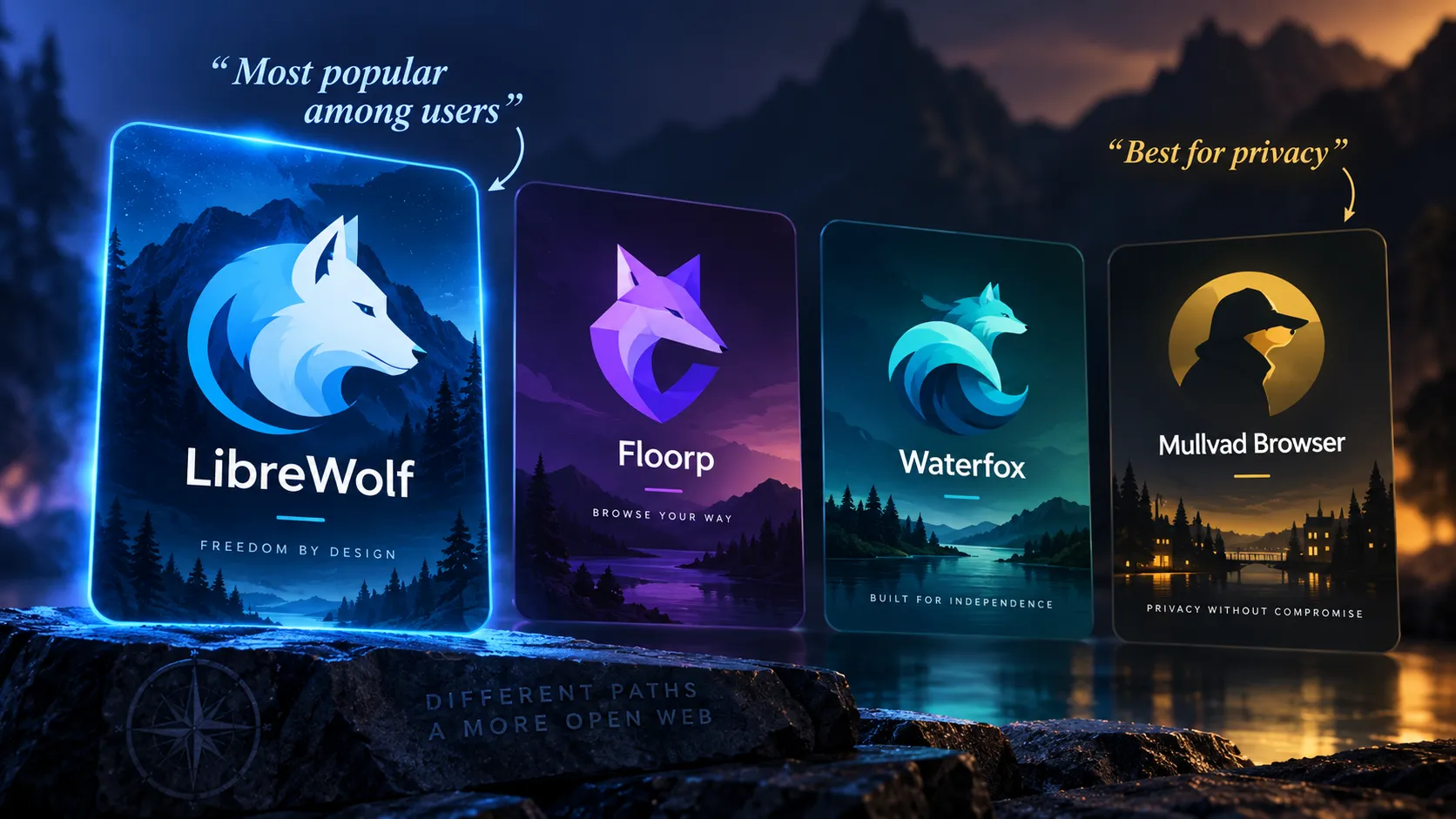
Best Firefox Alternative For Privacy and Everyday Use

Among the Firefox forks, there are really two different winners depending on what you value:
Firefox fork | Best for | Privacy | Usability | My take |
|---|---|---|---|---|
LibreWolf | Privacy-first browsing | ⭐⭐⭐⭐⭐ | ⭐⭐⭐⭐ | Best privacy fork |
Floorp | Features/customization | ⭐⭐⭐⭐ | ⭐⭐⭐⭐⭐ | Best general-purpose fork |
Waterfox | Traditional Firefox experience | ⭐⭐⭐⭐½ | ⭐⭐⭐⭐⭐ | Excellent middle ground |
Mullvad Browser | Anti-fingerprinting/anonymity | ⭐⭐⭐⭐⭐+ | ⭐⭐⭐ | Excellent, but specialized |
Most popular from the user/community perspective: probably LibreWolf
There isn't a reliable global browser-market-share table specifically for Firefox forks, so nobody can credibly say "LibreWolf has X million active users and therefore wins." But community discussions consistently put LibreWolf among the most commonly recommended Firefox derivatives, especially when someone asks for "Firefox without Mozilla telemetry." Recent browser-community discussions continue to recommend it heavily.
Interestingly, Floorp currently has more GitHub stars than Waterfox, roughly 8.4k vs 6.1k, so Floorp has developed a very strong enthusiast following. GitHub stars aren't user numbers, though.
So I'd characterize things roughly as:
Privacy community: LibreWolf
Customization / enthusiast community: Floorp
Long-established mainstream fork: Waterfox
Best for privacy: LibreWolf
This one is much clearer.
LibreWolf's entire reason for existing is essentially:
Firefox, with the privacy knobs already turned to eleven.
It removes Firefox telemetry and data collection, includes uBlock Origin, enables Strict Tracking Protection, strips tracking parameters, enables Total Cookie Protection/dFPI, and enables Firefox's Resist Fingerprinting (RFP) protections by default.
Its privacy policy is refreshingly short too: LibreWolf says it does not collect user data through the browser or website, although some requests to Mozilla or other services can still occur.
That makes it much more privacy-hardened out of the box than standard Firefox.
Waterfox has become surprisingly privacy-focused
Waterfox deserves more credit than it sometimes gets.
Its August 2026 privacy documentation says telemetry, crash reporting, experiments and remote studies are disabled at build time. It also removes sponsored content, Pocket-style advertising features and several Mozilla network connections.
Waterfox also documents its automatic network connections unusually thoroughly.
The important difference is philosophy.
LibreWolf: minimize fingerprinting and tracking, even if websites occasionally behave strangely.
Waterfox: remove telemetry and unnecessary communication while staying comfortable for everyday Firefox users.
That makes Waterfox potentially the better choice for someone who wants 90% of LibreWolf's privacy philosophy without quite as much breakage or unusual behavior.
Floorp is what I'd choose for features
Floorp is less of a "harden Firefox until it squeaks" project and more of a Firefox equivalent to Vivaldi.
You get things like:
workspaces
vertical/customizable tabs
split view
web panels
extensive UI customization
container integration
mouse gestures
Floorp disables Mozilla telemetry by default on desktop.
But Floorp explicitly frames its approach as "Privacy is your choice", whereas LibreWolf is essentially privacy by aggressive defaults.
There are also a few Floorp-specific network conveniences worth knowing about. For example, its privacy policy notes that missing shortcut/web-panel icons may be fetched through Google's favicon service.
So I would not put Floorp above LibreWolf in a strict privacy ranking.
My ranking
For maximum privacy without entering Tor territory:
LibreWolf
Mullvad Browser depending on threat model
Waterfox
Floorp
Firefox
There's a caveat with Mullvad Browser. For fingerprint resistance, I'd actually rank Mullvad Browser above LibreWolf. It's designed around giving large groups of users nearly identical browser fingerprints rather than letting everyone customize their browser into a unique snowflake.
But for normal everyday browsing, I wouldn't necessarily use Mullvad Browser as my only browser.
For best overall Firefox fork:
Floorp
LibreWolf
Waterfox
And if you asked me what I'd install on a Windows PC today:
LibreWolf if your priority is:
"Give me Firefox with sane privacy settings and don't phone home unnecessarily."
Floorp if your priority is:
"Give me Firefox, but make it ridiculously customizable."
Waterfox if your priority is:
"Give me familiar Firefox without most of Mozilla's telemetry and extras."
For what you've asked, I'd start with LibreWolf. It's probably the cleanest answer to "I like Firefox, but privacy is my first priority." 🦊🔒
Recommended Comments
Join the conversation
You are posting as a guest. If you have an account, sign in now to post with your account.
Note: Your post will require moderator approval before it will be visible.