

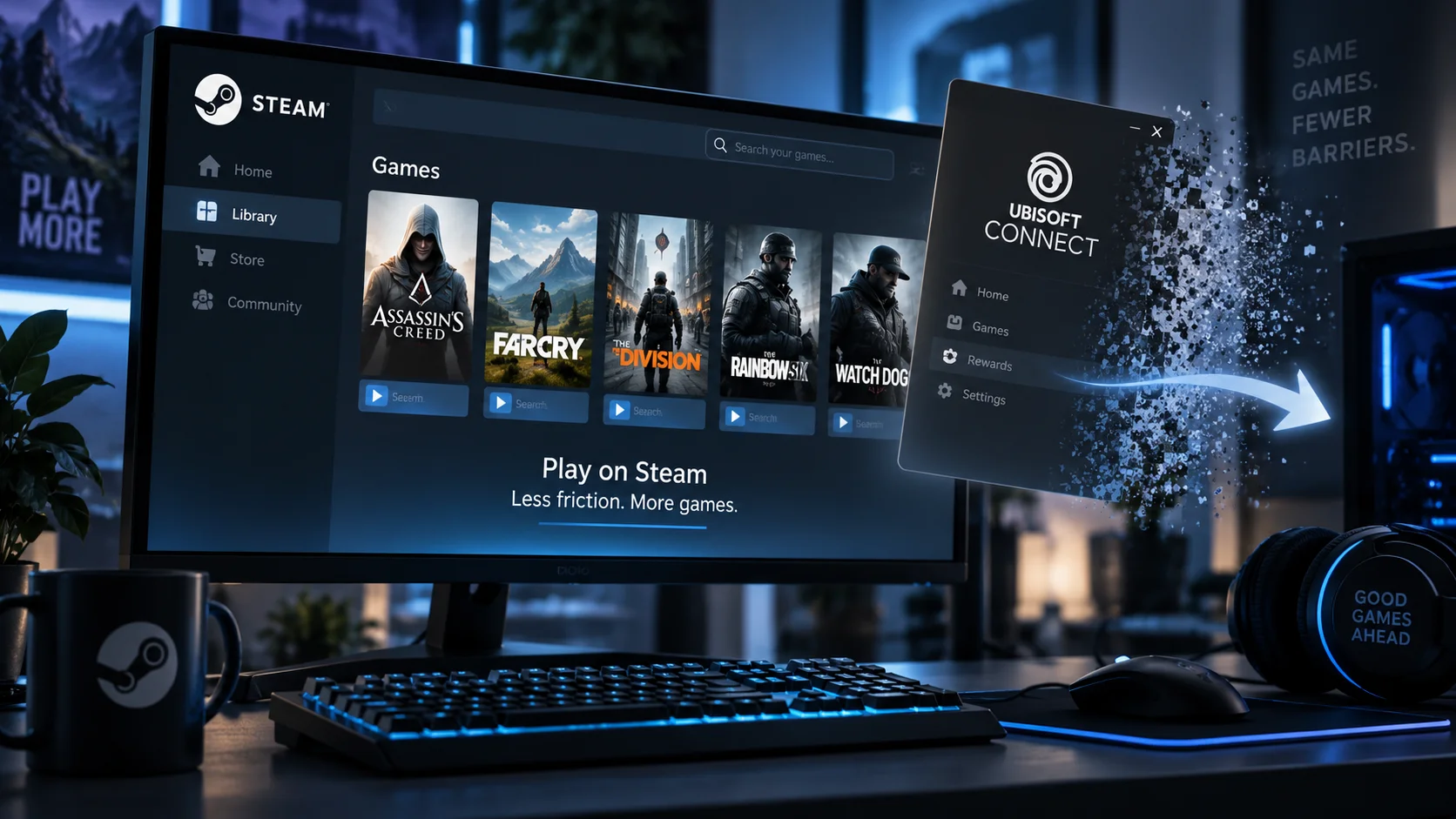
Ubisoft Is Finally Testing Steam Games Without the Ubisoft Connect Launcher

PC gamers may finally be getting something they have requested for years: the ability to launch a Ubisoft game purchased on Steam without first being dragged through Ubisoft Connect.
Ubisoft has begun testing a new system that removes the requirement to install and launch the full Ubisoft Connect PC application when playing certain Ubisoft titles through Steam. The experiment starts with Prince of Persia: The Lost Crown, and if everything works as intended, Ubisoft says the technology will gradually expand to additional games.
For anyone who has accumulated a small zoo of game launchers over the years, this could be a surprisingly meaningful quality-of-life improvement.
Goodbye Ubisoft Connect, Sort Of
Ubisoft is not abandoning its online infrastructure completely.
Instead, the company is introducing something called Ubisoft Connect Services, a smaller Steam-integrated system designed to handle many of the features previously provided by the standalone Ubisoft Connect launcher.
That includes functionality such as cross-progression, cross-play, challenges, rewards and player-safety features. The important difference is that players should no longer have to separately install or manually launch Ubisoft Connect before getting into their game. The services instead operate behind the scenes.
A Ubisoft account may therefore still be required for some games and online features, but the extra launcher window itself is being removed from the process.
It is a small technical distinction with a potentially large practical impact.
Prince of Persia Is the First Test
The first game receiving the new system is Prince of Persia: The Lost Crown.
Ubisoft describes this implementation as an initial version of the technology and says it intends to continue improving Ubisoft Connect Services before expanding it to more titles on Steam. The goal is to create what Ubisoft calls a smoother and more streamlined Steam experience.
That wording is important.
Ubisoft has not announced that every existing game on Steam will suddenly stop using Ubisoft Connect. There is also no confirmation yet that older titles such as Assassin's Creed, Far Cry or Tom Clancy games will automatically be updated to use the new system.
For now, this should be viewed as a test and the beginning of a potentially much larger transition.
The Extra Launcher Problem
PC gaming has accumulated an impressive number of launchers over the past decade.
Buying a game through Steam does not necessarily mean Steam is the only software involved. Depending on the publisher, starting a game can also trigger applications from Ubisoft, Electronic Arts, Rockstar Games or other companies.
The result can occasionally resemble starting a chain reaction.
Click Play in Steam. Another launcher opens. That launcher checks for an update. Then it asks you to sign in again because apparently remembering a password for more than two weeks is forbidden by international launcher law.
Eventually, somewhere beneath the windows and login prompts, there is supposedly a video game.
Ubisoft Connect, previously known as Uplay, has long been one of the better-known examples of this practice. Players buying Ubisoft games through Steam could still find themselves dependent on Ubisoft's separate client.
Removing that extra visible layer makes the Steam version of Ubisoft games feel much more like native Steam releases.
Steam Deck and Linux Users Could Benefit Too
The change could be particularly useful for Linux and Steam Deck players.
Third-party launchers have historically added another potential failure point when running Windows games through compatibility technologies such as Proton. Launcher updates, login windows and background components can occasionally create problems even when the game itself runs perfectly well.
GamingOnLinux notes that Ubisoft Connect has been a recurring source of frustration for Linux and SteamOS users, making the move toward a smaller background service especially interesting for handheld PC gaming.
Ubisoft Connect Services does not eliminate Ubisoft's own technology from the equation, but simplifying it could reduce some of those headaches.
Why Is Ubisoft Doing This Now?
The most obvious explanation is also the simplest: players don't like unnecessary launchers.
Steam has spent years refining a largely unified library experience. When buying a game from Steam results in another store or launcher appearing on top of it, that convenience begins to unravel.
Ubisoft also has good reasons to make purchasing its games on Steam as painless as possible. After returning more aggressively to Valve's platform in recent years, reducing friction between Steam customers and Ubisoft games is a logical next step.
Instead of forcing players to choose between Steam and Ubisoft's infrastructure, Ubisoft Connect Services attempts to make the company's account features effectively invisible.
That is probably where those services should have been all along.
A Small Change That Could Make a Big Difference
Nobody is going to buy the next Assassin's Creed purely because one less launcher appears on their desktop.
But these annoyances accumulate.
Extra software, additional updates, forgotten passwords, background processes and launcher errors all create tiny barriers between pressing the Play button and actually playing the game.
Removing one of those barriers is unquestionably an improvement.
Ubisoft is currently only testing its new approach, and it remains to be seen how quickly Ubisoft Connect Services will spread across the publisher's catalogue. The company says more games will receive support progressively as the system evolves.
If the experiment succeeds, Ubisoft may finally reach the revolutionary conclusion PC gamers have been shouting from the rooftops for years:
When someone clicks Play, just launch the game.
Sometimes the best feature is the window that never appears.
Recommended Comments
Join the conversation
You are posting as a guest. If you have an account, sign in now to post with your account.
Note: Your post will require moderator approval before it will be visible.