

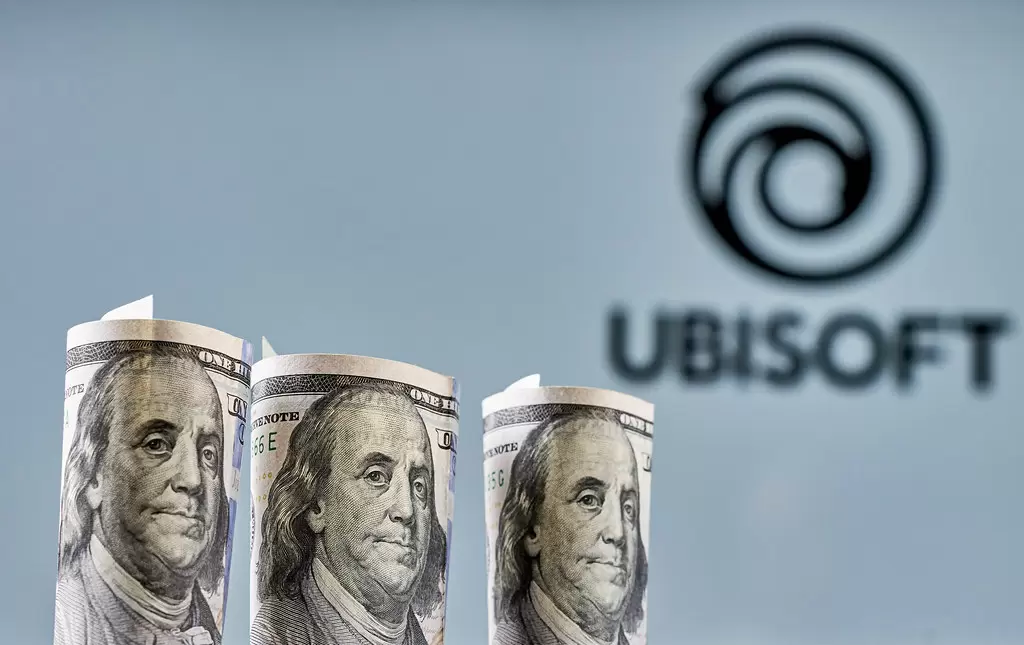
Ubisoft raises prices of AAA games for PS5 and Xbox Series

Ubisoft chooses to raise the price of AAA games for the latest console generation. Starting with Skull and Bones , you'll get to cough up more for the company's big game. This applies to both Playstation 5 and Xbox Series.
The announcement of the price increase is given by the company's CEO Yves Guillemont in an interview with Axiom. He says the price tag is raised to $70 for big games.
A look at the digital console stores tells you that you can pay $79 for the standard version of Skull and Bones (released on November 8). That's the same price that Sony charges for its big new PS5 games digitally, and even games from some other publishers have that price tag (Fifa 23, for example) Microsoft, for its part, has chosen not to raise the price of Xbox Series games: their own games normally costs around $60 at release (also available on Game Pass).
Prior to this console generation, new console games have been priced at $60 for several generations, so an increase was hardly unexpected. However, it is surprising(?) that Ubisoft comes out with the increase now instead of when the consoles were launched.
Recommended Comments
Join the conversation
You are posting as a guest. If you have an account, sign in now to post with your account.
Note: Your post will require moderator approval before it will be visible.