

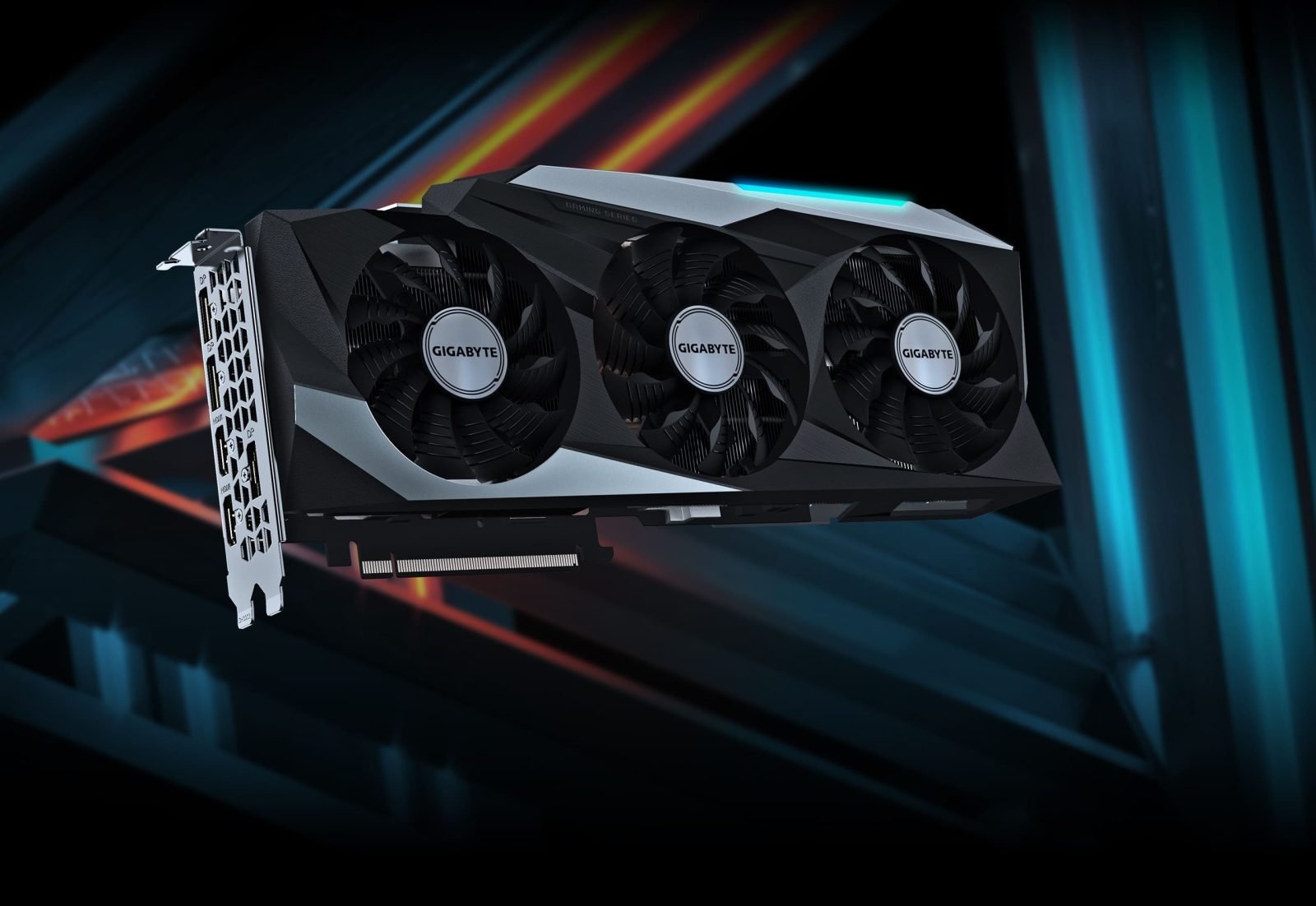
Gigabyte registers eleven different models of Geforce RTX 4090

At the end of the week, Nvidia's Geforce RTX 3000 series turns two years old, and shortly the company intends to launch the next generation of graphics cards. On the menu is the architecture "Ada Lovelace" and the Geforce RTX 4000 series, where previous information suggests that it is the top card Geforce RTX 4090 that is rolled out first. This is now confirmed by a product database at the Eurasian Economic Commission (EEC), with which a large percentage of cards from Gigabyte have been registered.
The database at EEC (via Videocardz) indicates that Gigabyte is preparing to launch no less than eleven different models of the Geforce RTX 4090. These are models all the way from lavish water-cooled cards like the Aorus Xtreme Waterforce to traditionally more stripped-down variants like the Eagle and Windforce 3X. All model names also reveal the amount of memory of the Geforce RTX 4090, which lands at 24 GB – the same capacity as the Geforce RTX 3090.
Beyond the model names and the amount of memory, however, there is nothing more useful to extract from the EEC's database. However, more concrete information about the upcoming Geforce RTX 4000 series is expected to be revealed at a live event that Nvidia is holding during its developer conference GTC on September 20.
Recommended Comments
Join the conversation
You are posting as a guest. If you have an account, sign in now to post with your account.
Note: Your post will require moderator approval before it will be visible.