

HTC may present the flagship phone with metaverse connection in April

By SirMadsen
· 439 views
According to Taiwanese Digitimes Asia, Charles Huang, CEO of HTC, in connection with MWC has announced that the company has plans to present a new flagship phone. According to HTC, the phone, which can be launched as early as April, will have a metaverse connection, which means a focus on AR and VR.
HTC has also presented the platform "Viverse" which will act as a springboard into the so-called meta-summary and connect VR games, movies and apps with, among other things, blockhains, crypto and NFTs.
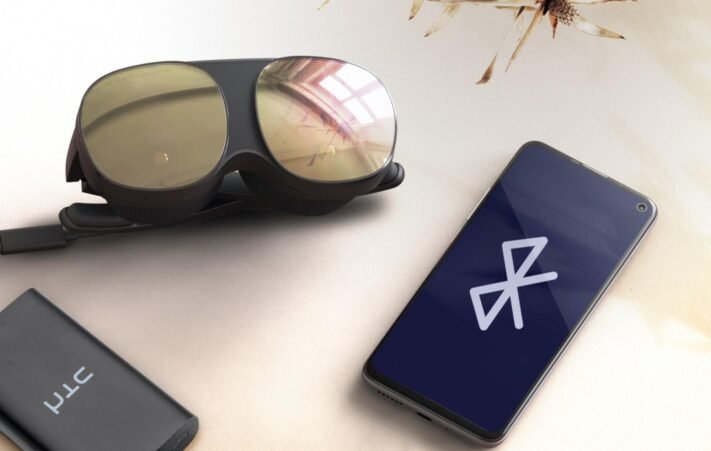
In addition to a number of midrange phones, HTC has not introduced a flagship phone since the launch of the HTC U12 +, which took place in June 2018. A phone that received a lot of criticism due to slow and not completely bug-free updates. The company has since chosen to focus on developing VR headsets under the “Vive” brand together with associated ancillary services. The company's latest VR product - HTC Vive Flow - is developed to be paired with a smartphone.
Recommended Comments
Join the conversation
You are posting as a guest. If you have an account, sign in now to post with your account.
Note: Your post will require moderator approval before it will be visible.