

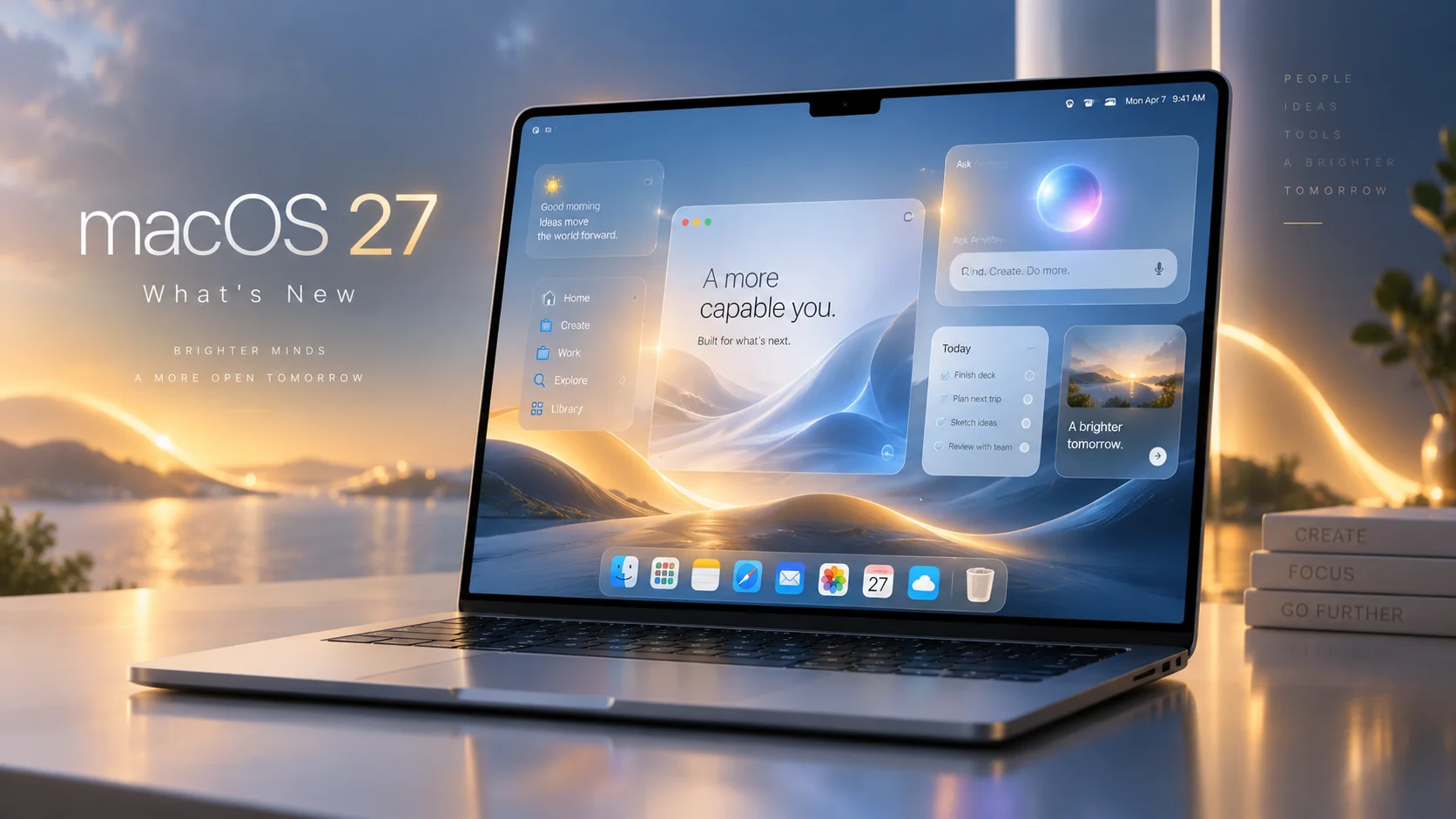
macOS 27 Golden Gate: Everything New in Apple’s Latest Mac Update

Apple has officially released macOS 27 Golden Gate, bringing one of the more substantial Mac updates in recent years. While macOS Tahoe introduced the controversial Liquid Glass redesign, Golden Gate feels more focused on refining that foundation while pushing the Mac much deeper into the era of artificial intelligence.
Released on September 14, macOS 27 introduces the completely rebuilt Siri AI, Visual Intelligence for the Mac, smarter Safari features, expanded Apple Intelligence tools, improved performance, better support for modern displays, and a surprisingly long list of smaller quality-of-life improvements.
There is also one major compatibility change: macOS 27 requires an Apple silicon Mac. Intel Macs have officially been left behind.
Siri AI is the headline feature
The biggest addition in macOS 27 is undoubtedly Siri AI, Apple's next-generation version of Siri.
Rather than behaving primarily as a voice assistant designed for short commands, Siri AI works much more like a conversational AI assistant. You can ask open-ended questions, brainstorm ideas, research topics and continue conversations naturally.
Siri is also integrated directly into Spotlight. Searching for something can now surface an Ask Siri option alongside traditional files, apps and system results.
More importantly, Siri can understand personal context.
For example, you can ask Siri to locate an email you vaguely remember receiving, find a photograph from an old trip or retrieve information stored somewhere inside your notes. Instead of forcing you to remember filenames or exact keywords, Siri can work with more natural descriptions.
Apple has also introduced a standalone Siri app. Conversations are stored and synchronized through iCloud, meaning a discussion started on one Apple device can later be continued on your Mac. Conversations can also be pinned for easier access.
At launch, Siri AI is rolling out in English, so language availability remains something to keep in mind depending on your region. Apple's Swedish macOS page confirms that Siri AI is available in English.
Visual Intelligence comes to the Mac
Another major addition is Visual Intelligence.
Using the keyboard shortcut Shift + Command + Space, you can select something visible on your screen and ask Siri questions about it.
That could be an image, information inside an application, part of a webpage or even a PDF. Siri can then analyze the selected content, explain what you are seeing or perform relevant actions.
For example, Visual Intelligence can recognize information about an upcoming event and help add it to Calendar without requiring you to manually copy the details.
It effectively turns the Mac screen itself into something Apple Intelligence can interact with.
Apple Intelligence spreads across macOS
Apple Intelligence is also becoming more deeply integrated into regular applications.
Siri AI can generate text almost anywhere you can type and provide feedback on existing writing. In applications such as Mail and Messages, Apple says the system can even attempt to match your usual writing style, punctuation and tone.
Image Playground has also been expanded and can now produce images in additional styles, including photorealistic imagery.
Apple is additionally introducing much more capable intelligent photo editing. Tools include Spatial Reframing, which can reposition the composition of an existing photograph, and Extend, which generates additional content outside the original boundaries of a photo.
The existing Clean Up tool is also becoming more capable at removing large objects and reconstructing complex backgrounds.
Apple notes that some of these photography features are arriving through a future macOS 27 software update rather than being available immediately.
Safari gets smarter
Safari receives several useful improvements in Golden Gate.
Tabs can now automatically be grouped according to topic, making it easier to manage large browsing sessions.
A particularly interesting addition is Notify Me.
Safari can monitor webpages for changes and notify you when something happens. Apple gives examples such as a product returning to stock or receiving a price reduction. Instead of constantly refreshing a store page, Safari can effectively keep watch for you.
Apple is also introducing Describe an Extension, allowing users to describe a small Safari extension using natural language rather than programming one manually.
Shortcuts becomes much easier
Apple's Shortcuts system has always been powerful, but building complicated automations can quickly resemble assembling digital IKEA furniture without the little Allen key.
macOS 27 attempts to solve that with Describe a Shortcut.
Instead of manually selecting actions, you can explain what you want the Shortcut to accomplish. Apple Intelligence then assembles the necessary actions automatically.
Apple's example involves describing a Shortcut that sends your partner a message when you leave work and automatically includes your estimated arrival time based on traffic.
This could make Shortcuts significantly more approachable for people who previously ignored the application.
Liquid Glass gets another refinement
Apple isn't abandoning Liquid Glass, but it has adjusted the interface following the introduction of the design language in macOS Tahoe.
macOS 27 improves contrast and readability while making refraction effects more consistent throughout the operating system.
Toolbars have become more uniform, sidebars extend further toward window edges and window shapes have been refined.
Most importantly, users now get a slider controlling how Liquid Glass appears, ranging from a highly transparent appearance to a much more tinted version.
It gives users considerably more control over how aggressive Apple's translucent interface looks.
Faster AirDrop, networking and Safari
Golden Gate isn't exclusively about artificial intelligence.
Apple says it has made several underlying performance improvements throughout macOS.
AirDrop transfers are faster, browsing network files should feel more responsive and Safari's start page loads content faster.
Mail has also received a new search ranking system designed to push the most relevant messages toward the top of search results, while Spotlight offers improved search suggestions.
None of these features will dominate Apple's marketing material, but they may ultimately be among the improvements users notice most during everyday Mac use.
Better ultrawide monitor support
Users with large external displays also get a welcome upgrade.
macOS 27 introduces support for higher resolutions and refresh rates on ultrawide monitors, including configurations such as 5K at 120Hz.
macOS also does a better job remembering monitor arrangements, so reconnecting an external display should restore its previous position rather than occasionally forcing users to rearrange everything again.
For Mac mini and Mac Studio users in particular, this is a genuinely useful improvement.
Shared Albums become friendlier outside Apple's ecosystem
iCloud Shared Albums are getting improved support for people who don't use Apple devices.
Android and Windows users can more easily participate through iCloud.com and contribute their own photographs.
Shared Albums also gain full-resolution sharing alongside additional filtering, reactions and invitation options.
That may sound relatively minor, but it removes one of the persistent annoyances of sharing large photo collections with mixed-device families and groups.
Accessibility improvements
Apple has expanded VoiceOver with richer descriptions of images and other onscreen content.
macOS 27 can also automatically generate synchronized captions for videos and translate existing captions into other languages.
These improvements continue Apple's broader effort to build accessibility functions directly into the operating system rather than treating them as separate tools.
New parental controls
Golden Gate also introduces significantly expanded parental controls.
A new Ask to Browse system can require children to request permission before opening previously unapproved websites in Safari.
Communication Safety now expands its protections beyond nudity and can intervene when children are about to encounter violent or graphic imagery.
Parents can also configure Time Allowances for categories such as games, entertainment and social media, while schedules determine which applications are available at particular times or on specific days.
Which Macs support macOS 27?
This is where Golden Gate marks an important turning point.
There are no supported Intel Macs.
macOS 27 requires Apple silicon and officially supports:
MacBook Neo (2026)
MacBook Air with Apple silicon from 2020 or newer
MacBook Pro with Apple silicon from 2020 or newer
iMac with Apple silicon from 2021 or newer
Mac mini with Apple silicon from 2020 or newer
Mac Studio from 2022 or newer
Mac Pro with Apple silicon from 2023
Apple's transition away from Intel is now essentially complete at the operating-system level.
macOS 27 feels like the beginning of Apple's AI-era Mac
macOS 27 Golden Gate isn't defined by one radical redesign. Instead, Apple has taken the foundation introduced with Tahoe and filled it with substantially more intelligence.
Siri AI is clearly the centerpiece, but Visual Intelligence, natural-language Shortcuts, smarter Safari tools and deeper contextual awareness may ultimately be more important than the new assistant interface itself.
Meanwhile, practical improvements such as faster networking, improved search, better ultrawide display support and refinements to Liquid Glass help prevent Golden Gate from feeling like an operating system built entirely around AI.
For users with an Apple silicon Mac, macOS 27 is therefore less of a cosmetic revolution and more of a transformation happening underneath the familiar desktop.
And with Intel Macs finally removed from the compatibility list, Golden Gate also draws a very clear line between the Mac's past and whatever Apple has planned next.
Recommended Comments
Join the conversation
You are posting as a guest. If you have an account, sign in now to post with your account.
Note: Your post will require moderator approval before it will be visible.