

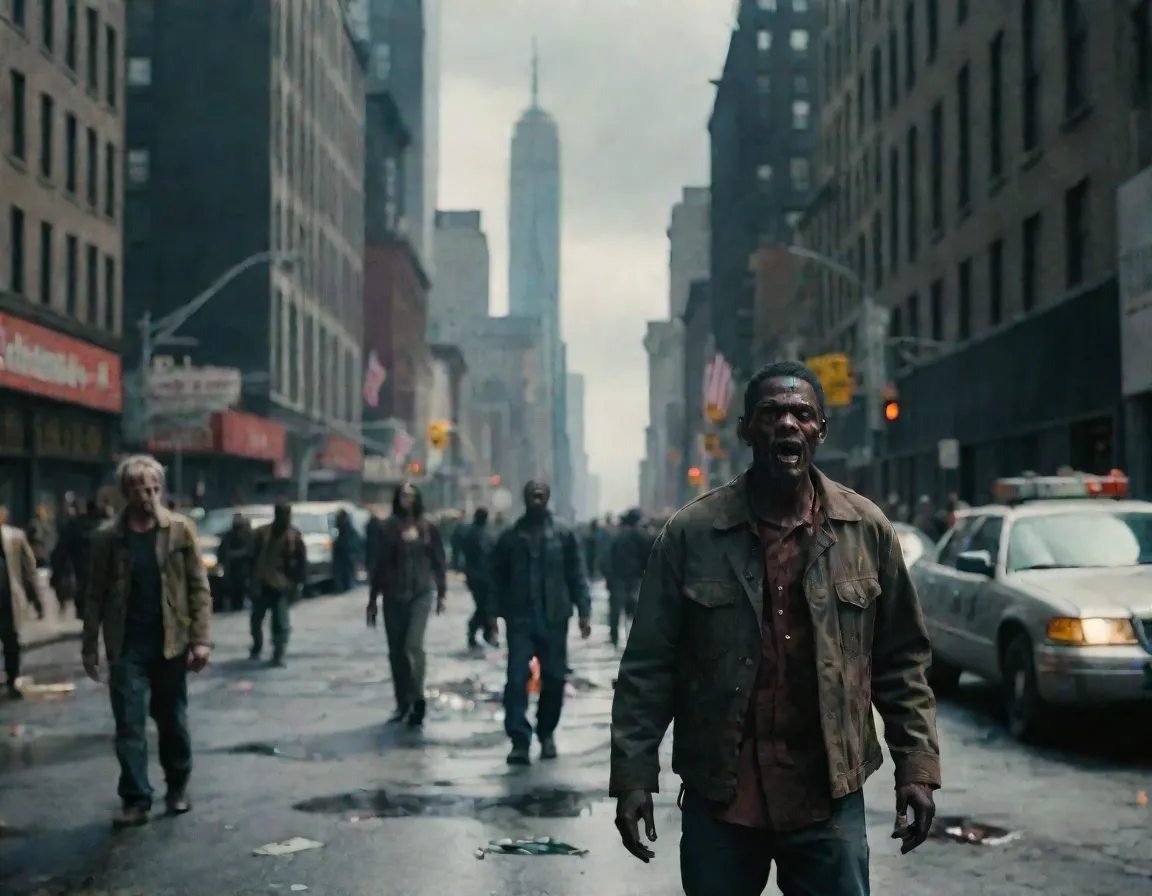
The Day Before failure, players are fleeing

It was heavily criticized in advance, but the question is whether The Day Before's worst time is now. Out of roughly 18,000 Steam reviews, 80 percent give the thumbs down for the early access release. Stupid AI, empty world and a bug fest are focal points of criticism. "Bad game, fun bugs", someone writes. "It turned out to be a real game. Wish in a way it wasn't like that", writes another.
It should be said that this is (huge?)early access, but the large open world promised doesn't seem to be very large or open. Also, it wasn't that long ago that developer Fntastic changed from 1.0 to early access. They have removed several old teasers.
Worse than the criticism (and a logical consequence) is that the players flee The Day Before. The peak of 38,104 at release gossips about many curious. The peak in the last 24 hours stands at 7,690 and at the time of writing, 2,642 is in. The trend is definitely pointing down, if we study the Steamdb curve.
Upon release, an enthusiastic Fntastic posted:
QuoteAfter five years of blood, sweat and tears, we can finally say these words: The Day Before is out now.
And maybe it's already out in the cold?
Recommended Comments
Join the conversation
You are posting as a guest. If you have an account, sign in now to post with your account.
Note: Your post will require moderator approval before it will be visible.