

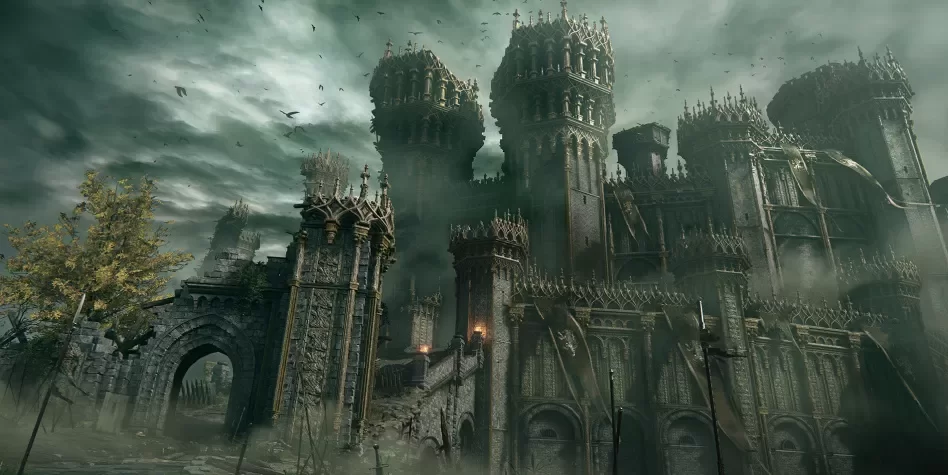
Elden Ring takes around 30 hours to complete

By SirMadsen
· 407 views
Elden Ring has gone gold and is thus most likely to be released as planned on 25 February. In an interview with the game's producer, Yasuhiro Kitao, he recently said that the game will be Dark Souls - difficult, but also less stressful. In the same interview, he also mentioned the length of the game, which is undoubtedly an important aspect for many players.
[su_quote]It will vary greatly from player to player, but when it comes to goals we set during the development, the idea is that the main route should be able to be completed in around 30 hours.
The game as a whole is very large and contains dozens more hours of gaming, but if we only talk about the main route, it should not take much longer than that.[/su_quote]
30 hours if you play through the plot without letting yourself be lured on wrong paths (an imminent risk), which can probably be classified as quite long. But just like Kitao says, it also tends to vary greatly depending on the player, especially if you have a predilection for dying 99 times per boss.
Will Elden Ring live up to the hype?
Recommended Comments
Join the conversation
You are posting as a guest. If you have an account, sign in now to post with your account.
Note: Your post will require moderator approval before it will be visible.