

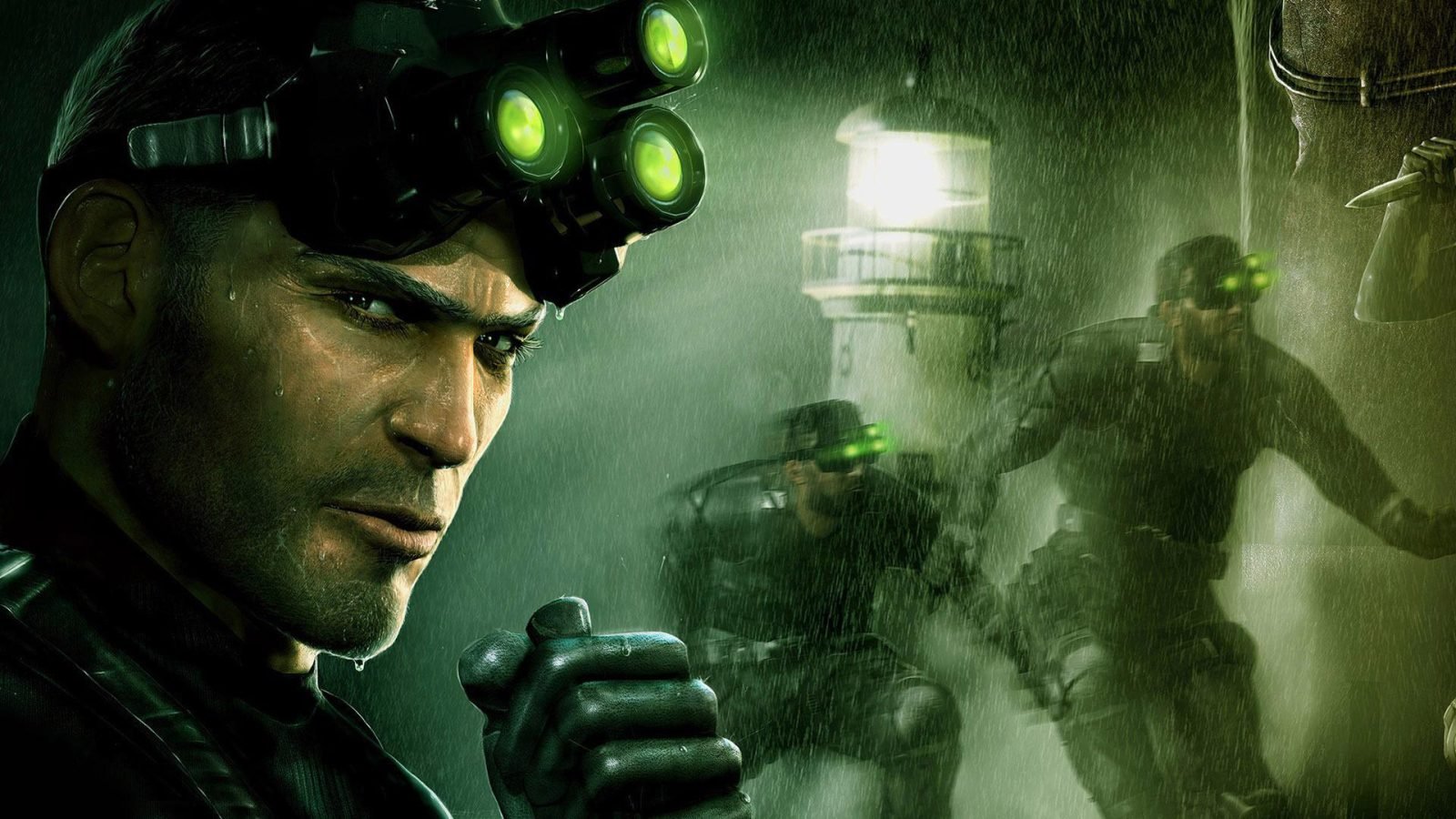
Splinter Cell remake will be "updated to a modern audience"

There will be no Splinter Cell in VR, but the remake of the first game is still happening. They have already said that the remake will be built from the ground up, and now it also seems that the plot will be updated.
In a job ad where Ubisoft is looking for a screenwriter, they write that they are compiling a team with passion and respect for the "three-focal glasses" and that this is a chance to be part of a popular series while delivering the next generation of graphics and modernized sneak mechanics. But they also write:
QuoteWith the first Splinter Cell game as the basis, we will rewrite and update the action for a modern audience. We want to retain the spirit and themes of the original game, while exploring our characters and the world to make them more authentic and credible.
Thus, we can probably expect to learn more about Sam Fischer, Anna Grimsdóttír and the other characters, although the basic act may remain as untouched as possible. In other words, at least the undersigned hopes to expand what already exists instead of writing about it.
Recommended Comments
Join the conversation
You are posting as a guest. If you have an account, sign in now to post with your account.
Note: Your post will require moderator approval before it will be visible.