


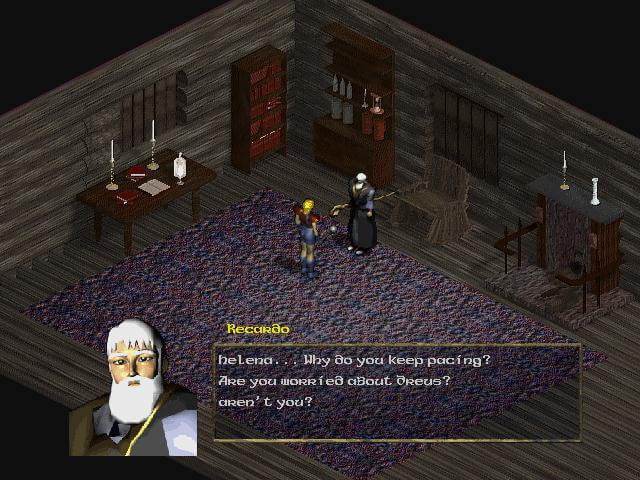
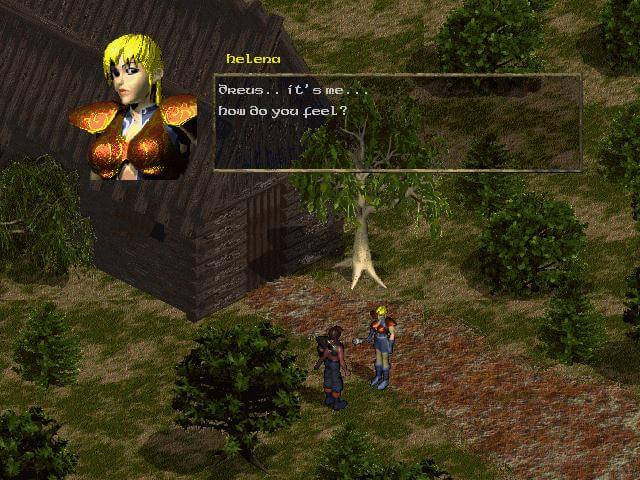
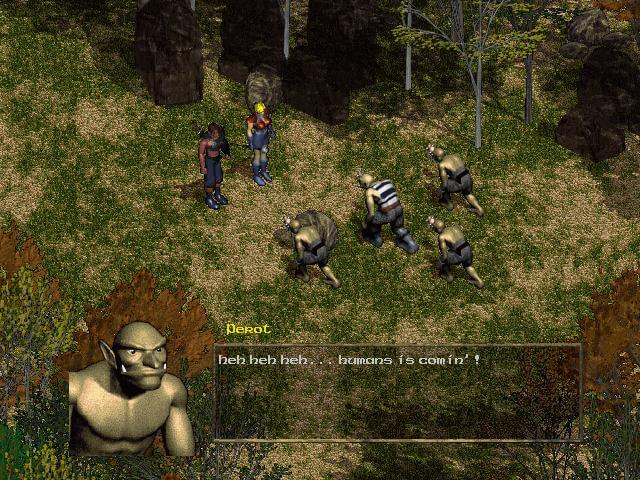
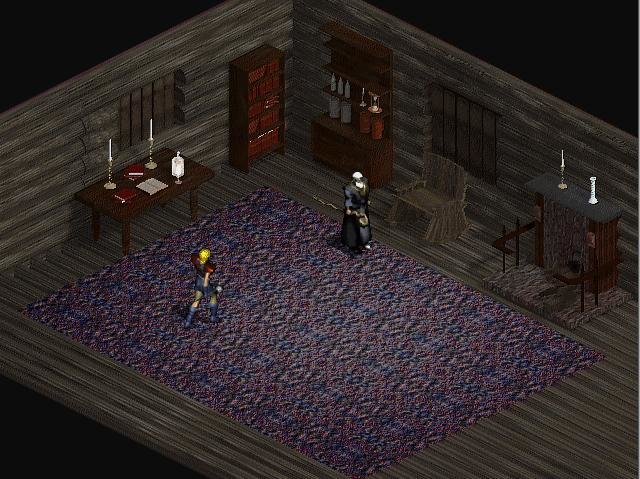
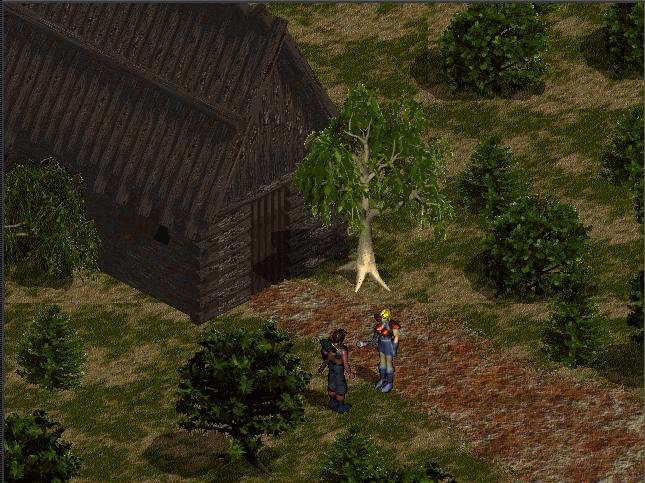
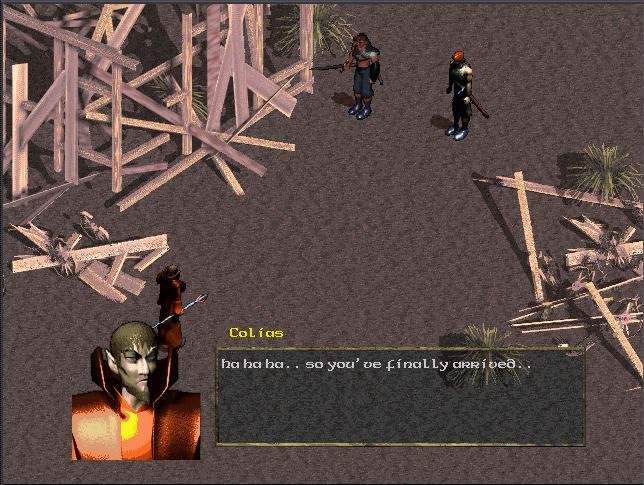
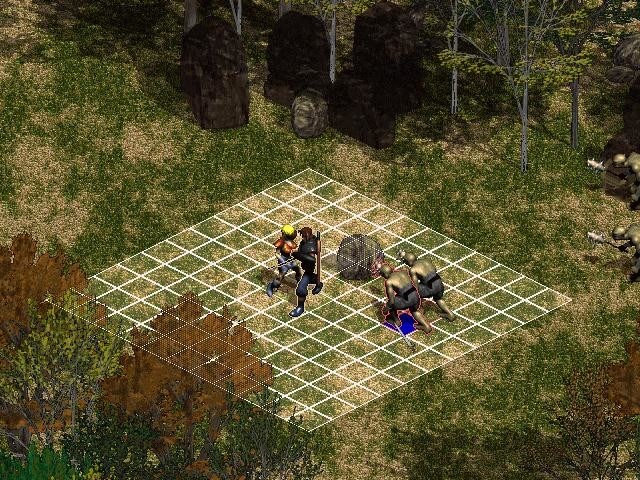
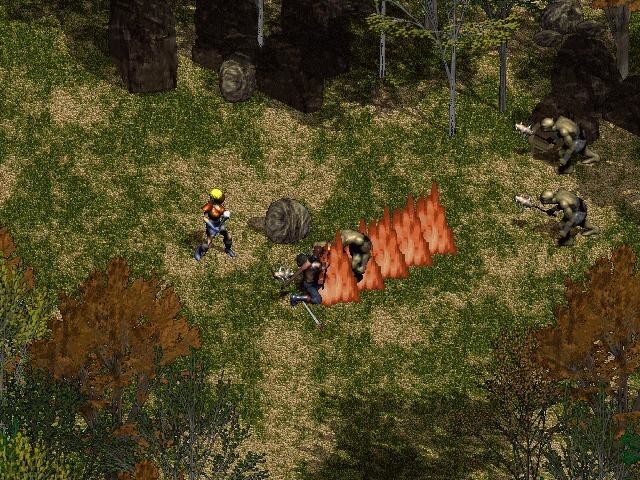
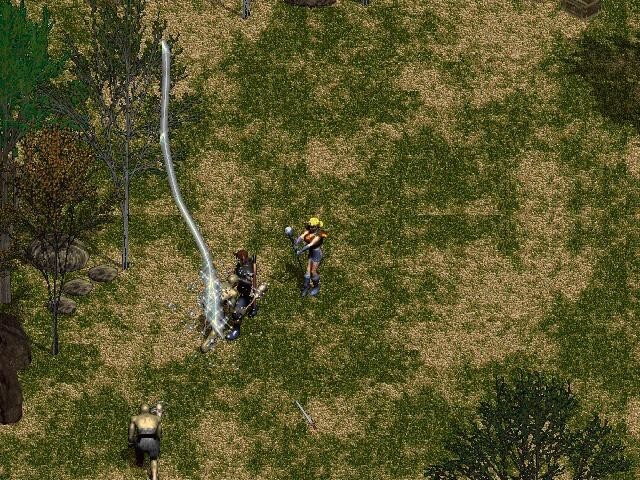
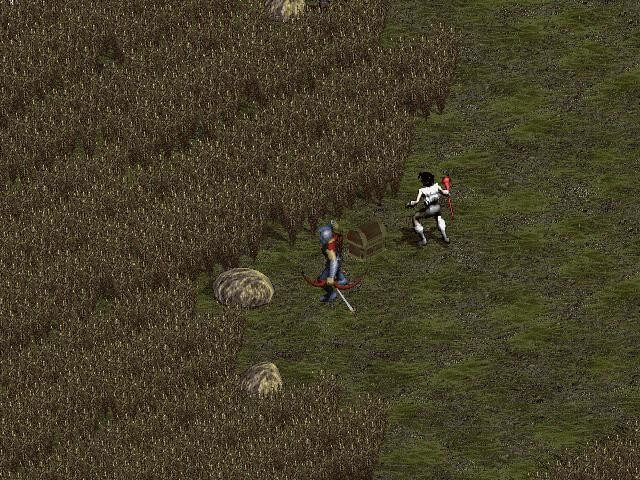
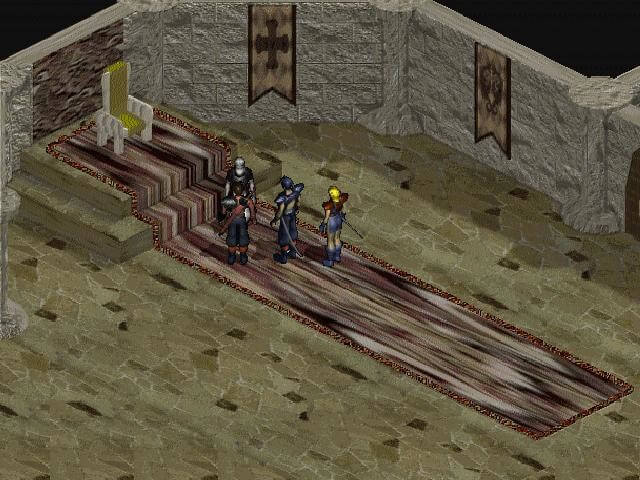
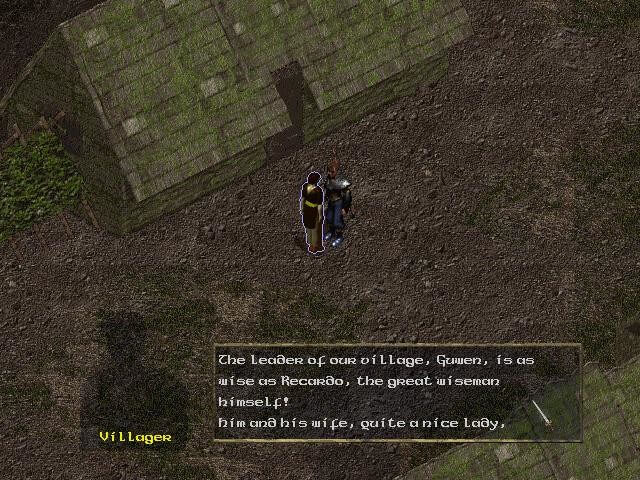
Once upon a time, deities fought over the continent of Icarus. The benevolent Tetheus has won, and the evil Ercanet was banished. However, things only got worse afterwards, as Ercanet was unable to forgive the humans for supporting Tetheus. He corrupted the souls of people and populated the continent with terrifying beasts, acting through his emissary, the wizard Colias. The Coshark mercenaries tried to oppose Colias, but only one of them, a young man named Dreus, survived. Together with his fiancee Helena, Dreus embarks on a quest to stop the evil and restore peace.
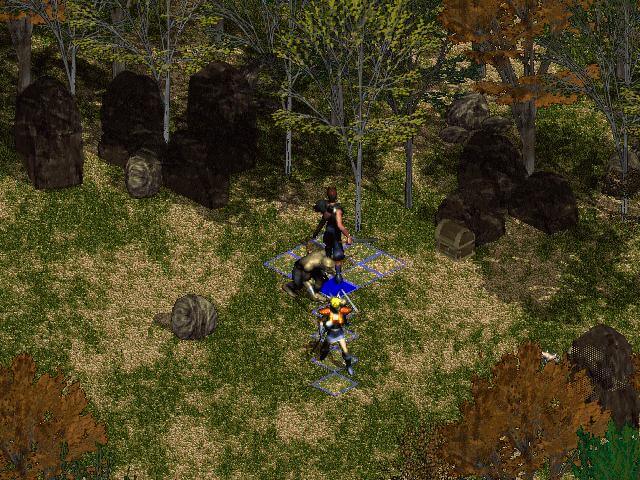
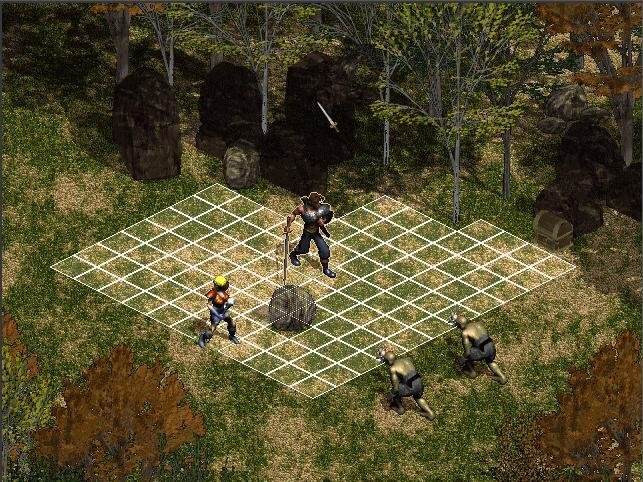
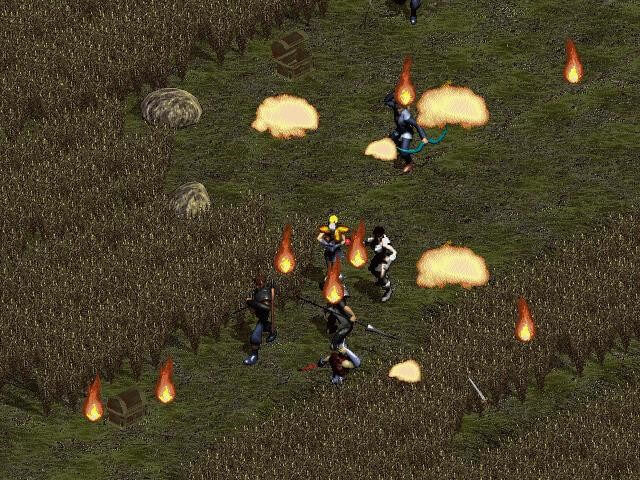
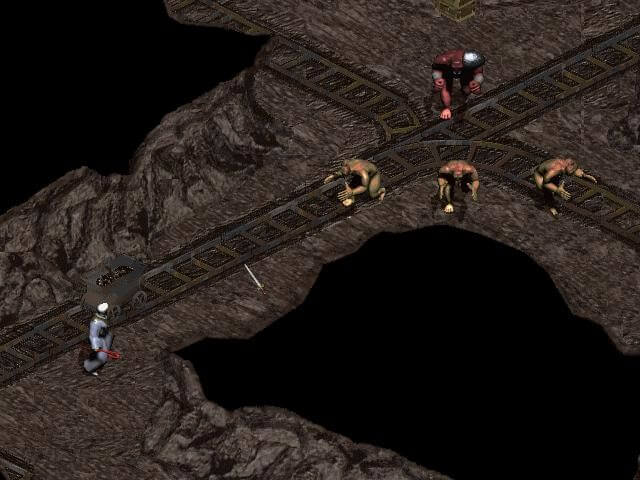
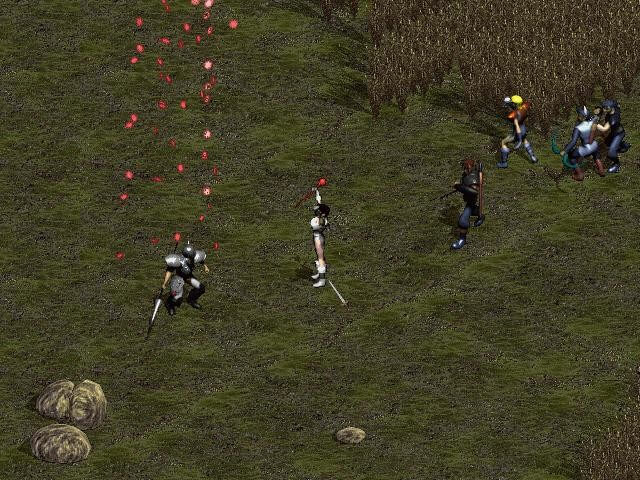
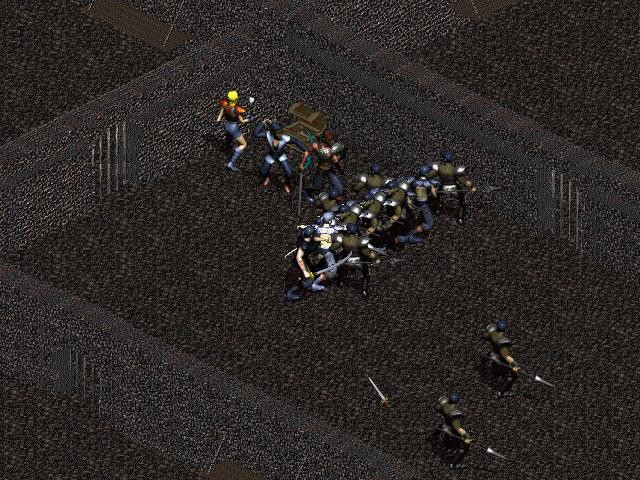
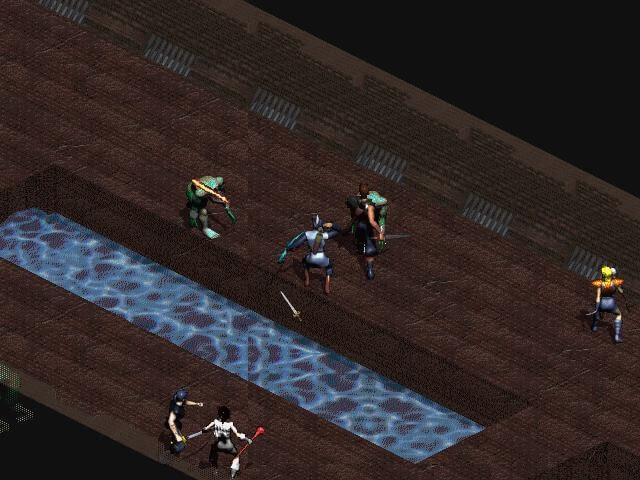
Like many Korean RPGs, Icarus: Sanctuary of the Gods has many elements from Japanese-style RPGs. The narrative is character-driven; various characters join the party over the course of the story, playing their own parts in it. Story advancement is quite linear. The game's visual style is reminiscent of Japanese manga and anime. Combat is turn-based, taking place on large screens, on which the player navigates the characters and assigns commands to them.
Developer(s)
Publisher(s)
Theme(s)
Fantasy
Turn-based
There are no reviews to display.