Jump to content
Only guests see ads. Create a free account and/or log in for a complete ad-free experience.
Message added by SirMadsen,

There is a bug in versions 120+ of Edge Portable. Well, it's not really a bug, it's a security feature that affects the portable version of Edge. You might not be able to run this software on updated Windows devices. For more information read THIS Reddit thread.

2 Screenshots

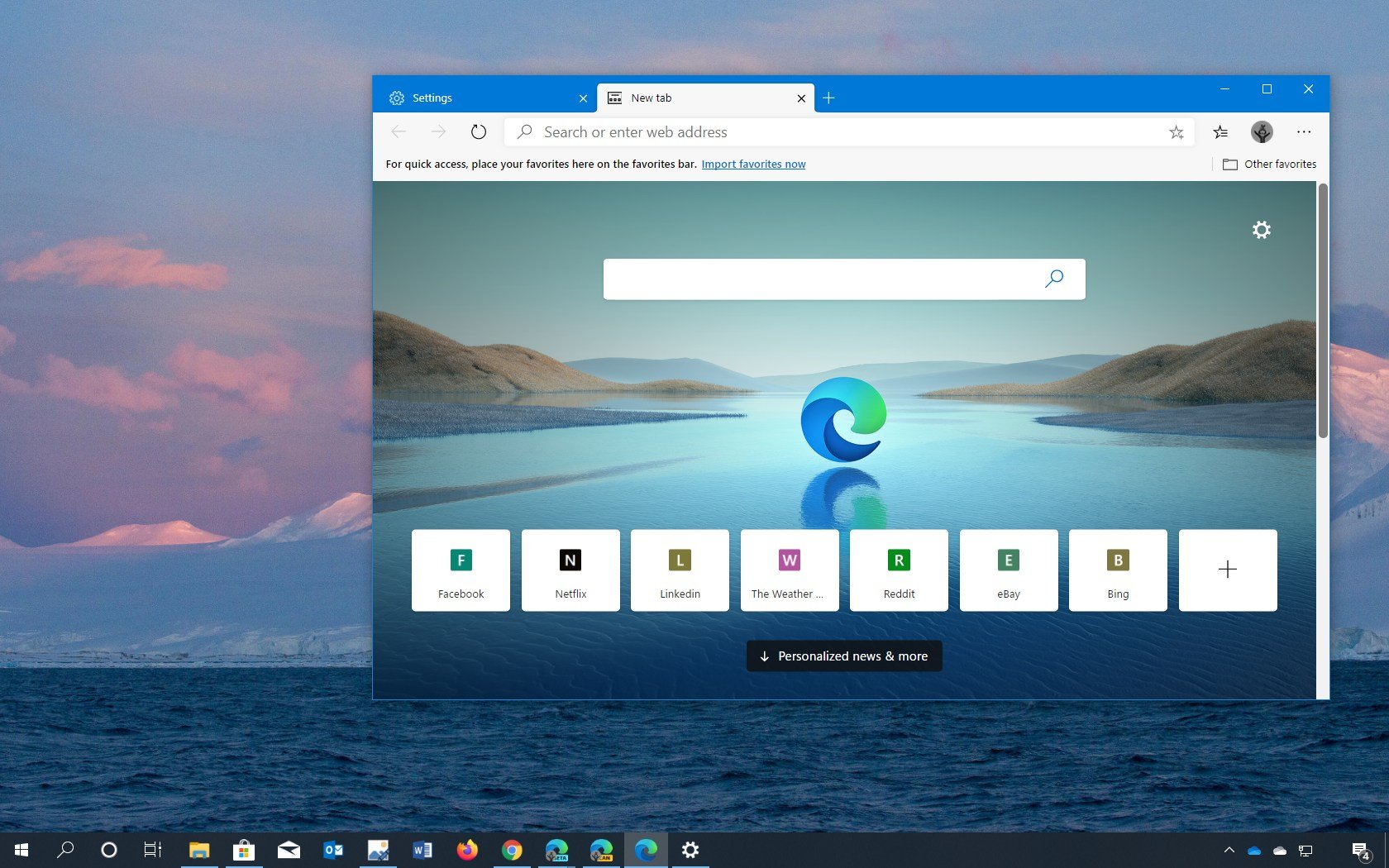
This installer will download and run the latest version of Microsoft Edge in the variant of your choice. When download is complete and you run for the first time you get to choose if you want to run the browser in portable contained mode or portable for all users using a shared folder.

All credit go to Github user UndertakerBen.

What's New in Version 1.5.0.0

Released

No changelog available for this version.

User Feedback

There are no reviews to display.

This title on this page are offered with the knowledge that it is currently freeware and/or abandonware. If the status of the title changes, or you would like these files removed, please do not hesitate to contact us.

Only guests see ads. Create a free account and/or log in for a complete ad-free experience.

Important Information

We have placed cookies on your device to help make this website better. You can adjust your cookie settings, otherwise we'll assume you're okay to continue. Read our Terms of Use and Privacy Policy for more information.

Configure browser push notifications

Chrome (Android)
  1. Tap the lock icon next to the address bar.
  2. Tap Permissions → Notifications.
  3. Adjust your preference.
Chrome (Desktop)
  1. Click the padlock icon in the address bar.
  2. Select Site settings.
  3. Find Notifications and adjust your preference.