


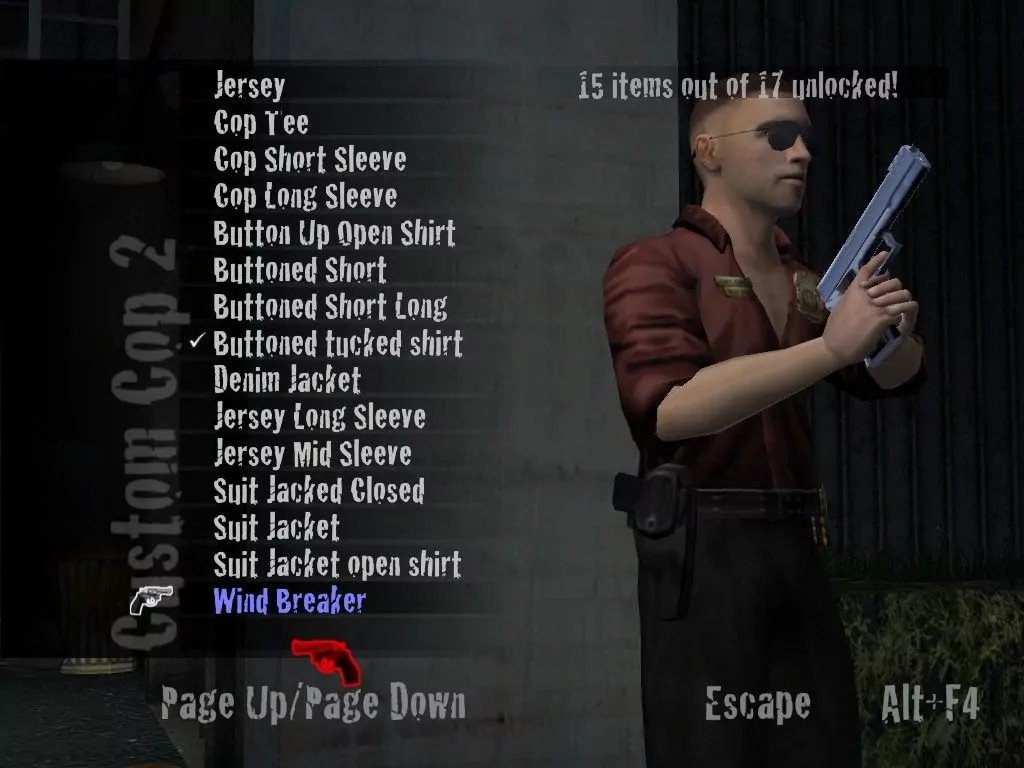
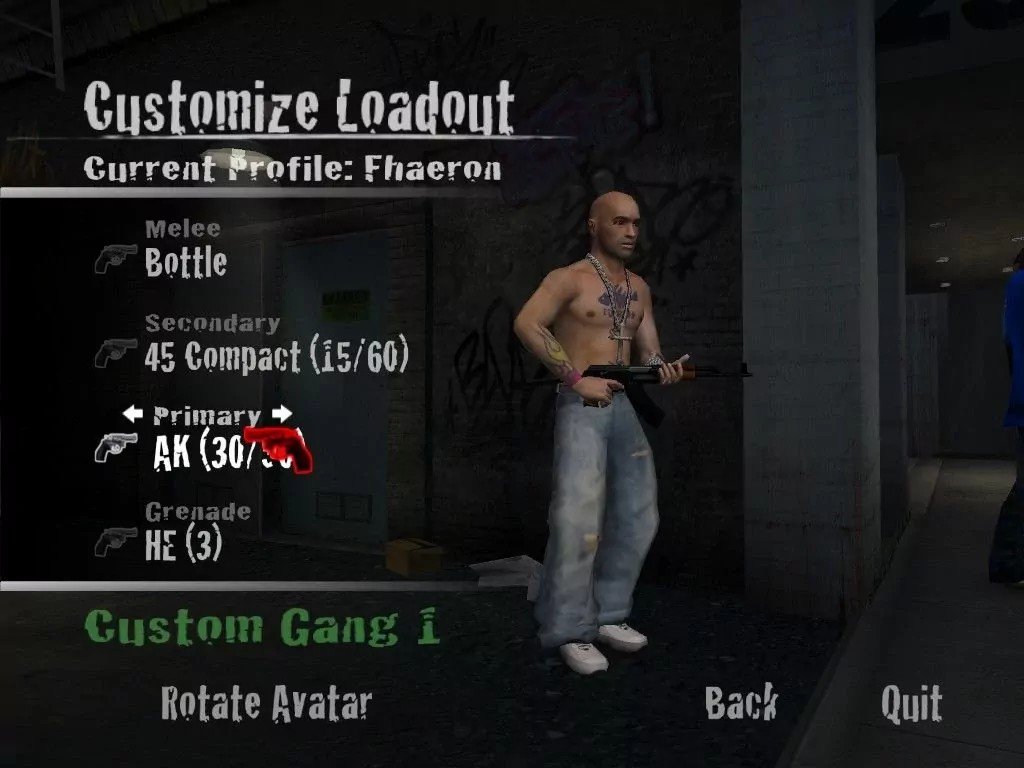
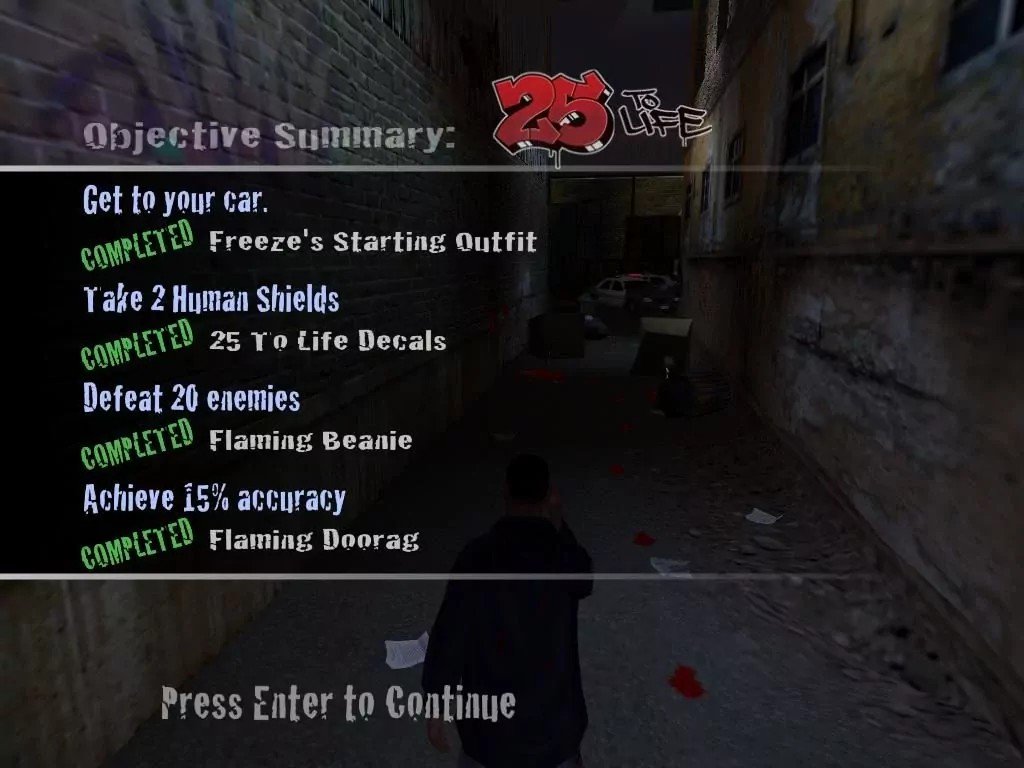
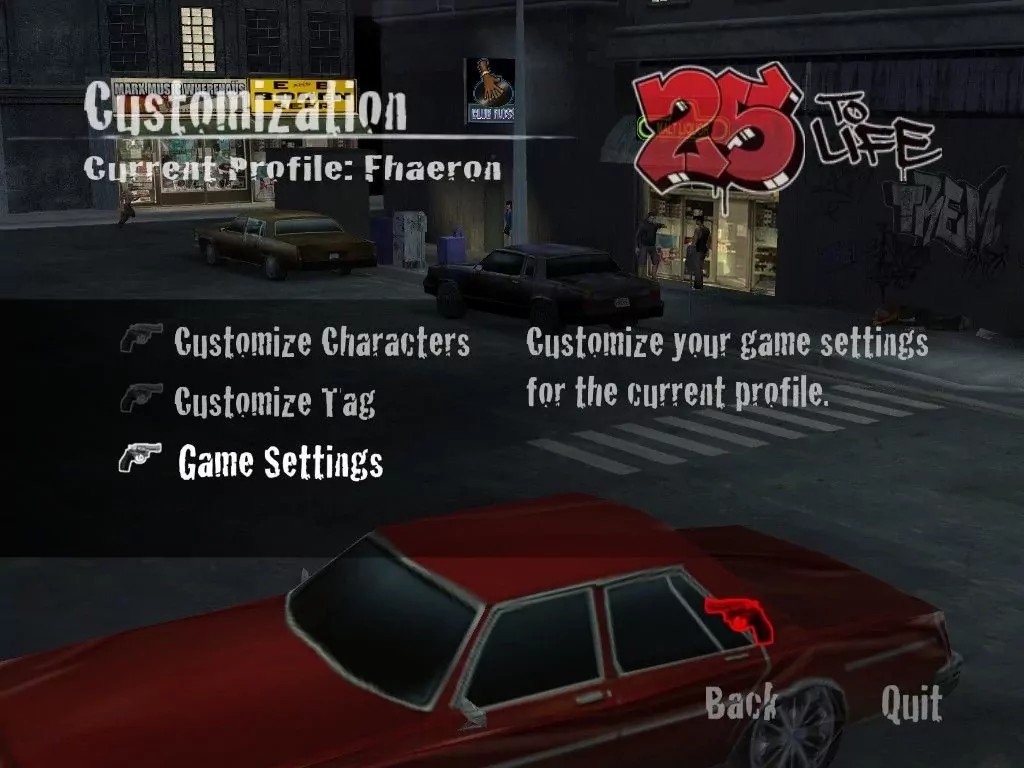
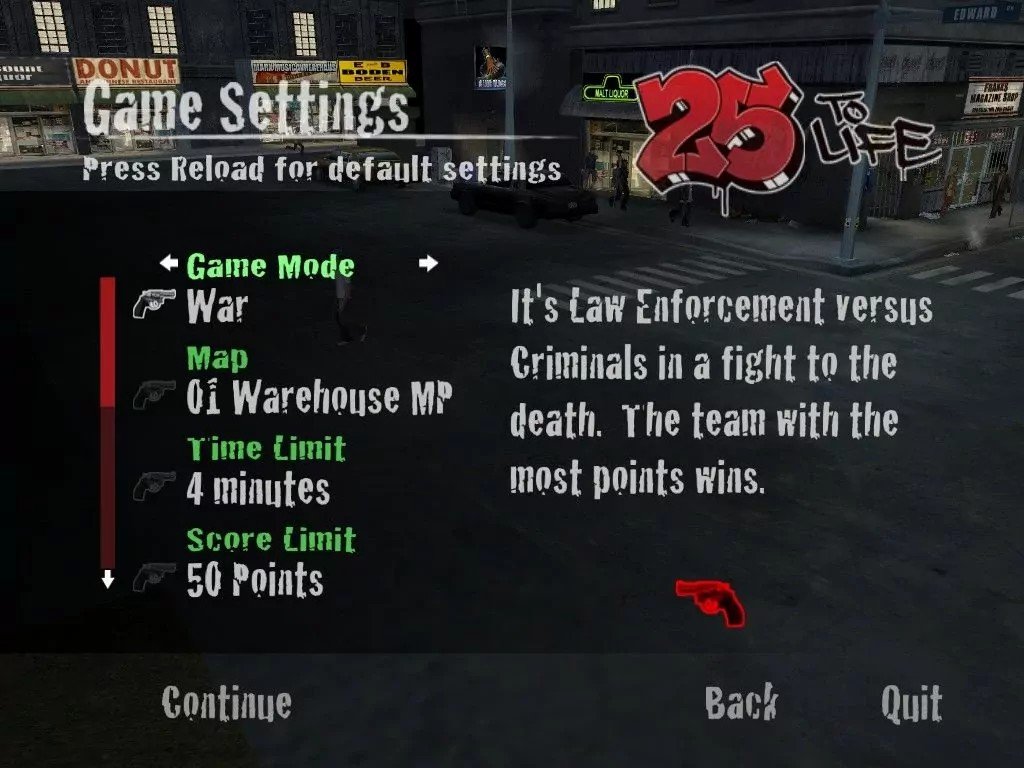
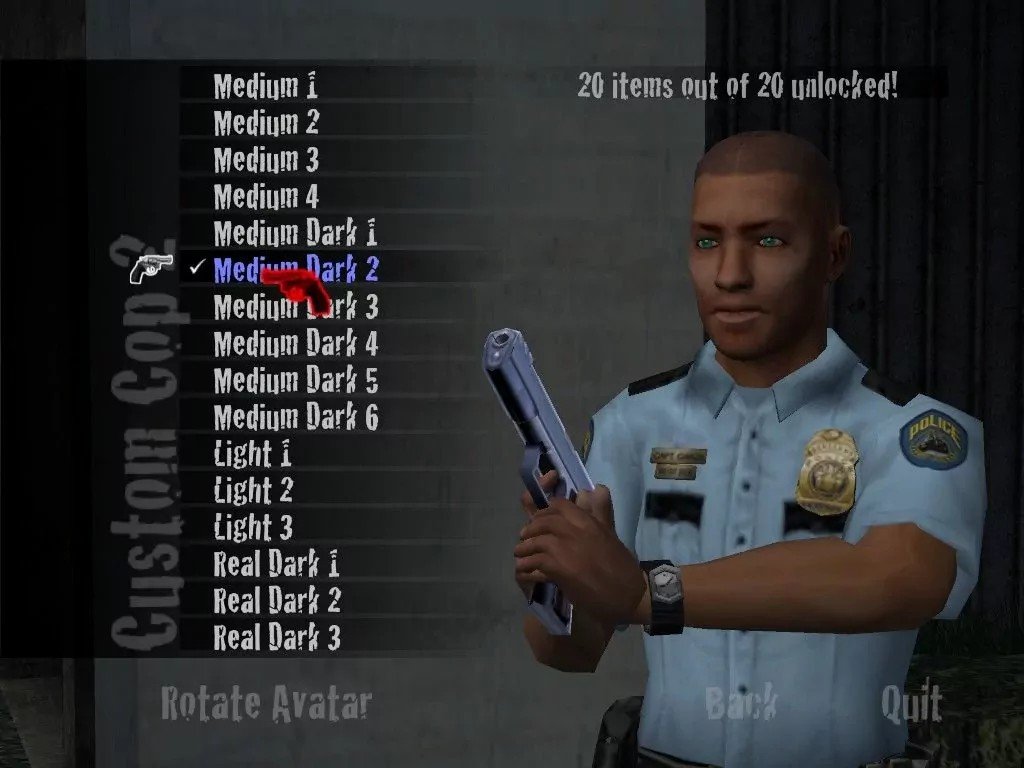
25 to Life is a third-person shooter video game developed by Avalanche Software and Ritual Entertainment and published by Eidos Interactive for Microsoft Windows, PlayStation 2, and Xbox and released in 2006.
Set in a modern environment, the game allows the player to play as both a cop and a gangster, at different times, in a "cops and robbers" style game. The game can be played online with up to 16 players.
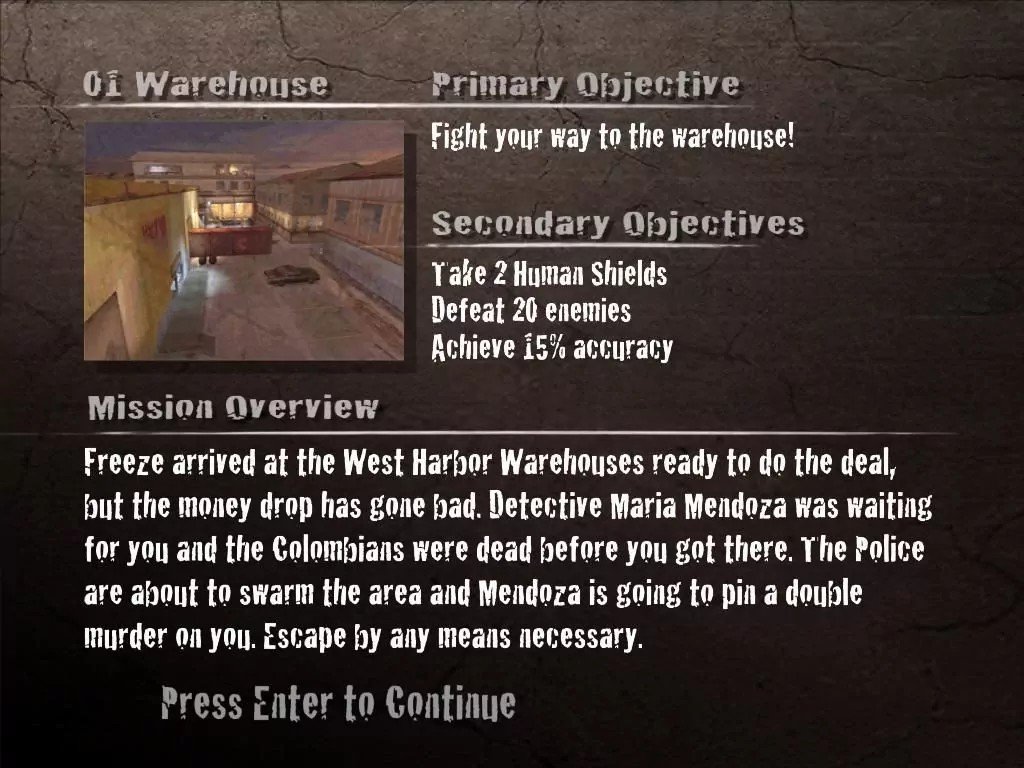
The game is about a man named Freeze, his friend Shaun Calderon, and a police officer, Officer Williams. The game features three playable protagonists during single player campaign in the game. Freeze commits crimes with Shaun to get money, which he promptly spends for his family while Officer Williams is trying to stop at all costs the organized crime and felony across the city of Las Ruinas (based on Los Angeles).
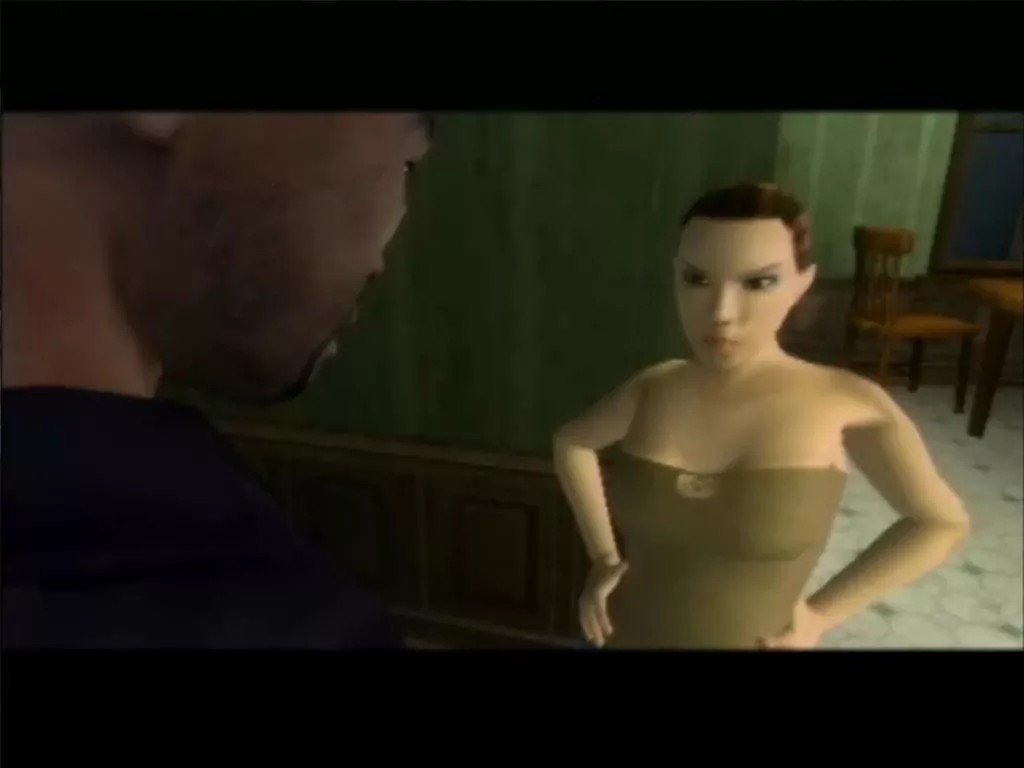
One night upon returning home, his wife confronts him about these actions. Saying they are a bad influence to their son, she wants him to stop. After an argument, he agrees. The next day, he tells Shaun he wants out of the game. Shaun levels a gun on Freeze, informing him that he must do one last "job"—a narcotics trade.
Developer(s)
Publisher(s)
Theme(s)
Shooter
There are no reviews to display.