

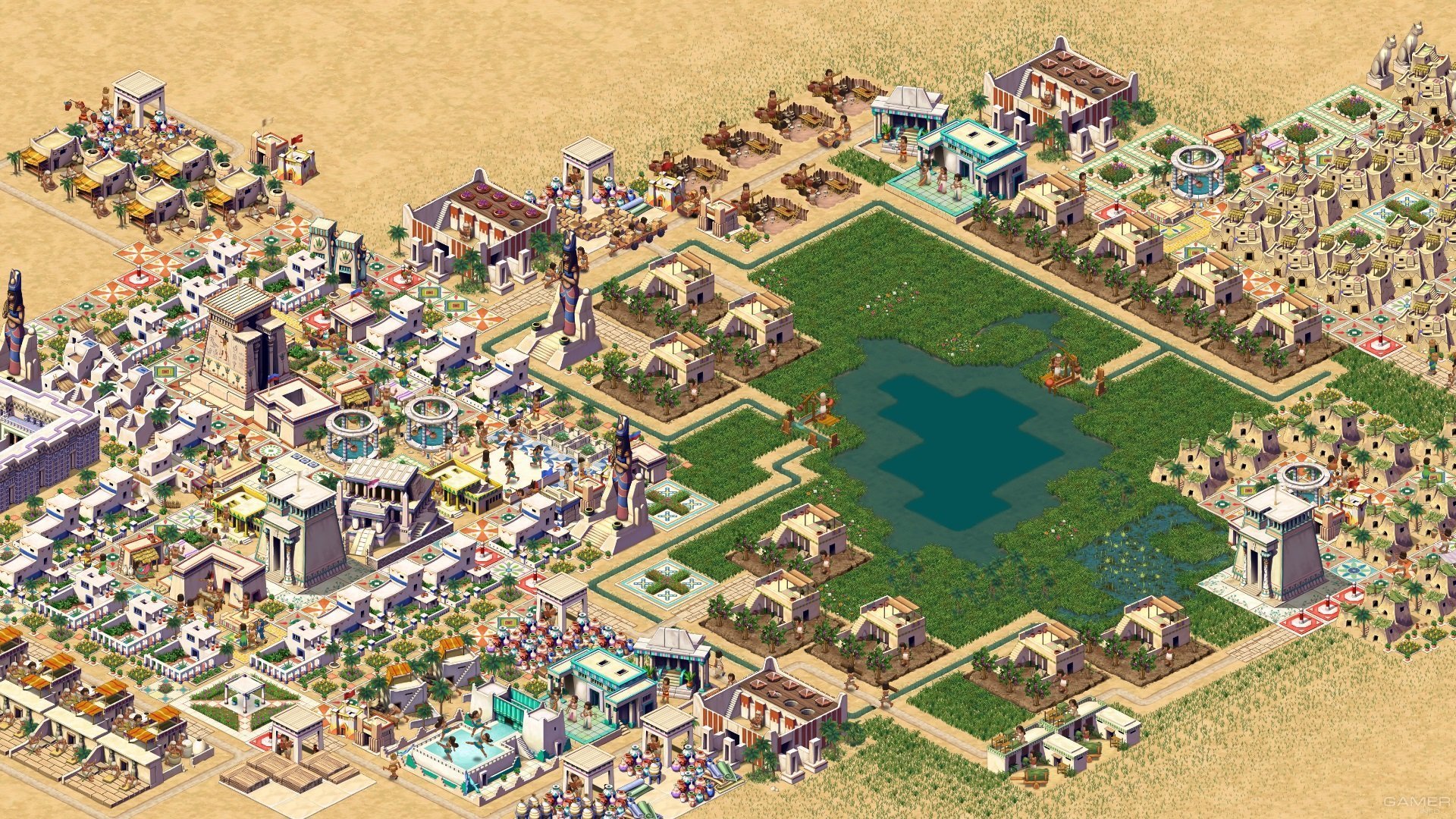
The remake Pharaoh: A New Era shows off its pyramid splendor in a 4K trailer

By SirMadsen
· 452 views
It feels a little funny that Pharaoh, a game about ancient Egypt, has the title A New Era. But! At the same time, we must remember that the game is a remake of Pharaoh that was released at the end of the last millennium. A lot is similar in the remake that "soon" will be released on Steam. The isometric perspective is in place, and the gameplay seems pretty untouched. Graphically, however, it is polished.
The new 4k trailer shows the evolution from 1999 to today, and a lot has happened. The team reveals in the trailer description that the interface has received a boost. The package also includes the expansion from 2000, Cleopatra: Queen of the Nile. All in all, we will be offered many hours of strategy.
"The game's campaign challenges players to develop cities throughout six different periods of ancient Egypt, building up trade centers, grand cities, and more. Pharaoh: A New Era includes the 2000 expansion, Cleopatra: Queen of the Nile, bundling more than 100 hours of gameplay, 53 missions, a full map and mission editor, and a Free Build mode into the ultimate celebration of the original genre-defining classic."
There is no release date, but "soon" still sounds pretty optimistic.
Recommended Comments
Join the conversation
You are posting as a guest. If you have an account, sign in now to post with your account.
Note: Your post will require moderator approval before it will be visible.