

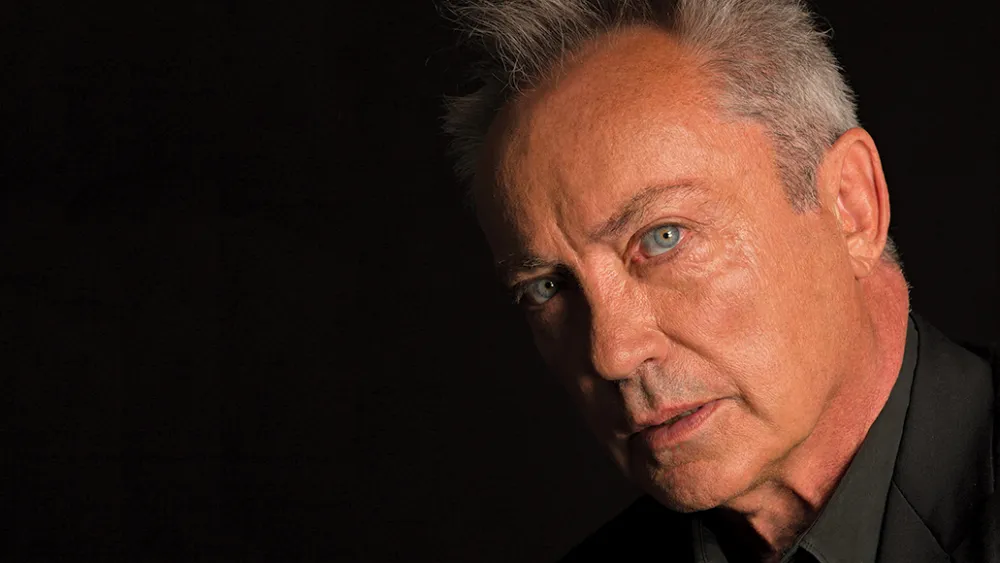
Udo Kier has passed away – mourned by Hideo Kojima

By SirMadsen in Movies & TV
· 203 views
Known as Yuri Command & Conquer. Role in Kojima's OD.
German actor Udo Kier has passed away, aged 81. He was known for a number of films and television series, but in the game world he is of course immortal in the role of Yuri in Command & Conquer: Red Alert 2 and the expansion Yuri's Revenge. He also had roles in Call of Duty: WWII (2017) and Martha is Dead (2022). His voice and face would also have been part of Hideo Kojima's upcoming OD.
It is unclear what is happening with Udo Kier's role in OD now. Is it completely ironed? Is a new ability being brought in? Do you manage to do something with what you have recorded so far (how much or how little is unclear)? It remains to be seen.
Kojima does not give any information, but today he wants to pay tribute to Udo Kier instead for the "icon" he was.
Udo wasn't just an actor. He was truly an icon of his time. We have lost a big icon. There will never be anyone like him. Udo, rest in peace. I will never forget you.
Kojima writes on X that he "lacks words" and that "everything happened so suddenly". How much recorded material for OD is available is unclear, but it has not been possible to record "for a long time", says Kojima.
Because of the strike, we couldn't record OD for a long time, and we were forced to move the recording to the next year. Even during this time, Udo and I frequently exchanged mail. We kept in close contact. When we met in Milan at the end of September, he told us how much he was looking forward to filming starting again next year. He was full of energy then too and made me laugh with his usual "Udo-isms."
Rest in peace, Udo Kier. Thanks for everything.
Recommended Comments
Join the conversation
You are posting as a guest. If you have an account, sign in now to post with your account.
Note: Your post will require moderator approval before it will be visible.