

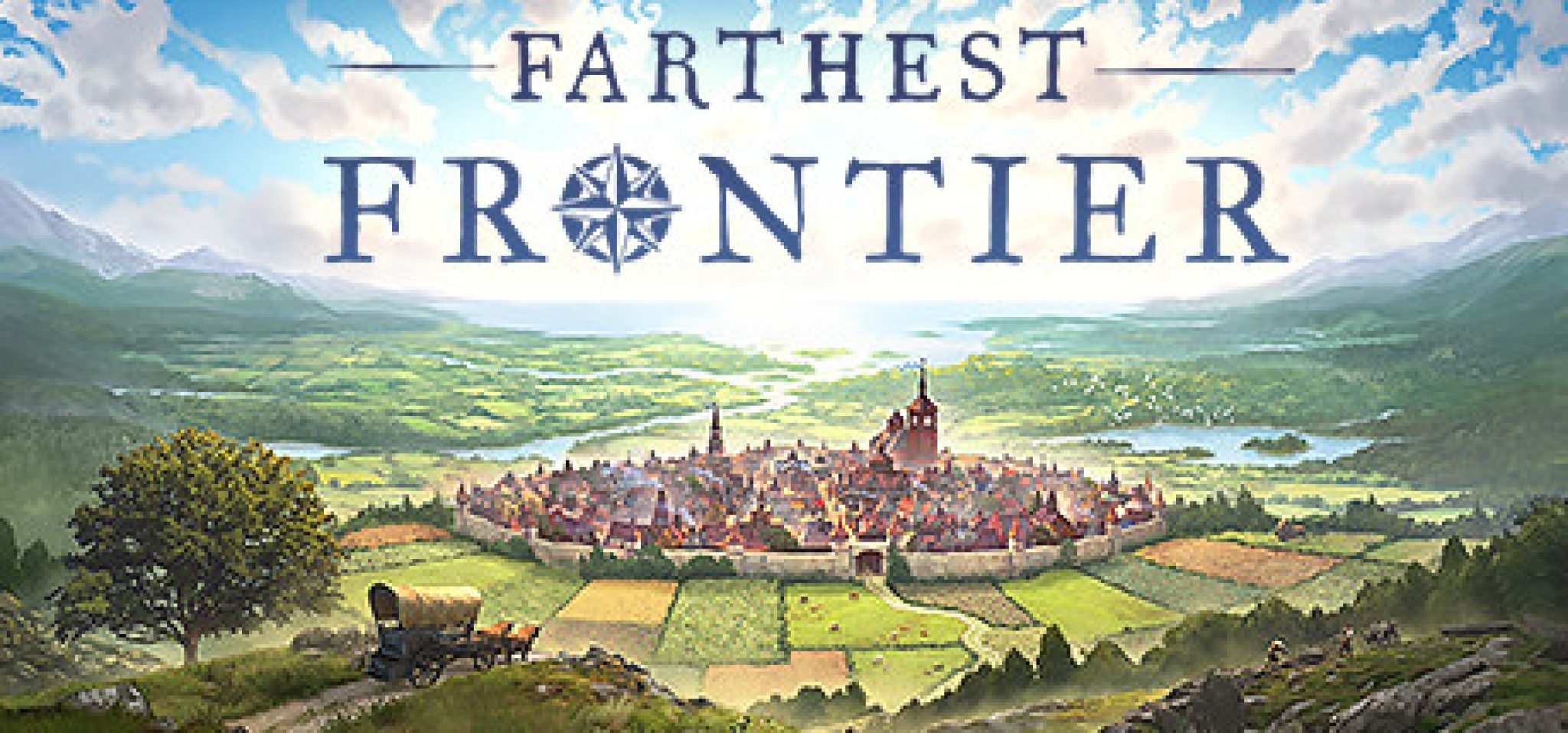
Watch the trailer for the Grim Dawn developers city builder game Farthest Frontier

By SirMadsen
· 403 views
The developer Crate Entertainment has so far only Grim Dawn on the merit list, even if it is not so "just". The game and its expansions have become very popular, but now it's soon time for Crate Entertainment to release its second game. It goes by the name Farthest Frontier, and is a city builder in medieval environments that was announced last year.
The first gameplay trailer is now here, and shows how we will be able to go from a smaller, undeveloped settlement to a full-fledged medieval city. However, the journey there is not likely to be completely smooth, and in addition to the obligatory production of food, we must also beware of fires, wild animals and attacking bandits. We will be able to grow ten different crops, and will be able to use crop rotation to keep the soil fertile. Frost and heat are also aspects we must take into account.
The game will be released in early access on Steam this year, where it will probably remain for 4-8 months, depending on how much needs to be changed or added. They estimate that there will be around ten hours of content at the early access release.
Recommended Comments
Join the conversation
You are posting as a guest. If you have an account, sign in now to post with your account.
Note: Your post will require moderator approval before it will be visible.