

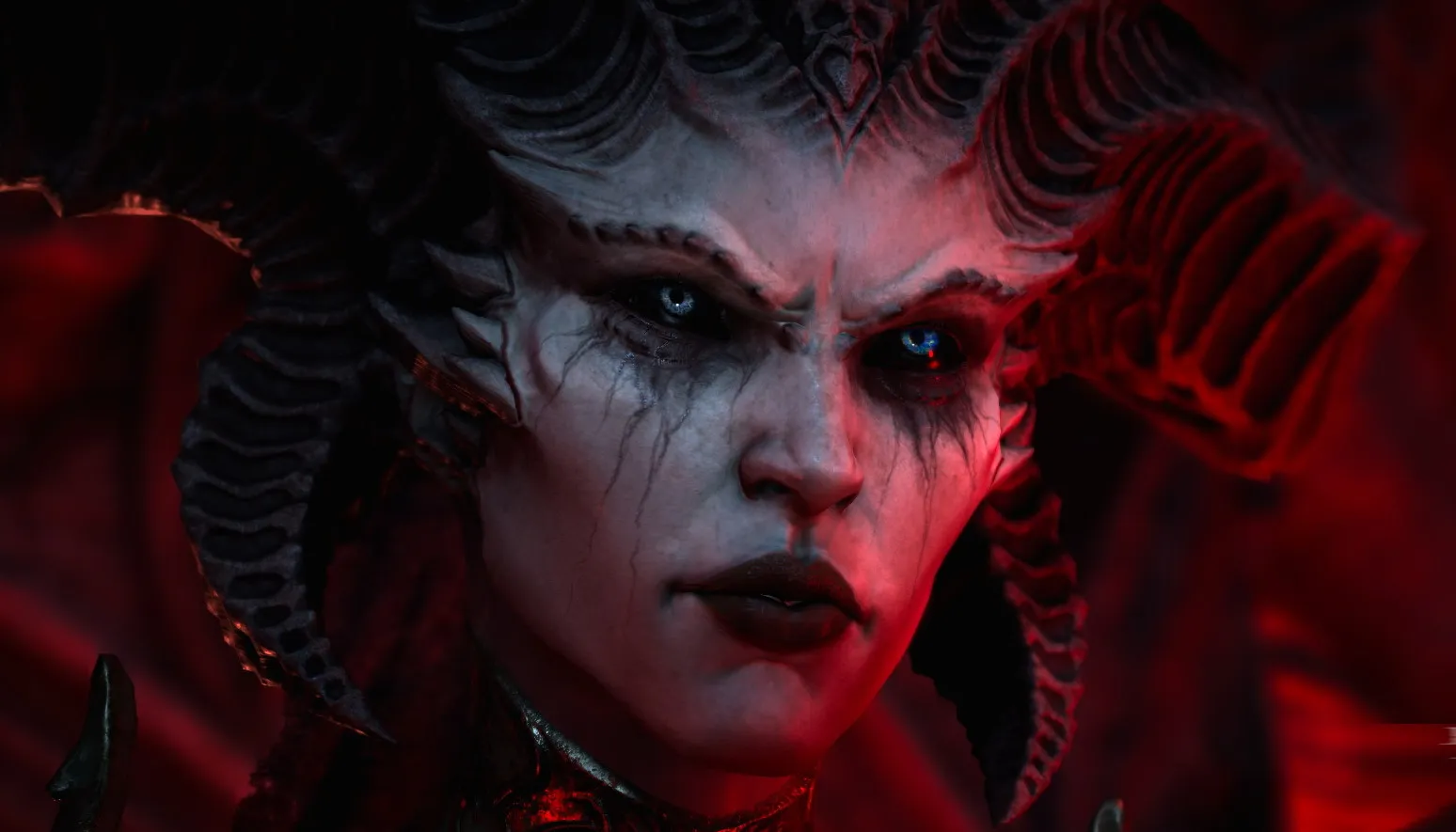
Rumor: Diablo 4 will be released in June

This year’s The Game Awards will be broadcast soon. So expect the week ahead to be filled with noble thistles and tassels – and now smoking hot stuff is coming from a diabolical direction.
According to several sources, including Insider Gaming, we should prepare for big Diablo IV news during The Game Awards, when “more than 100 journalists” will have had the chance to both see and test the game in advance. Journalists should be encouraged to watch the Game Awards, when news will be released.
Glitched reports that we may get dates during the show. Windows Central’s Jez Corden says for his part that the big announcement is about those who pre-order getting early access to the beta. There have previously been whispers of a release announcement during the Game Awards, and April was highlighted as the release month. Corden believes that it could rather be a window from April to June.
June can therefore be the logical release month.
"I’ve heard the earlier reported April 2023 launch date for Diablo 4 might have represented the earlier end of a launch window, with some recent rumors I’ve received suggesting the launch date could in fact be June.
Recommended Comments
Join the conversation
You are posting as a guest. If you have an account, sign in now to post with your account.
Note: Your post will require moderator approval before it will be visible.