

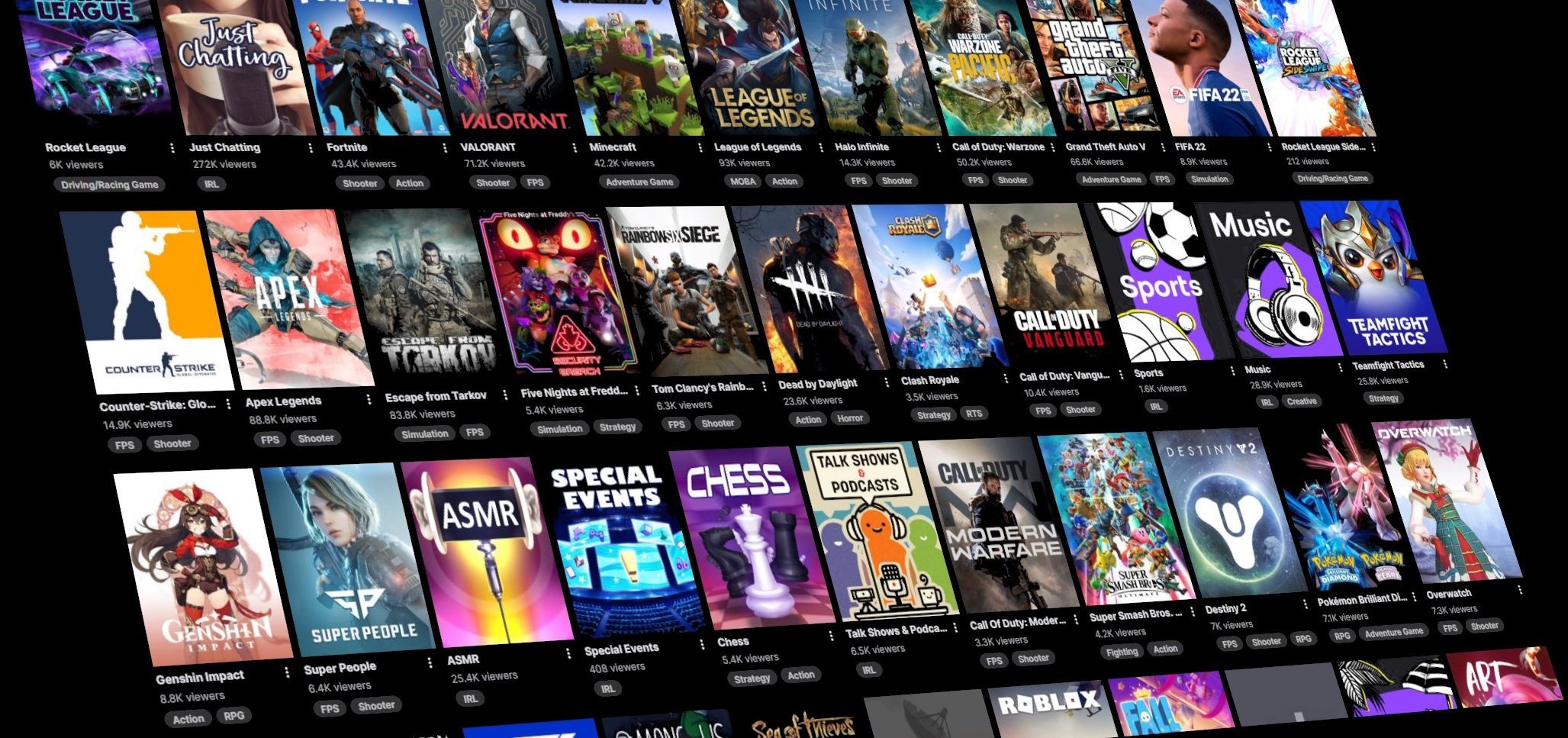
This year's most popular game on Twitch: Grand Theft Auto 5

By SirMadsen
· 352 views
Streamelements has released its State of the Stream review for 2021. Among other things, we see that the number of streamed hours on Twitch increased sharply compared with the year before. In 2021, we have streamed 24 billion hours, while the sum for 2020 was "only" 17 billion. Streaming on Facebook has also increased, from 3.6 billion to 5.3 billion hours.
When it comes to individual games, it is Grand Theft Auto 5 that has established itself in this year's first place, with 2.1 billion streamed hours. It is followed by League of Legends, with 1.8 billion hours, and then Fortnite, with 1 billion hours. The biggest debut game was in turn New World, with 259 million hours and an 18th place on the list of teams.
However, gaming has not been the biggest category on Twitch during the year - not in the long run actually. Instead, it was "Just Chatting" that snagged that honor, with 3.1 billion hours. As the name suggests, it is a category where you mostly sit and talk, and many game streamers hang out there between their game sessions to talk to fans, among other things.
Recommended Comments
Join the conversation
You are posting as a guest. If you have an account, sign in now to post with your account.
Note: Your post will require moderator approval before it will be visible.