



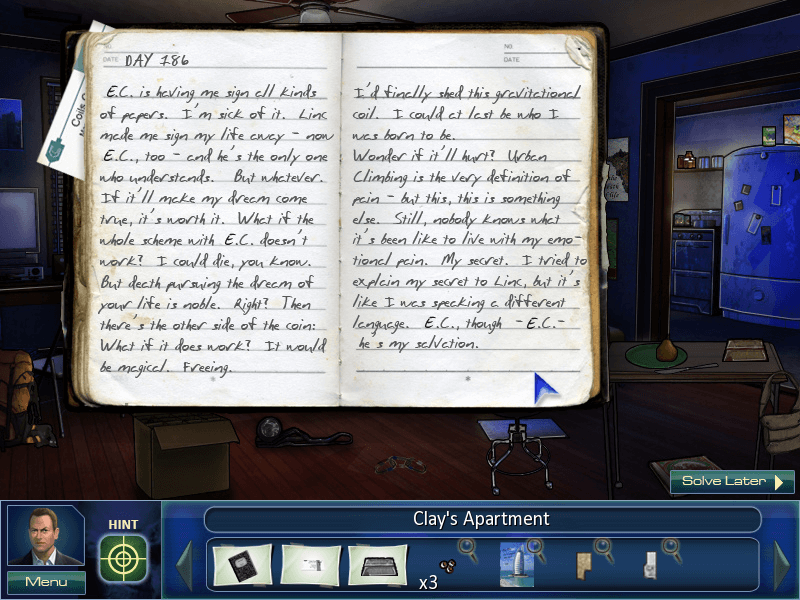
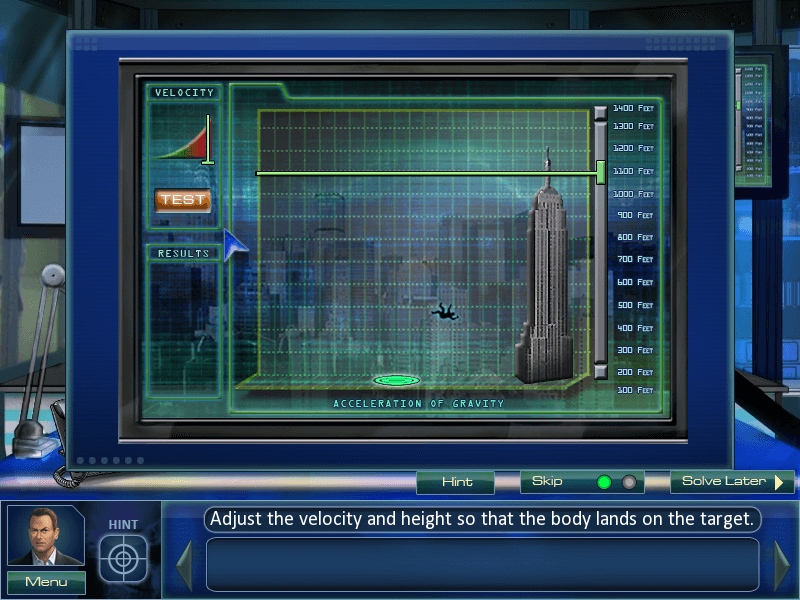
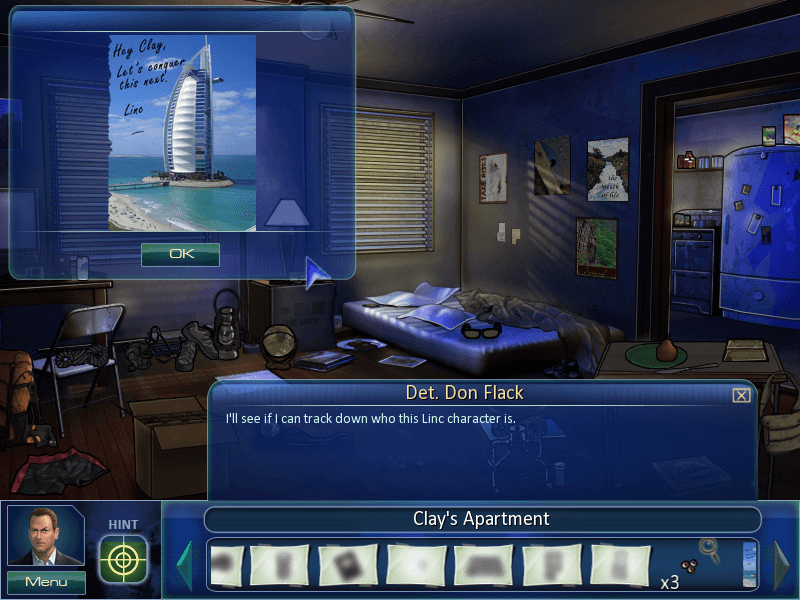
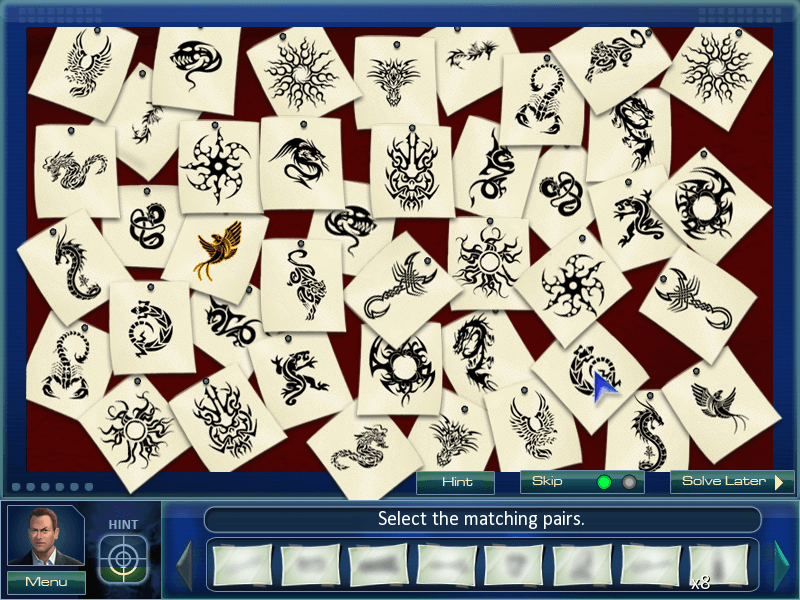
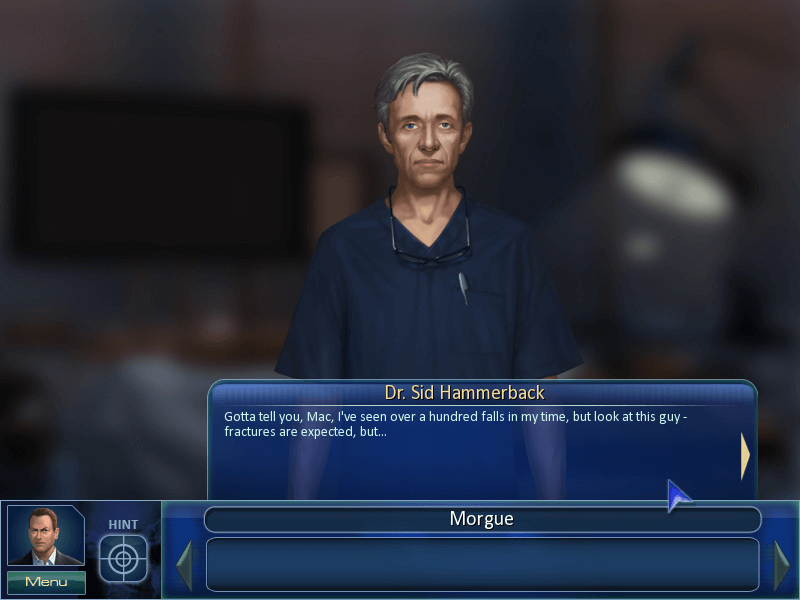


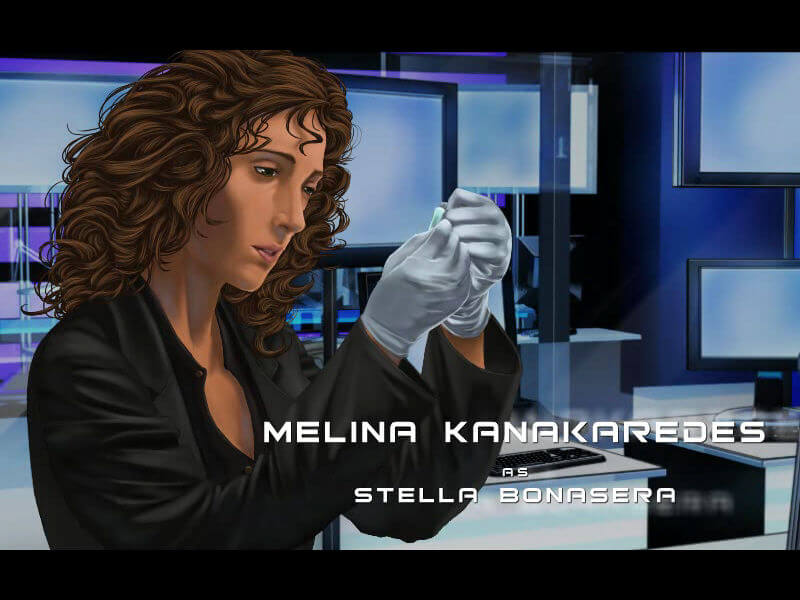

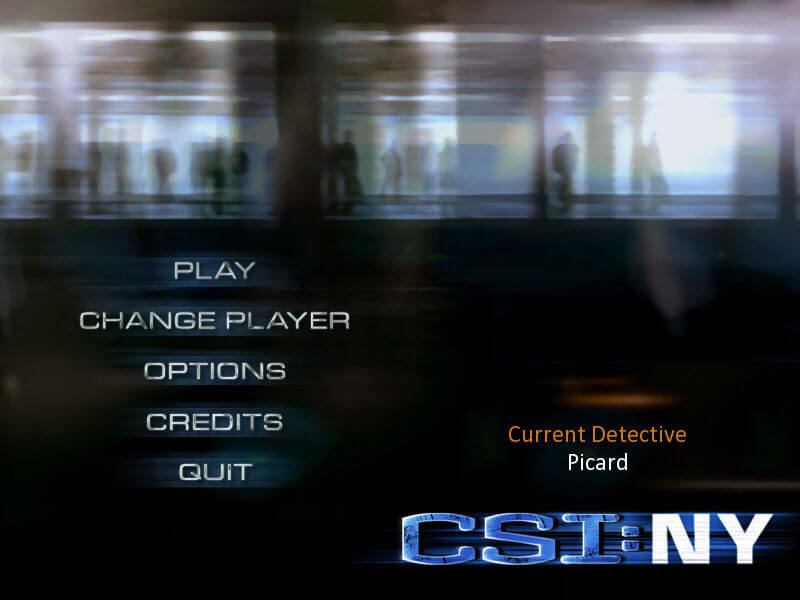
In CSI: NY - The Game, the players plays alternately as detectives Mac Taylor and Stella Bonasera as they solve original murder cases written by the television show writers. The player will meet the coroner and all of the lab techs who star in the show, featuring the real-life actors and actresses voices for all of the characters in the game.
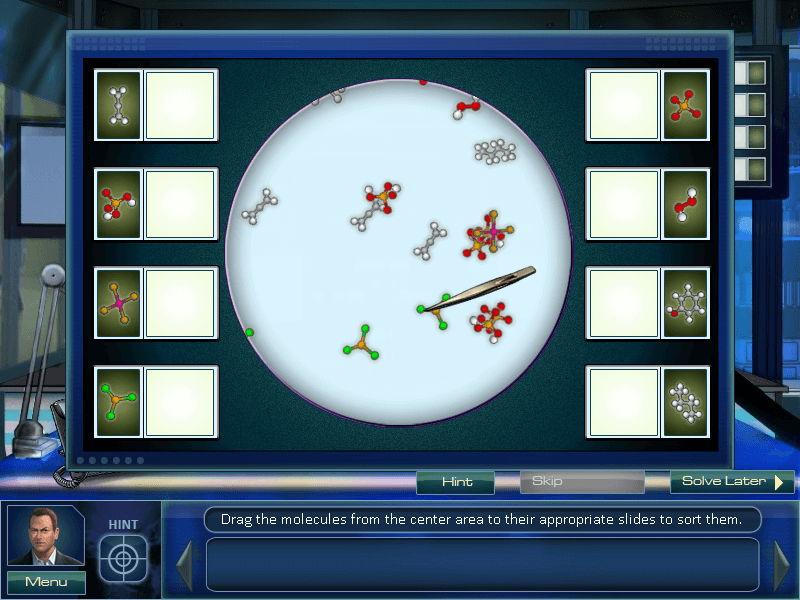
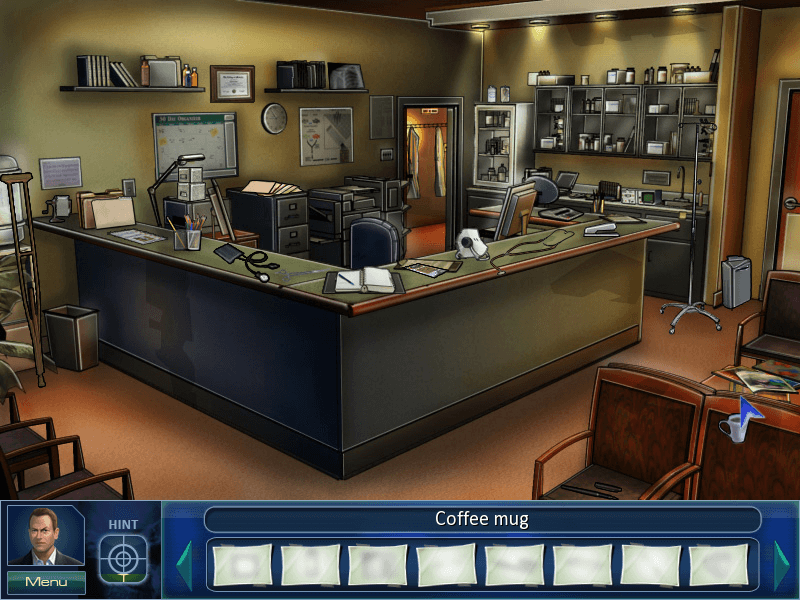
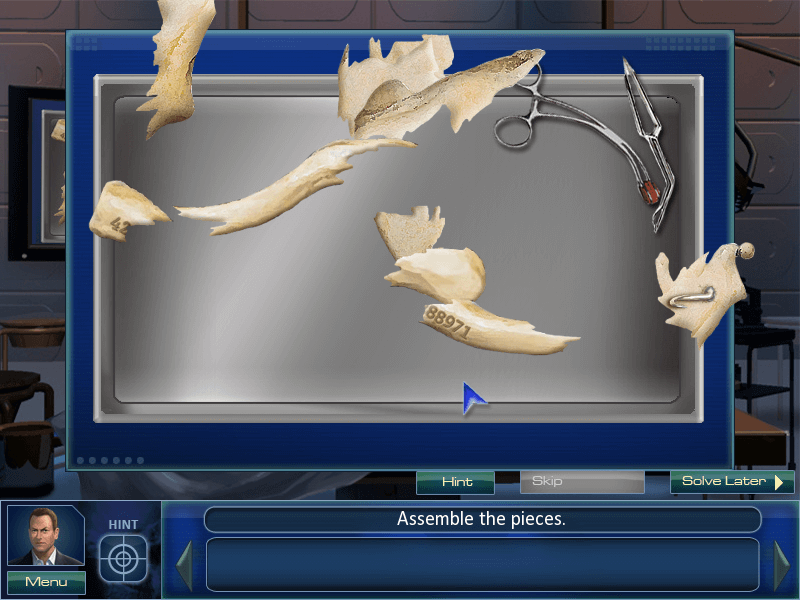
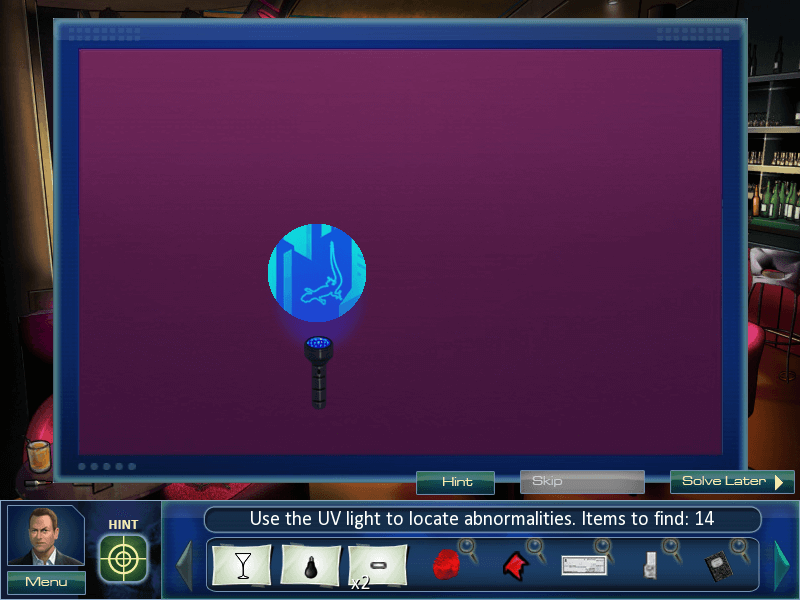
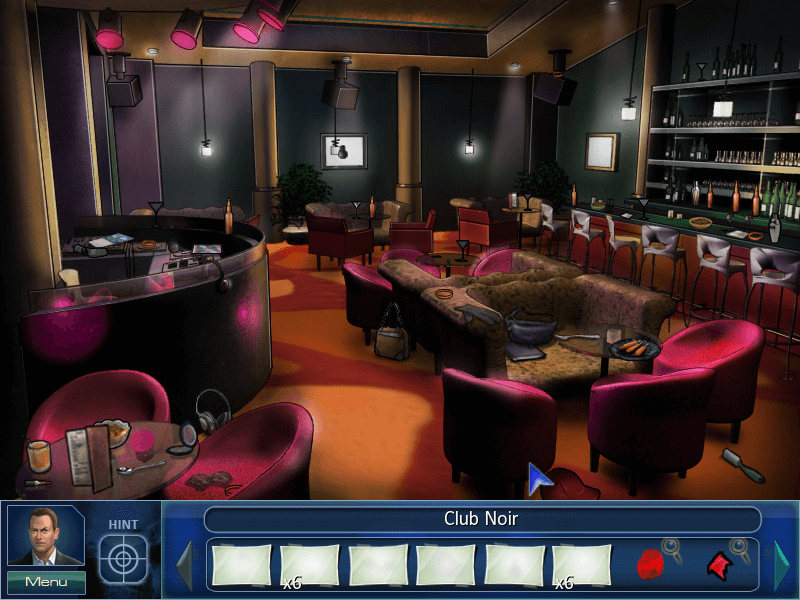
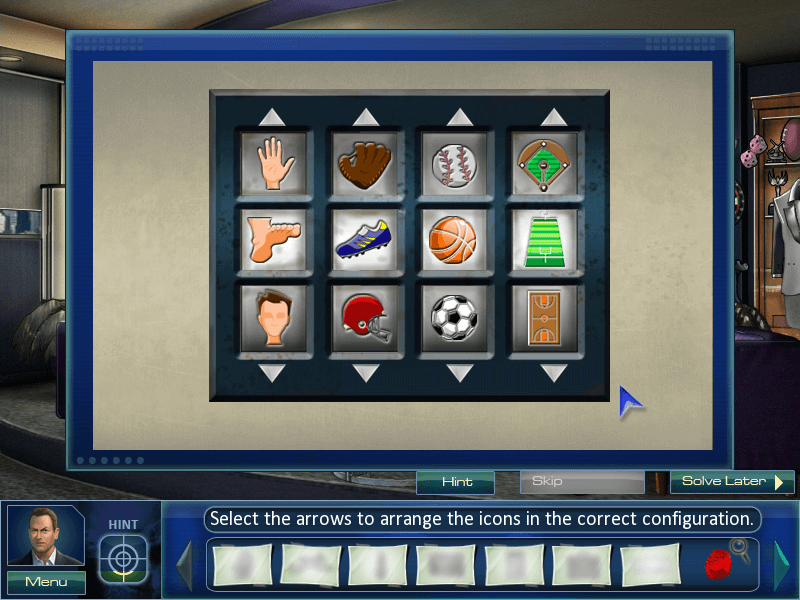
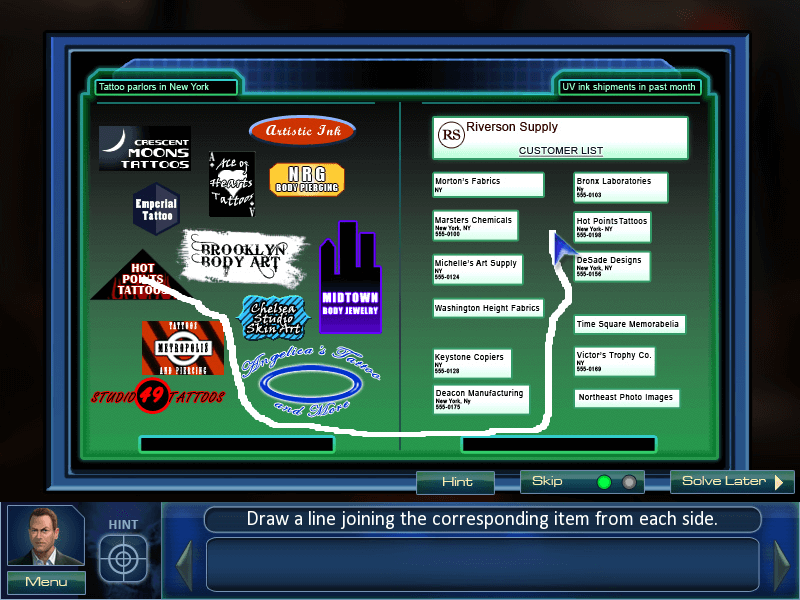
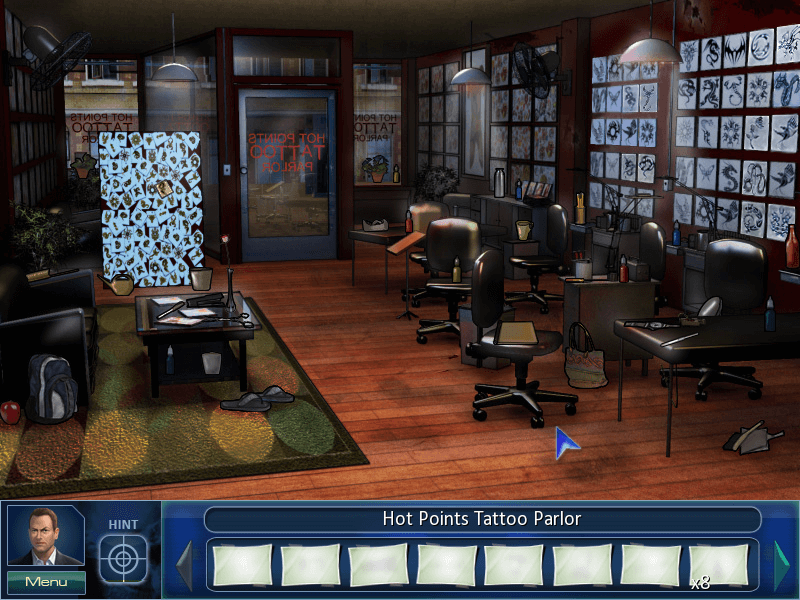
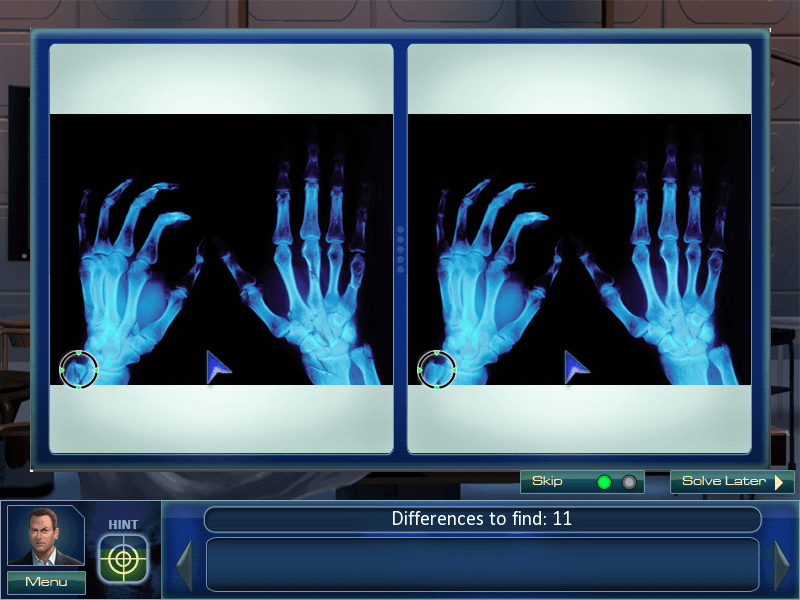
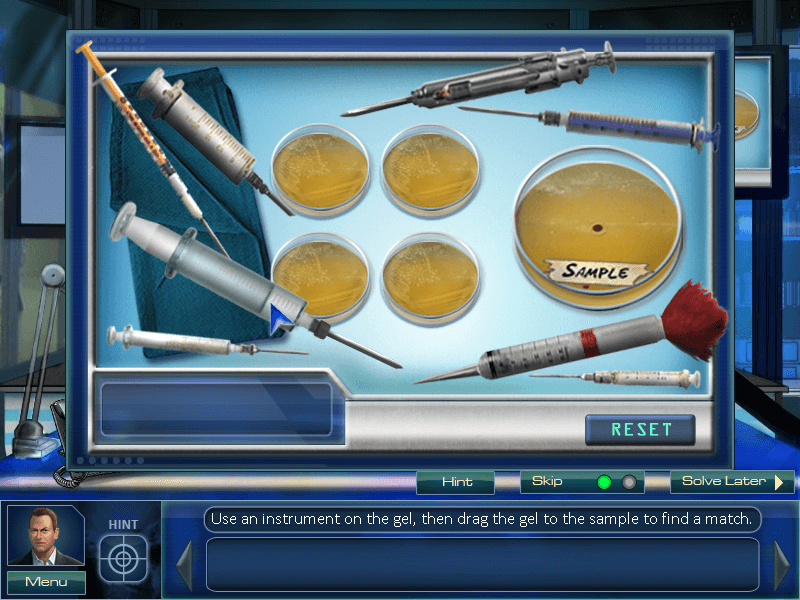
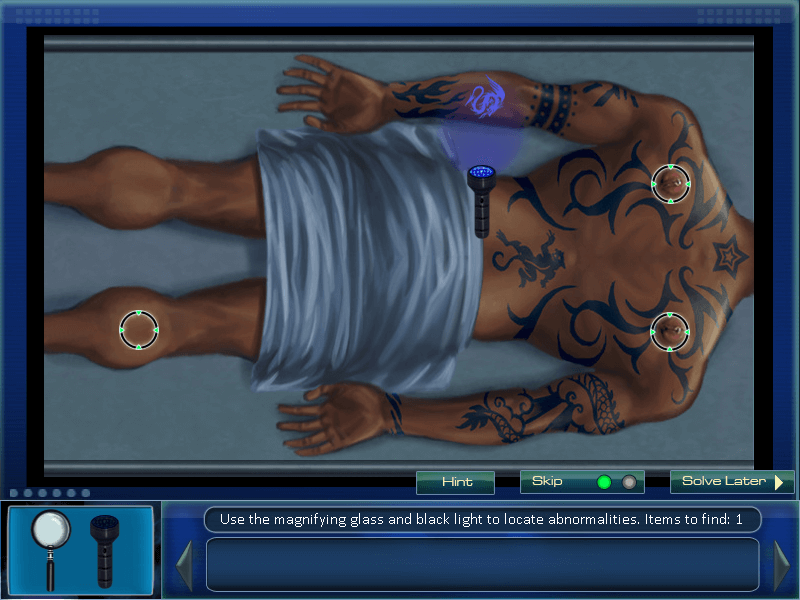
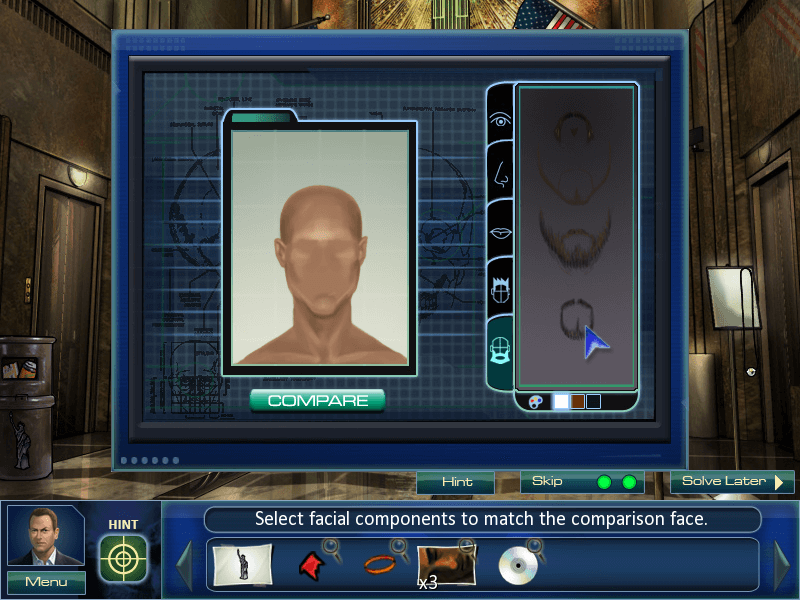
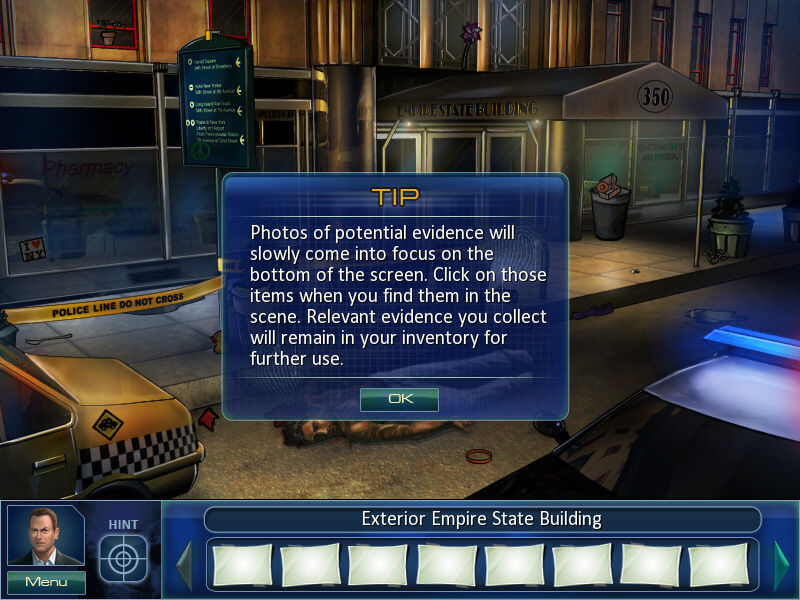
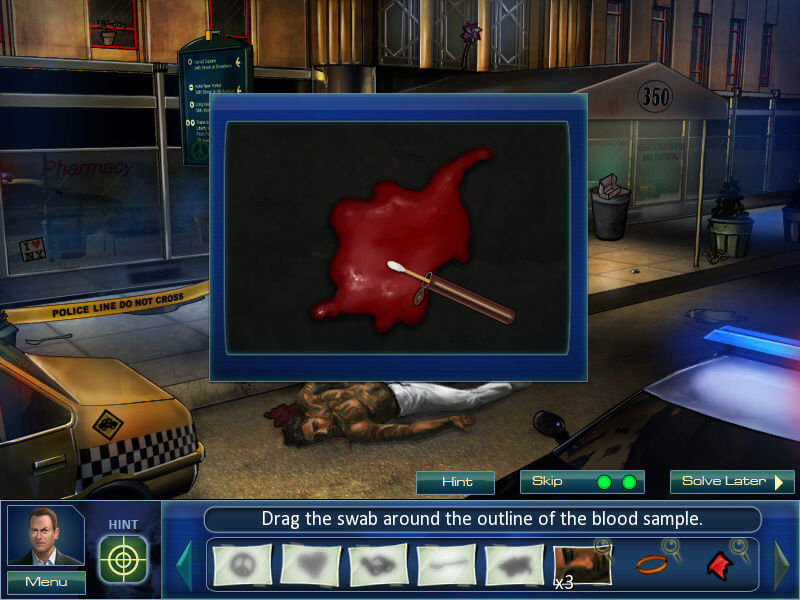
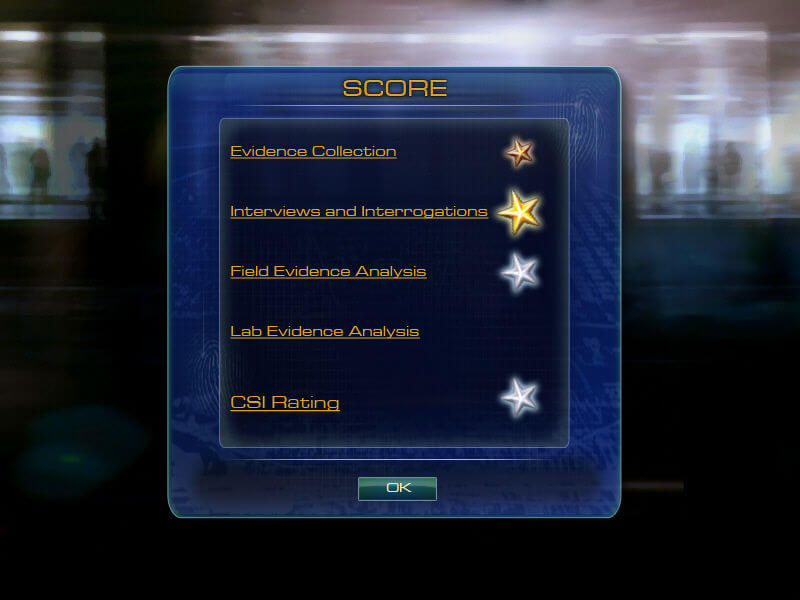
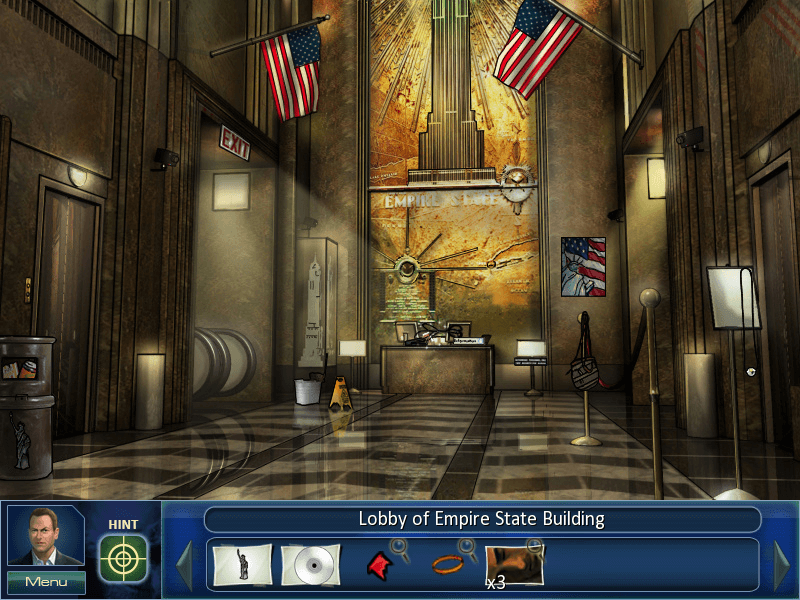
This newest entry in the CSI series is a hidden-object game with additional features similar to traditional adventure games. The player must search the crime scene for evidence and pick up the required objects. The evidence is then examined and analysed back at the lab with a "mini-game" type interface using various instruments and tools of the trade. The player interrogates suspects and witnesses by clicking through a list of questions in a dialogue tree. The game features a hint system to keep the player on track.
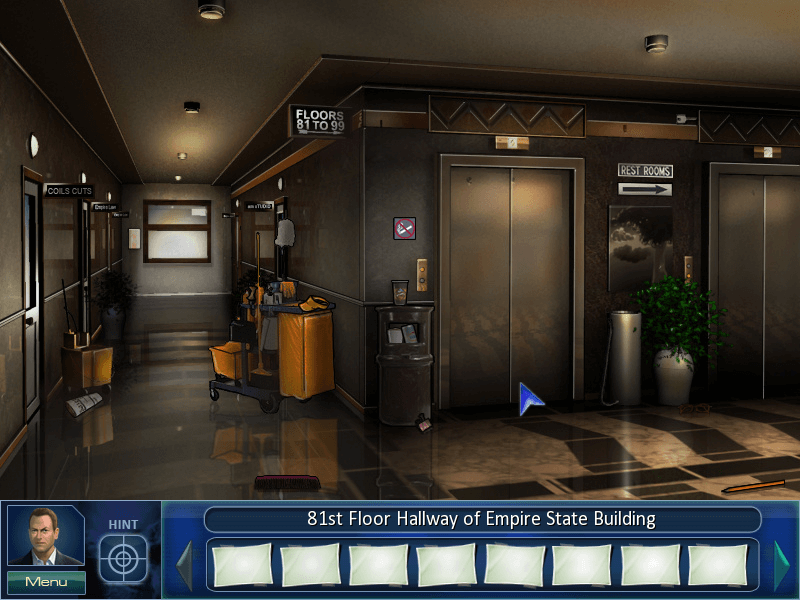
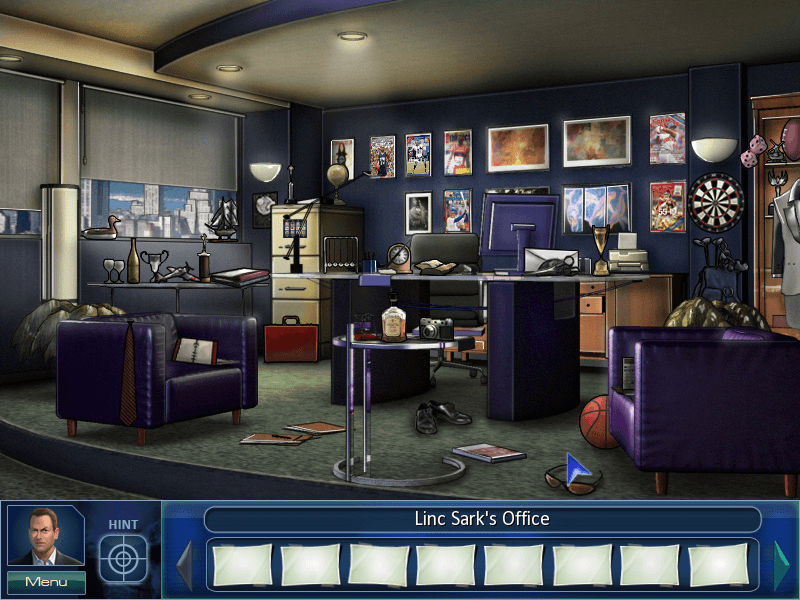
Graphic scenes are 2D stills with hot spots where evidence is located. The game features a point-and-click interface and music from the television show.
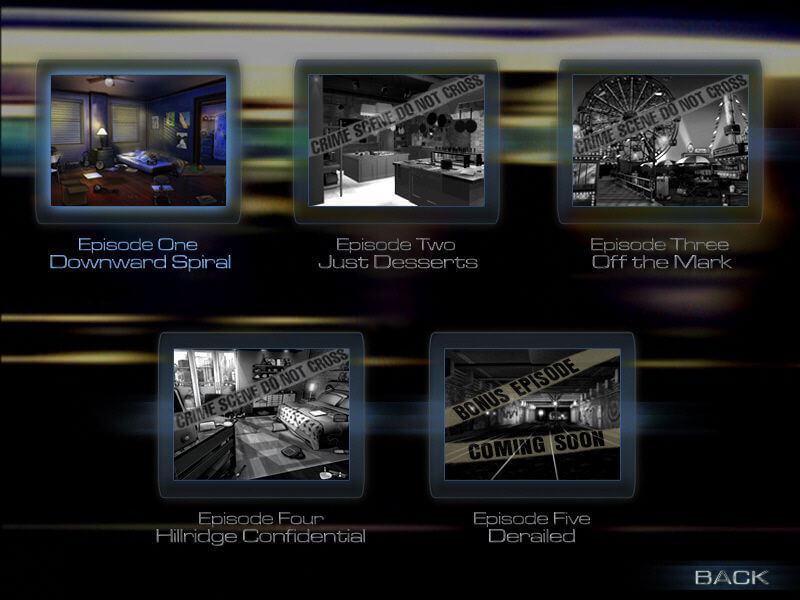
The game shipped with 4 cases with the promise of a 5th to be available in early 2009.
Developer(s)
Publisher(s)
Theme(s)
Detective / Mystery
Recommended Emulator
Processor (CPU): Intel Pentium 3 800 MHz
System memory (RAM): 256 MB
Hard disk drive (HDD): 650 MB
Video card (GPU): ATI Radeon 9000 / Nvidia GeForce 4
DirectX 9
There are no reviews to display.