


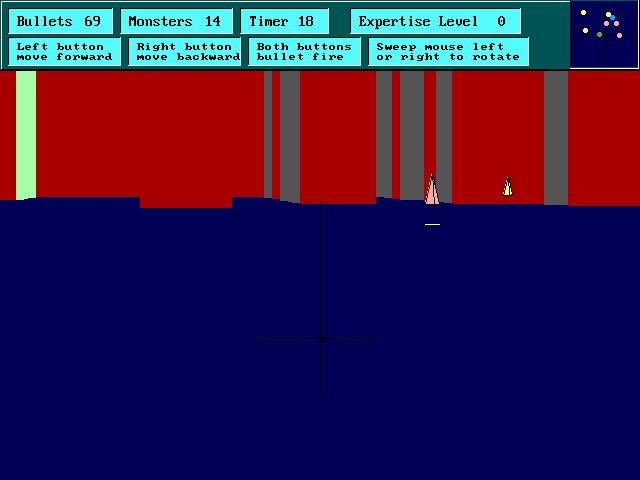
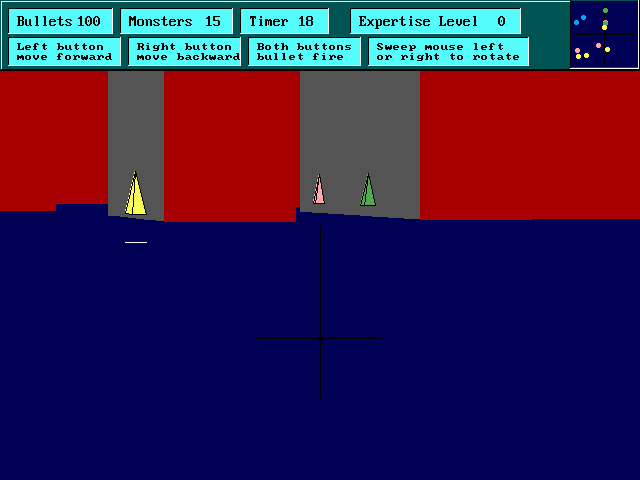
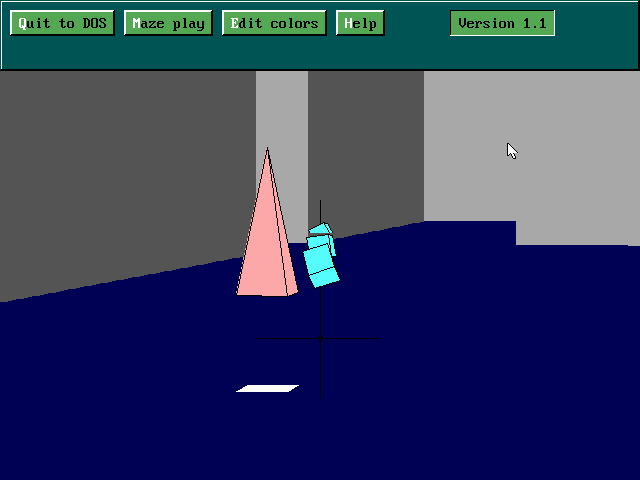
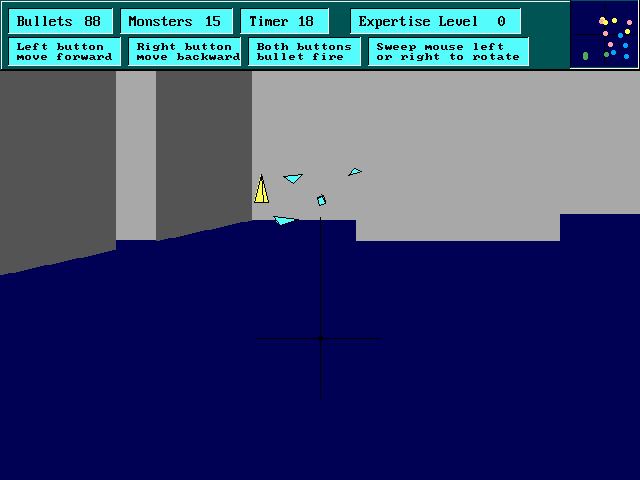
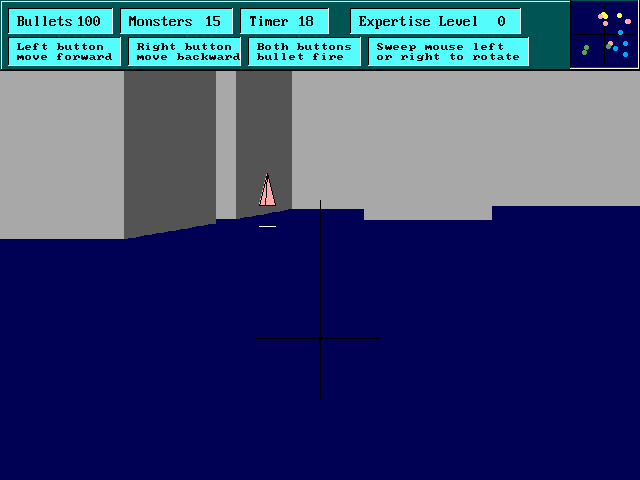
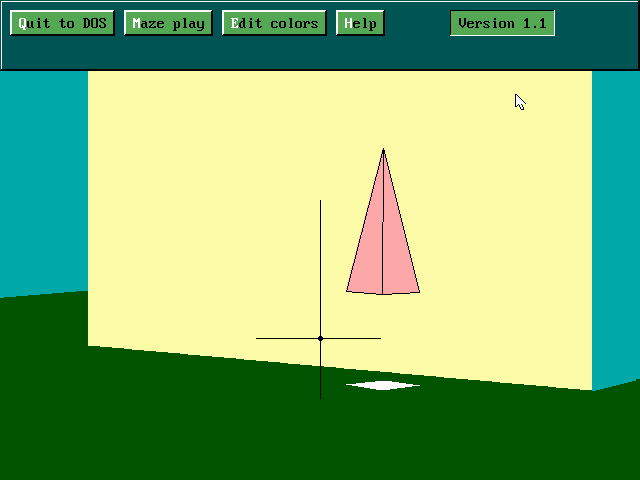
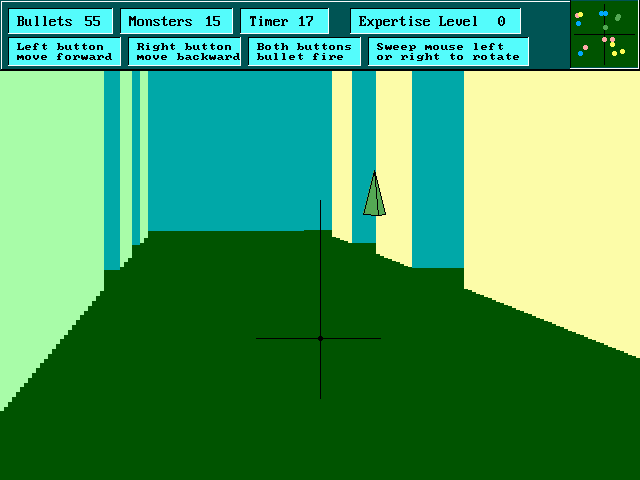
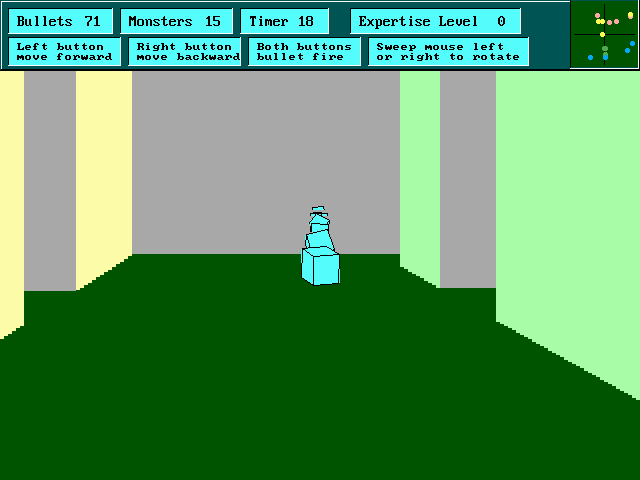
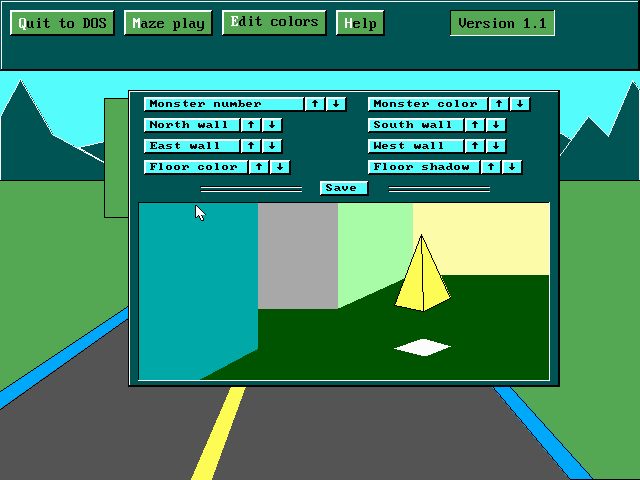
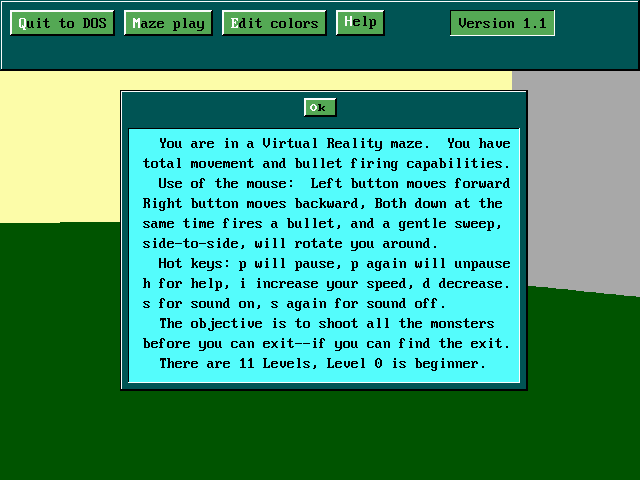
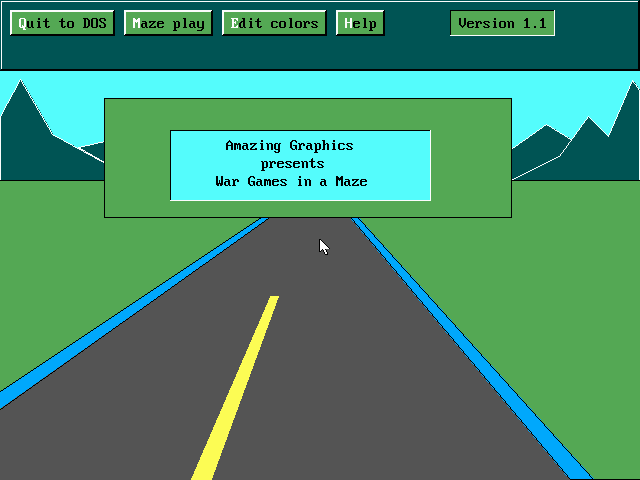
Maze Wars is a decent 3D maze game that is by no means revolutionary, but deserves mention as one of the first 3D maze mouse-driven games that I quite like 😉 The objective is simple: find the exit to the maze, while shooting monsters who get in your way. The game is timed, making it quite challenging on higher levels (especially beyond level 3). The game includes 11 levels in total, although they are all very similar except for maze size and the number of monsters (which all appear as floating polygons). One nice feature of the game is that it allows you to change the colors of everything: monsters, walls, floor etc. One gripe I have with the game is that the controls take some getting used to: instead of using mouse buttons for firing weapons, the game instead forces you to press them for movement (left = forward and right = backward). You need to press both mouse buttons at once to shoot -- a quirk I found quite annoying at first, but it didn't take long to get used to. The animations are quite smooth, and the action fast and furious.
Overall, recommended for fans of maze games who want more challenge than typical maze games. Make sure you use a slowdown program to run this one, though.
Theme(s)
Generated Levels
Shooter
There are no reviews to display.