

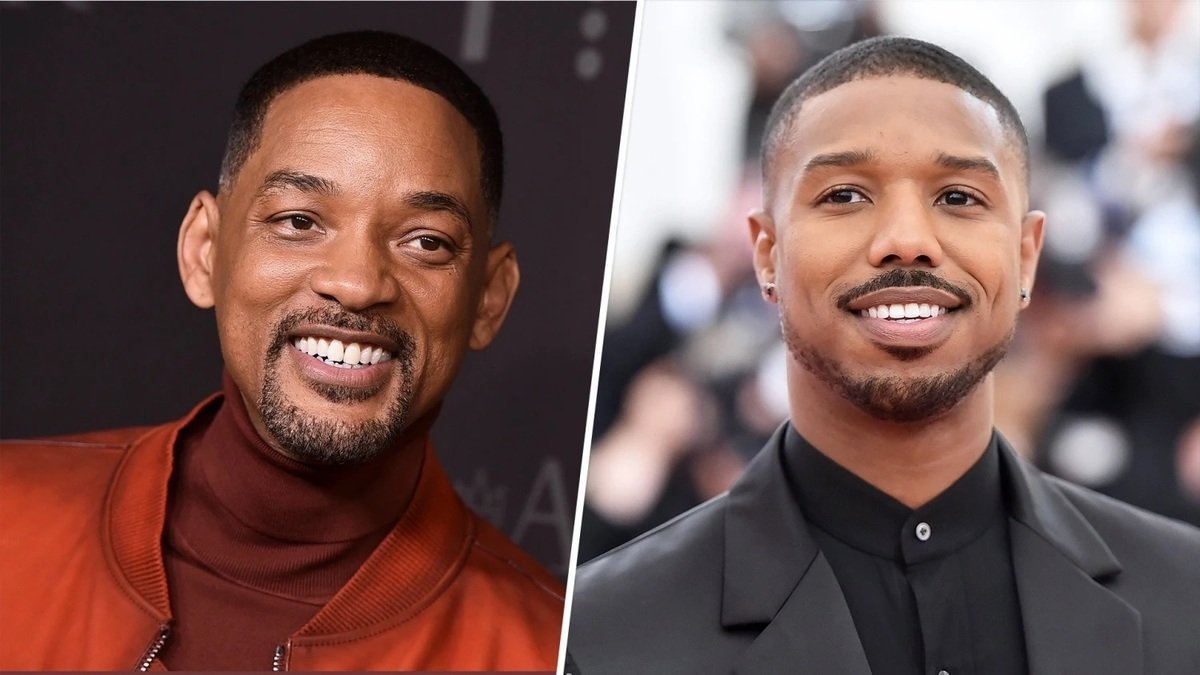
Michael B. Jordan persuaded Will Smith to do "I Am Legend 2"

By SirMadsen
· 417 views
"It's a really cool concept," says the actor, who gets to revisit one of his best films, fifteen years later.
15 years after the dystopian thriller "I Am Legend", it is now ready for a sequel. The news that was released last week came as a happy surprise to many fans, but perhaps the most surprised is Will Smith himself.
In an interview with ET Online, the actor says that he could not say no when Michael B. Jordan presented his pitch:
- It's a really cool concept. He was involved in creating that idea. It was one of those movies I had left behind, but then I heard the idea and ... "It can work!"
Smith does not want to share any details yet - and several big questions remain. Did not his character die at the end of "I Am Legend"? Well… at least in the cinema version (there is an alternative version where the lone researcher Robert Neville survives). Many years ago there was talk of a prequel, so who knows - maybe we'll go back in time before New York was completely destroyed? Or has he been cloned? In the sci-fi world, anything is possible.
At least it's clear that "I Am Legend 2" brings Will Smith together with Michael B. Jordan ("Black Panther", "Creed"), and with two of Hollywood's brightest stars, it is set for another cinematic success. The first film grossed $585 million worldwide, on a budget of $150 million. The script is written again by Akiva Goldsman. Who directs remains to be seen.
Recommended Comments
Join the conversation
You are posting as a guest. If you have an account, sign in now to post with your account.
Note: Your post will require moderator approval before it will be visible.