

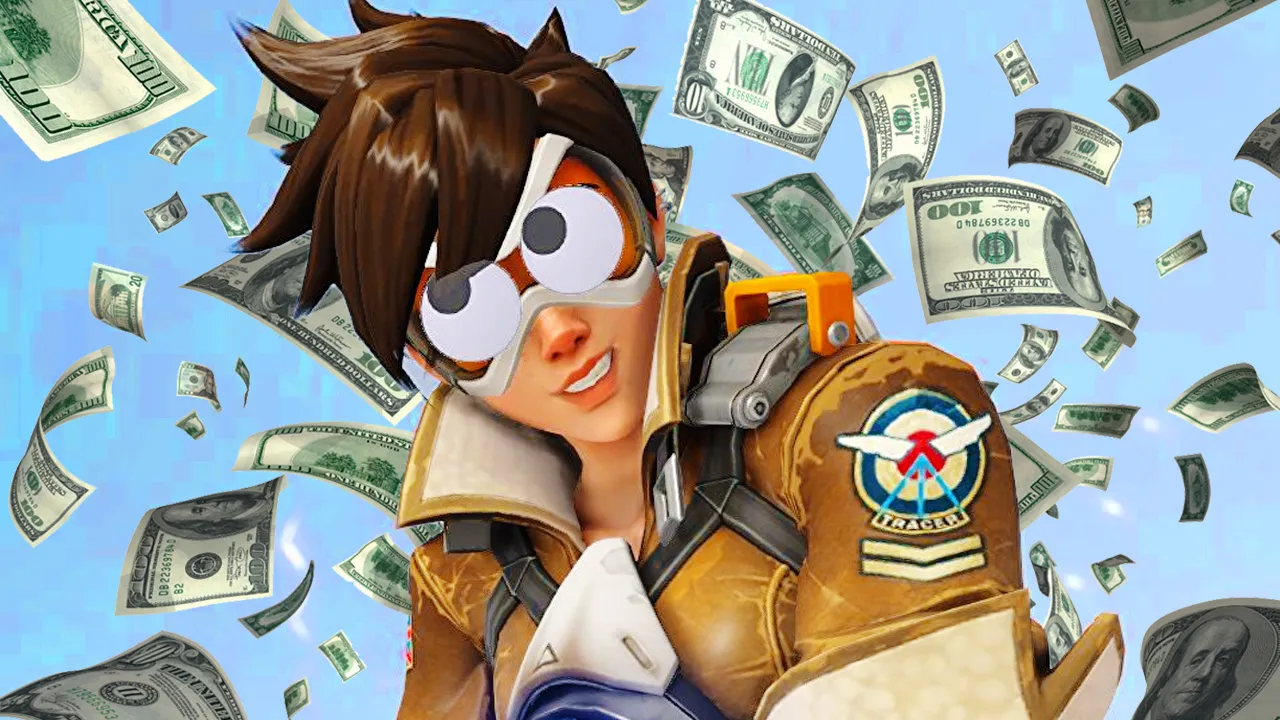
Overwatch 2 has already broken the original's record for concurrent players

In the first ten days, more than 25 million have played Overwatch 2, compared to the 15 million that attracted the original in the first three months. The bragging numbers come from Blizzard themselves, who claim that the sequel completely crushed the original's peak for concurrent players.
Blizzard CEO Mike Ybarra says in a press release that the moment is important for Blizzard.
"The launch of Overwatch 2 has been such an important moment for Blizzard. This is only the beginning—there are so many possibilities to explore in the world of Overwatch, and we cannot wait for players to experience everything the team is building for the live game.
Worth mentioning is that the second is free-to-play, while the first was a game we bought.
It should also be emphasized that the reporting about the game's problems is piled high. Blizzard has promised compensation in the form of double xp weekends. The Metacritic average is really low, but on the other hand, Blizzard is used to even lower averages . Whether this is a consolation is debatabl
Recommended Comments
Join the conversation
You are posting as a guest. If you have an account, sign in now to post with your account.
Note: Your post will require moderator approval before it will be visible.