

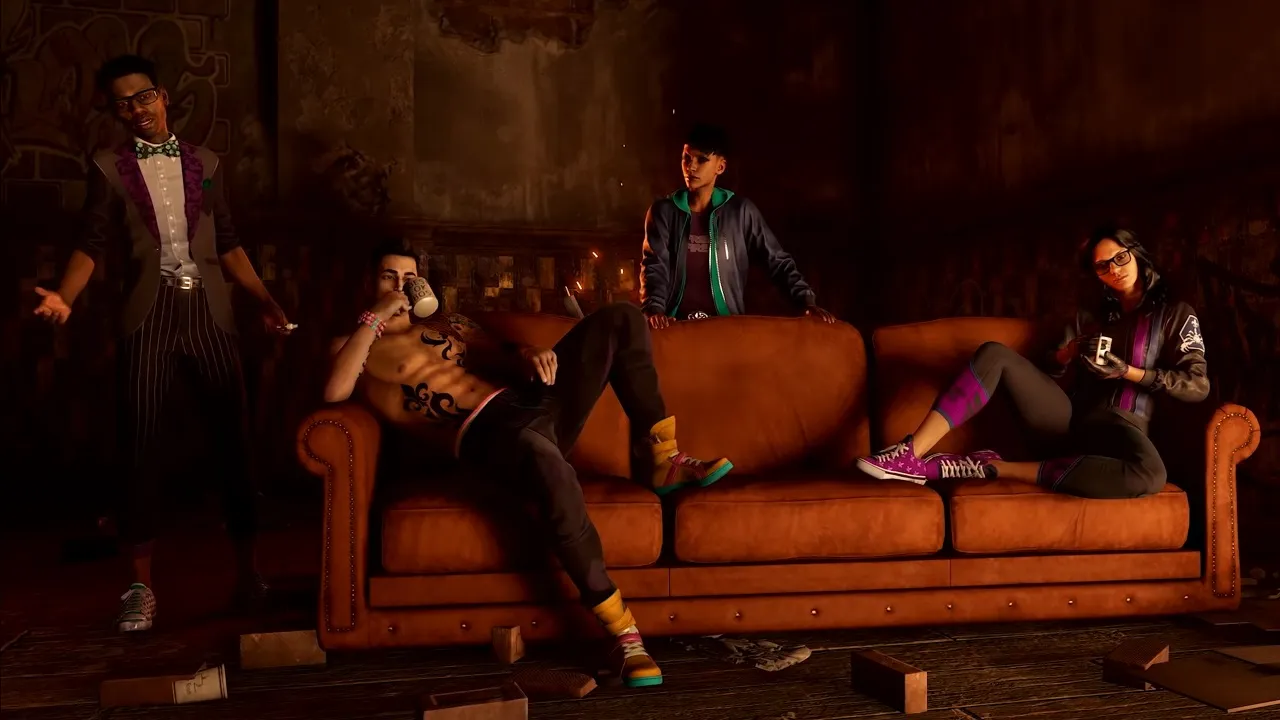
Hundreds of bug fixes and more content coming to Saints Row

The latest Saints Row game has been out for a while now, but has mostly been met with a shrug of the shoulders and a hesitant "nahaaaa". In addition to not quite living up to its predecessors, many players have also complained about various bugs that mar the experience, including trains plowing through buildings, T-positions, and NPCs getting stuck in things.
Help is on the way, though, and developer Volition says they're working hard to improve the experience and have heard all feedback. The focus is now on delivering improvements rather than new features, and the November update is expected to include more than 200 bug fixes and stability improvements. Among other things, they point out co-op as an area that should be improved.
That said, there will also be some content-wise additions, including less repetition in certain activities, more rewarding challenges, improved vehicle handling, redesigned rumble and haptic feedback, and more. Next year we can also look forward to more action-based content, which can be accessed either through the game's Expansion Pass or separate purchases.
Recommended Comments
Join the conversation
You are posting as a guest. If you have an account, sign in now to post with your account.
Note: Your post will require moderator approval before it will be visible.