

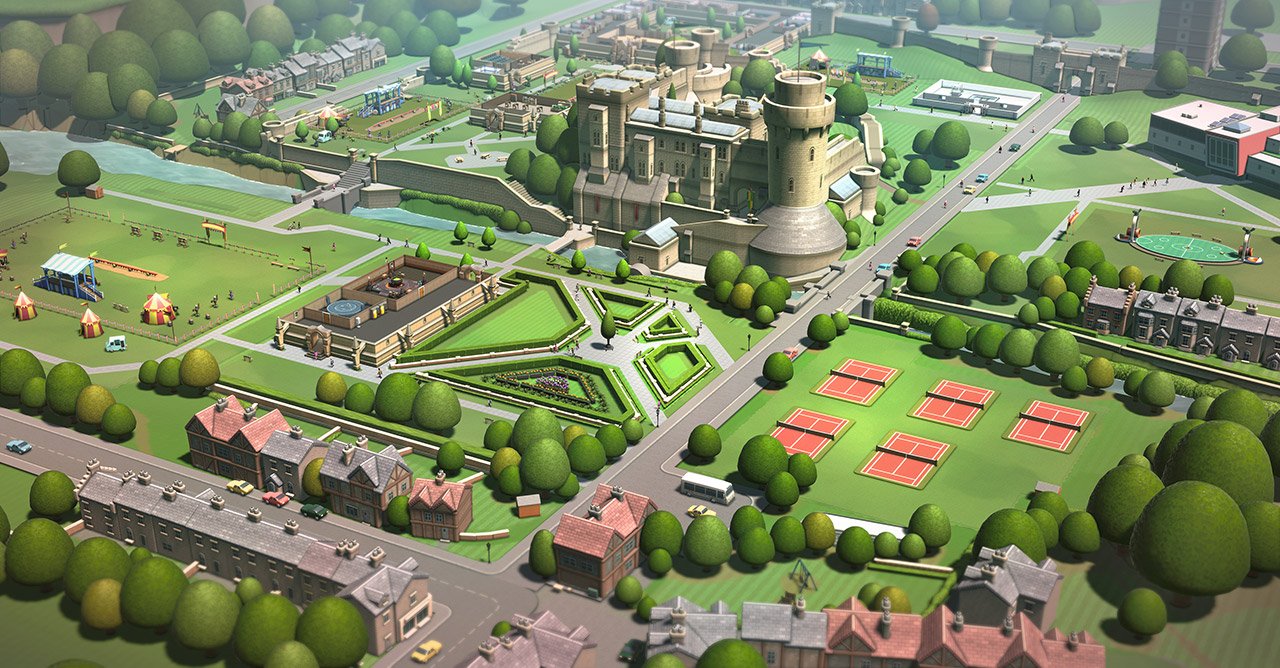
Two Point Campus has reached 1 million players after only 2 weeks

Sega announces that their comic campus simulator Two Point Campus has now reached 1 million players after only two weeks. Which means it even beats its predecessor Two Point Hospital. Mark Webley at Two Point Studios proudly says this about the game:
"We had big shoes to fill following the success of Two Point Hospital, so it feels particularly sweet to hit one million players even faster than before" "And this is just the beginning, just as we did with Hospital, we'll be continuously supporting Campus with lots of quality of life updates and other features, plus we have lots of exciting new ideas and plans for the future of Two Point Campus , which we can't wait to share with all of the players out there soon!
- Mark Webley
Colleague Gary Carr at the same studio fills in:
"We had big shoes to fill following the success of Two Point Hospital, so it feels particularly sweet to hit one million players even faster than before" "And this is just the beginning, just as we did with Hospital, we'll be continuously supporting Campus with lots of quality of life updates and other features, plus we have lots of exciting new ideas and plans for the future of Two Point Campus , which we can't wait to share with all of the players out there soon!
- Gary Carr
Signed belongs to the million who spent the weekend building their personal university. For those of you who haven't tried it yet, the game is available on all platforms and also Game Pass.
Recommended Comments
Join the conversation
You are posting as a guest. If you have an account, sign in now to post with your account.
Note: Your post will require moderator approval before it will be visible.