Everything posted by SirMadsen
-
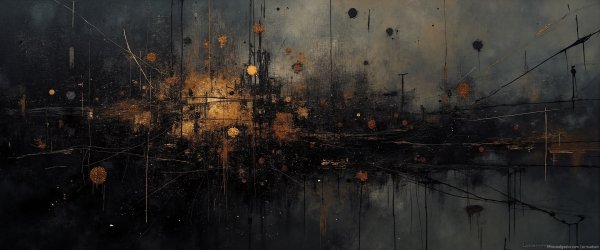
Dark_UW_Wallpaper_148895480.jpg
From the album: 4K Ultra Wide Wallpapers
© Sirmadsen
-
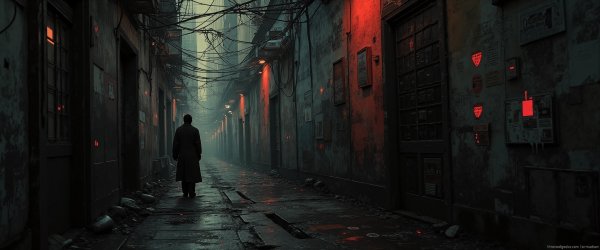
Dark_UW_Wallpaper_148895479.jpg
From the album: 4K Ultra Wide Wallpapers
© Sirmadsen
-

Dark_UW_Wallpaper_148895478.jpg
From the album: 4K Ultra Wide Wallpapers
© Sirmadsen
-

Dark_UW_Wallpaper_148895477.jpg
From the album: 4K Ultra Wide Wallpapers
© Sirmadsen
-

Dark_UW_Wallpaper_148895476.jpg
From the album: 4K Ultra Wide Wallpapers
© Sirmadsen
-

Dark_UW_Wallpaper_148895475.jpg
From the album: 4K Ultra Wide Wallpapers
© Sirmadsen
-
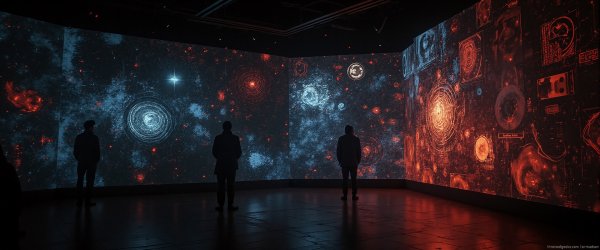
Dark_UW_Wallpaper_148895473.jpg
From the album: 4K Ultra Wide Wallpapers
© Sirmadsen
-

Dark_UW_Wallpaper_148895472.jpg
From the album: 4K Ultra Wide Wallpapers
© Sirmadsen
-

Dark_UW_Wallpaper_148895471.jpg
From the album: 4K Ultra Wide Wallpapers
© Sirmadsen
-
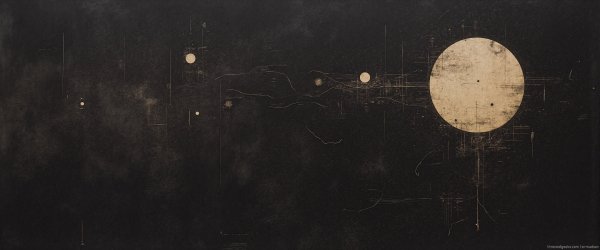
Dark_UW_Wallpaper_148895470.jpg
From the album: 4K Ultra Wide Wallpapers
© Sirmadsen
-

Dark_UW_Wallpaper_148895469.jpg
From the album: 4K Ultra Wide Wallpapers
© Sirmadsen
-
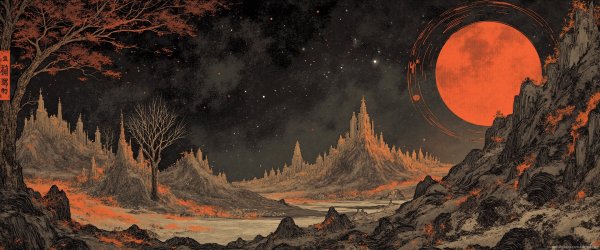
Dark_UW_Wallpaper_148895468.jpg
From the album: 4K Ultra Wide Wallpapers
© Sirmadsen
-
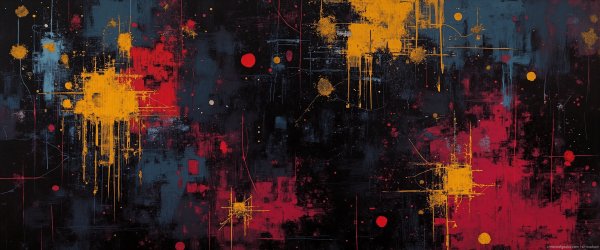
Dark_UW_Wallpaper_148895467.jpg
From the album: 4K Ultra Wide Wallpapers
© Sirmadsen
-

Dark_UW_Wallpaper_148895466.jpg
From the album: 4K Ultra Wide Wallpapers
© Sirmadsen
-

Dark_UW_Wallpaper_148895465.jpg
From the album: 4K Ultra Wide Wallpapers
© Sirmadsen
-

Dark_UW_Wallpaper_148895464.jpg
From the album: 4K Ultra Wide Wallpapers
© Sirmadsen
-
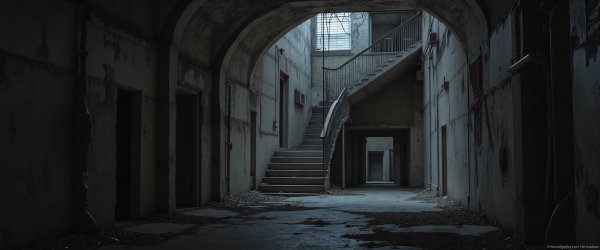
Dark_UW_Wallpaper_148895463.jpg
From the album: 4K Ultra Wide Wallpapers
© Sirmadsen
-
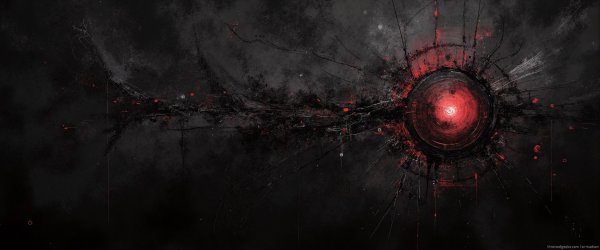
Dark_UW_Wallpaper_148895462.jpg
From the album: 4K Ultra Wide Wallpapers
© Sirmadsen
-

Dark_UW_Wallpaper_148895461.jpg
From the album: 4K Ultra Wide Wallpapers
© Sirmadsen
-

Dark_UW_Wallpaper_148895460.jpg
From the album: 4K Ultra Wide Wallpapers
© Sirmadsen
-
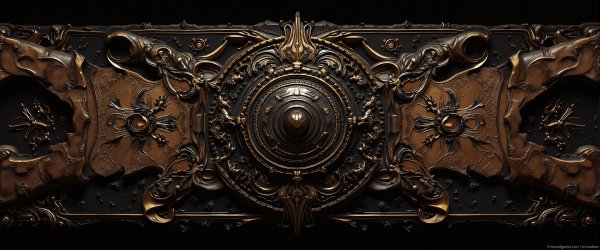
Dark_UW_Wallpaper_148895459.jpg
From the album: 4K Ultra Wide Wallpapers
© Sirmadsen
-
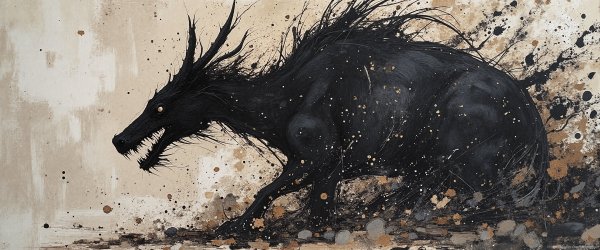
Dark_UW_Wallpaper_148895458.jpg
From the album: 4K Ultra Wide Wallpapers
© Sirmadsen
-

Install different Python version on Arch based distros
So I use stuff that requires older versions of python, problem is newer distros comes with the newest version which at this moment is 3.13 and I need 3.11. The solution is simple. Run the following command to install any version. yay -S python311 python3.11 --version python3.11 -m venv env Replacing the version number with the one you need.
-
Winaero Tweaker (external) [Support Topic]
Winaero Tweaker (external) Winaero Tweaker is a freeware app created by myself, Sergey Tkachenko. It is an all-in-one application that comes with dozens of options for fine-grained tuning of various Windows settings and features. It also includes most options which were available in free standalone apps at Winaero.com and extends them as much as possible. This web site is a new home for the app. It is ads-free, scripts-free, and web tracking-free. Winaero Tweaker comes with plenty of features and tweaks. To name a few of them: Shortcut tools that you can use To launch an app as Administrator without a UAC confirmation. To directly open any Control Panel applet or system folder. To directly open any Settings page. To create shortcuts to the classic Shut Down Windows dialog (Alt+F4), and Safe Mode. To remove or customize the shortcut arrow overlay icon. To remove the " - shortcut" suffix. To remove blue arrows from compressed files. Manage Windows apps and features. Restore classic Windows Photos Viewer to use it instead of Photos. Restore the classic sound volume pop-up slider. Permanently disable Windows Telemetry and Data Collection. Permanently disable Windows Defender. Permanently disable Windows Update. Disable ads and unwanted app installation (Candy Crush Soda Saga, etc). Enable the built-in Administrator account. Enable automatic Registry backup. Change drag-n-drop sensitivity. Disable Action Center and notifications. Reset icon cache. Reset all Group Policy options at once. Networking options Change the RDP port. Make mapped drives accessible for elevated apps. Tune up Windows appearance Customize folders in This PC. Customize entries in Navigation Pane in File Explorer (in the left pane). Rename and change the icon for the Quick Access entry. Increase the taskbar transparency level. Show time seconds in the taskbar clock. Disable blur for the sign-in screen. Customize fonts, and the Alt+Tab dialog appearance. Change the title bar color for inactive windows. Context menus Add handy context menus using a huge set of presets, e.g. to switch a Power Plan with one click, open a Command Prompt, add a Settings cascading menu - plenty of them. Hide default entries from the context menu, e.g. Edit with Photos, Edit with Paint 3D, etc. Add 'Run as Administrator' to VBS, MSI, CMD and BAT files. Change the default app for the Edit context menu entry for images. And MUCH more. Check out the official website for more information. File Information Submitter SirMadsen Submitted 07/14/2025 Category Utilities View File
-
Winaero Tweaker (external)
- 3 downloads
- Version 1.63
Winaero Tweaker is a freeware app created by myself, Sergey Tkachenko. It is an all-in-one application that comes with dozens of options for fine-grained tuning of various Windows settings and features. It also includes most options which were available in free standalone apps at Winaero.com and extends them as much as possible. This web site is a new home for the app. It is ads-free, scripts-free, and web tracking-free. Winaero Tweaker comes with plenty of features and tweaks. To name a few of them: Shortcut tools that you can use To launch an app as Administrator without a UAC confirmation. To directly open any Control Panel applet or system folder. To directly open any Settings page. To create shortcuts to the classic Shut Down Windows dialog (Alt+F4), and Safe Mode. To remove or customize the shortcut arrow overlay icon. To remove the " - shortcut" suffix. To remove blue arrows from compressed files. Manage Windows apps and features. Restore classic Windows Photos Viewer to use it instead of Photos. Restore the classic sound volume pop-up slider. Permanently disable Windows Telemetry and Data Collection. Permanently disable Windows Defender. Permanently disable Windows Update. Disable ads and unwanted app installation (Candy Crush Soda Saga, etc). Enable the built-in Administrator account. Enable automatic Registry backup. Change drag-n-drop sensitivity. Disable Action Center and notifications. Reset icon cache. Reset all Group Policy options at once. Networking options Change the RDP port. Make mapped drives accessible for elevated apps. Tune up Windows appearance Customize folders in This PC. Customize entries in Navigation Pane in File Explorer (in the left pane). Rename and change the icon for the Quick Access entry. Increase the taskbar transparency level. Show time seconds in the taskbar clock. Disable blur for the sign-in screen. Customize fonts, and the Alt+Tab dialog appearance. Change the title bar color for inactive windows. Context menus Add handy context menus using a huge set of presets, e.g. to switch a Power Plan with one click, open a Command Prompt, add a Settings cascading menu - plenty of them. Hide default entries from the context menu, e.g. Edit with Photos, Edit with Paint 3D, etc. Add 'Run as Administrator' to VBS, MSI, CMD and BAT files. Change the default app for the Edit context menu entry for images. And MUCH more. Check out the official website for more information.Free