


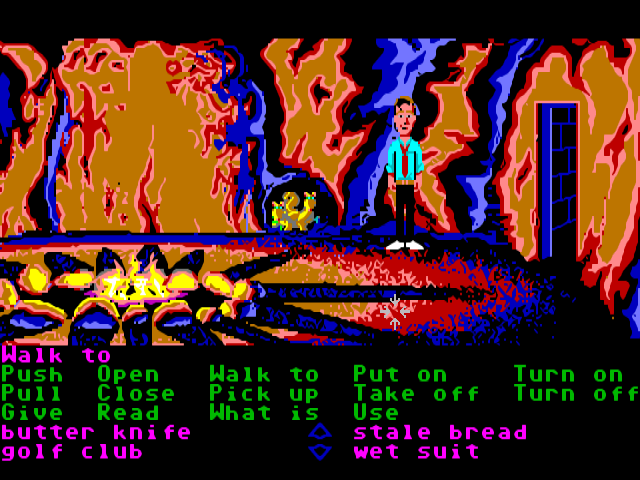
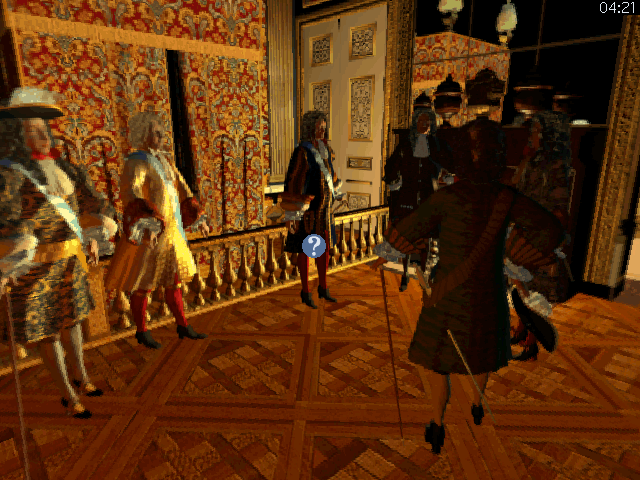
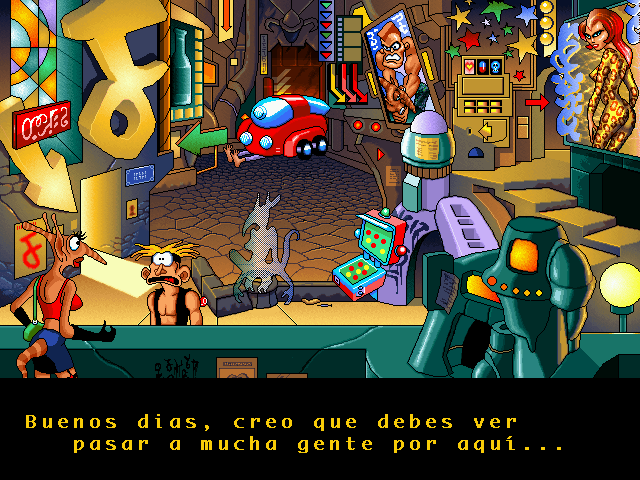

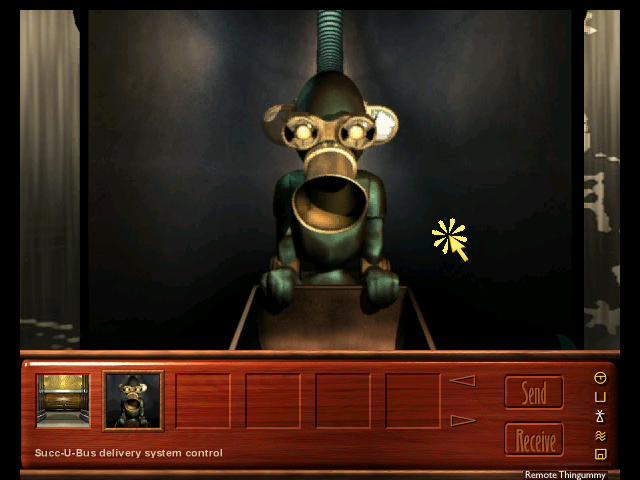
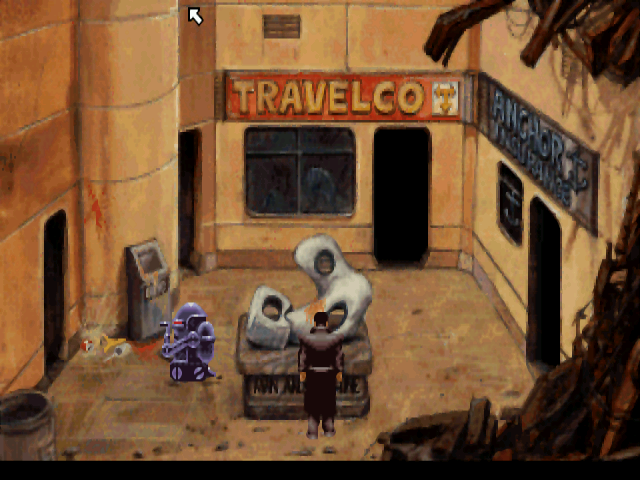

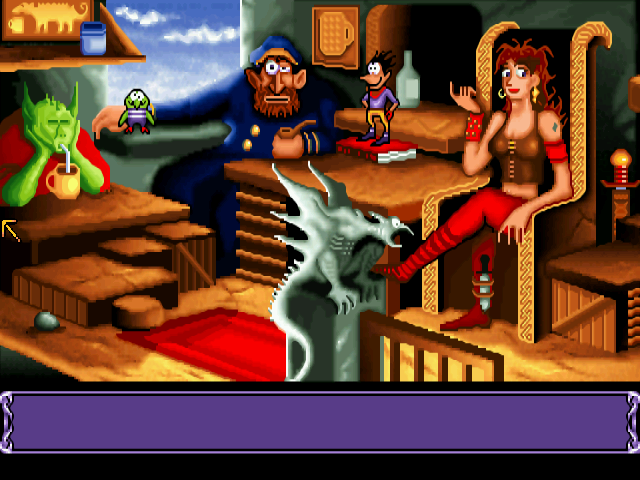
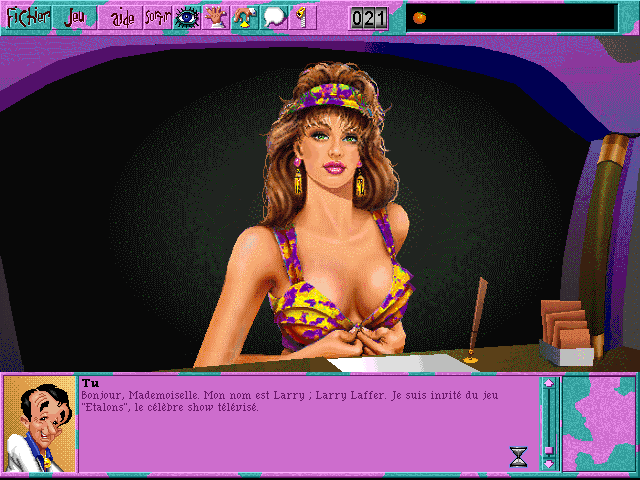

ScummVM is a program which allows you to run certain classic graphical adventure and role-playing games, provided you already have their data files. The clever part about this: ScummVM just replaces the executables shipped with the games, allowing you to play them on systems for which they were never designed! ScummVM is a complete rewrite of these games' executables and is not an emulator.
ScummVM supports a huge library of adventures with over 250 games in total. It supports many classics published by legendary studios like LucasArts, Sierra On-Line, Revolution Software, Cyan, Inc. and Westwood Studios. Next to ground-breaking titles like the Monkey Island series, Broken Sword, Myst, Blade Runner and countless other games you will find some really obscure adventures and truly hidden gems to explore.
You can find a full list with details on which games are supported and how well on the compatibility page. ScummVM is continually improving. Among the systems on which you can play those games are Windows, Linux, macOS, iOS, Android, PS Vita, Switch, Dreamcast, AmigaOS, Atari/FreeMiNT, RISC OS, Haiku, PSP, PS3, Maemo, GCW Zero and many more...
What's New in Version 2.6.1
Released
No changelog available for this version.
There are no reviews to display.