Jump to content
Only guests see ads. Create a free account and/or log in for a complete ad-free experience.

5 Screenshots

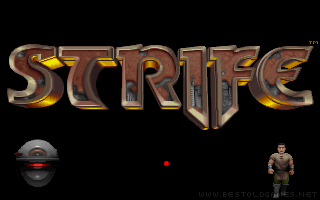
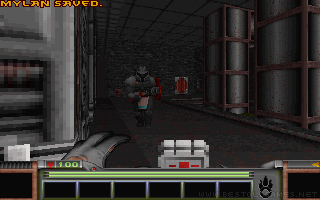
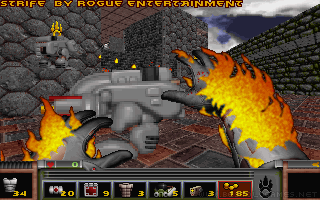
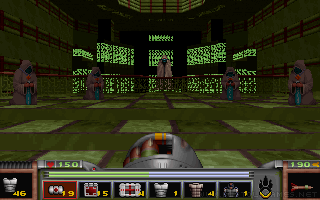
Strife is a Doom-like 3D action shooter and last game that had used the Doom engine. Although from the first sentence it may seem it will be just another copy of Doom, that's not what you should except. The game is set in a medieval environment and is not just about mindless shooting, but in the game you have to fulfill various tasks.

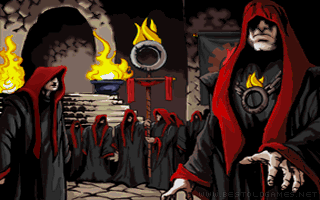
First things first. In the distant future the Earth is controlled by a group of people who call themselves "The Order" and they are trying to control all aspects of life. Of course the rebellion is formed, that is trying to overthrow this Order and free the Earth from all the terror. You are also part of to the rebels group and you have to accomplish several tasks given by different game characters. You won't just linearly proceed through the levels, but you can also decide which task you complete and this way you can modify the storyline a bit (game has a three different endings).


Developer(s)

Rogue Entertainment

Publisher(s)

Studio 3DO

Theme(s)

Post-Apocalyptic
Sci-Fi / Futuristic
Shooter

Recommended Emulator

DOS

User Feedback


So much to do despite that it's so old.

This title on this page are offered with the knowledge that it is currently freeware and/or abandonware. If the status of the title changes, or you would like these files removed, please do not hesitate to contact us.

Only guests see ads. Create a free account and/or log in for a complete ad-free experience.

Important Information

We have placed cookies on your device to help make this website better. You can adjust your cookie settings, otherwise we'll assume you're okay to continue. Read our Terms of Use and Privacy Policy for more information.

Configure browser push notifications

Chrome (Android)
  1. Tap the lock icon next to the address bar.
  2. Tap Permissions → Notifications.
  3. Adjust your preference.
Chrome (Desktop)
  1. Click the padlock icon in the address bar.
  2. Select Site settings.
  3. Find Notifications and adjust your preference.